The Og Bog Blog

Oscar Baechler's portfolio, ramblings, doodles, and events

  • Blog
  • 3D
  • 2d
  • Learn
  • About
  • Old stuff

Krita review

Posted by oscarbaechler on March 27, 2012
Posted in: illustration. 6 Comments

Image

First off! I’ll be teaching Blender at LinuxFest Northwest again, so I hope to see you there!

Second off! One of the organizers at LinuxFest approached me about Krita, wondering if I knew anyone who would be willing to teach it. I’d never heard of it, but foolishly threw my name into the ring and started picking up the program. Krita is a free, open source drawing tool whose biggest feature is certainly its brush interface.

The bad news: just like GIMP, Krita’s still young, only 6 years old. It still has that rough-around-the-edges, slightly underfunded and undermanaged feel that GIMP has. I found myself looking up features that don’t exist yet, or exist but are turned off due to bugs. Navigating the UI can be painful and buggy from time to times, and you can still get the occasional crash doing mundane things like undoing.

The good news: Krita’s brush interface is wonderful. Right Click is an ever-present palette for both your favorite brushes and the currently active color. Additionally, you can use an image as your color palette. It has several great features that Photoshop still lacks, despite its enraging $500 price tag:

  • Mirrored drawing!
  • Hold shift for easy brush resizing!
  • Erase as a layer mode transfer!

The biggest difference is hard to explain, as it’s technical in nature. In Photoshop, Brushes are limited in their function. They can slice, dice, and manipulate an image/3d-based brush, but only to an extent. Krita gives advanced pattern control, animated color variation, and (best of all) stroke bleeding. I first tried this interface technique via Mr. Doob, but this takes it out of HTML 5 and puts it into a true image editor.

In conclusion, I’m delighted with Krita, and intend to use it for many future projects. It offers something refreshing and exciting while GIMP feels like it hasn’t advanced in 5 years. Furthermore, Photoshop CS6, sadly, won’t be adding this level of brush functionality. So instead of spending $200 on your next Photoshop, consider donating to Krita’s development.
 

Oh Canada

Posted by oscarbaechler on January 31, 2012
Posted in: blender, illustration. Leave a comment

Zoinks! After two weeks in Vancouver, I’m back in the states. Man, I had a blast. I worked on a project with UBC Fisheries (more to come later), followed by the Vancouver Game Jam.


I ended up on a team with James and Scott, and we made an awesome lil Unity game in 48 hours. One sleep break Friday night, followed by marathon production!


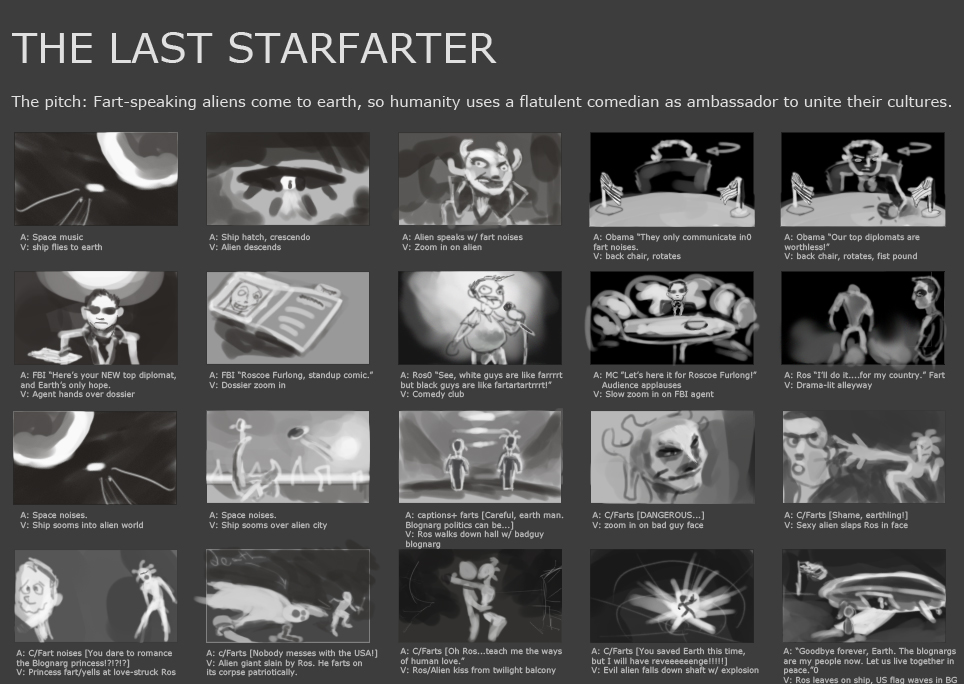
Hence, today I am taking it easy. But I still felt so jazzed about fast production that I felt like making some more stuff. So here’s storyboards for an old pitch of mine, which I pumped out in about 2 hours this morning. Stay tuned for more content from my adventures in Vancouver!


Posted by oscarbaechler on January 8, 2012
Posted in: sketch. Leave a comment

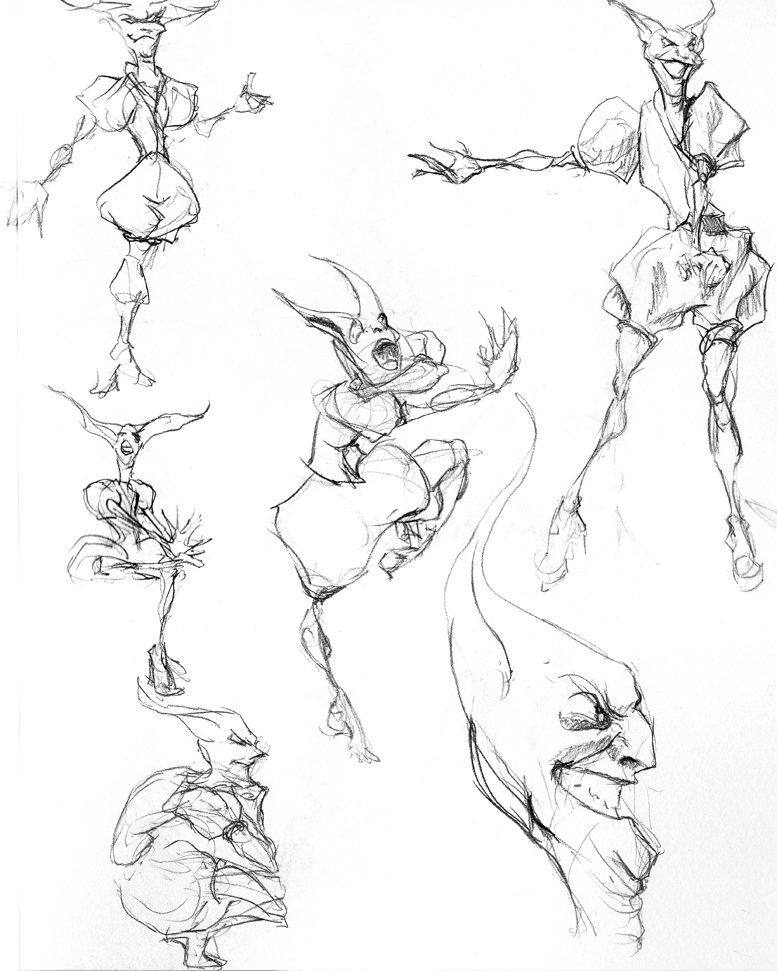
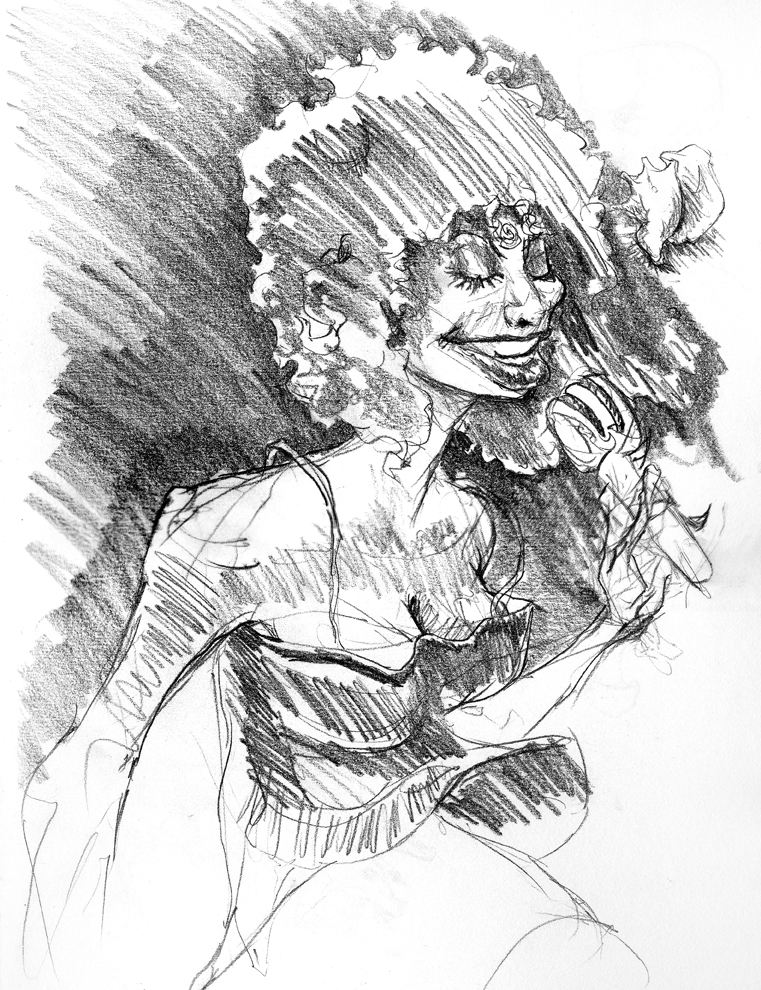
Chaka Khan…plus a conch shell.


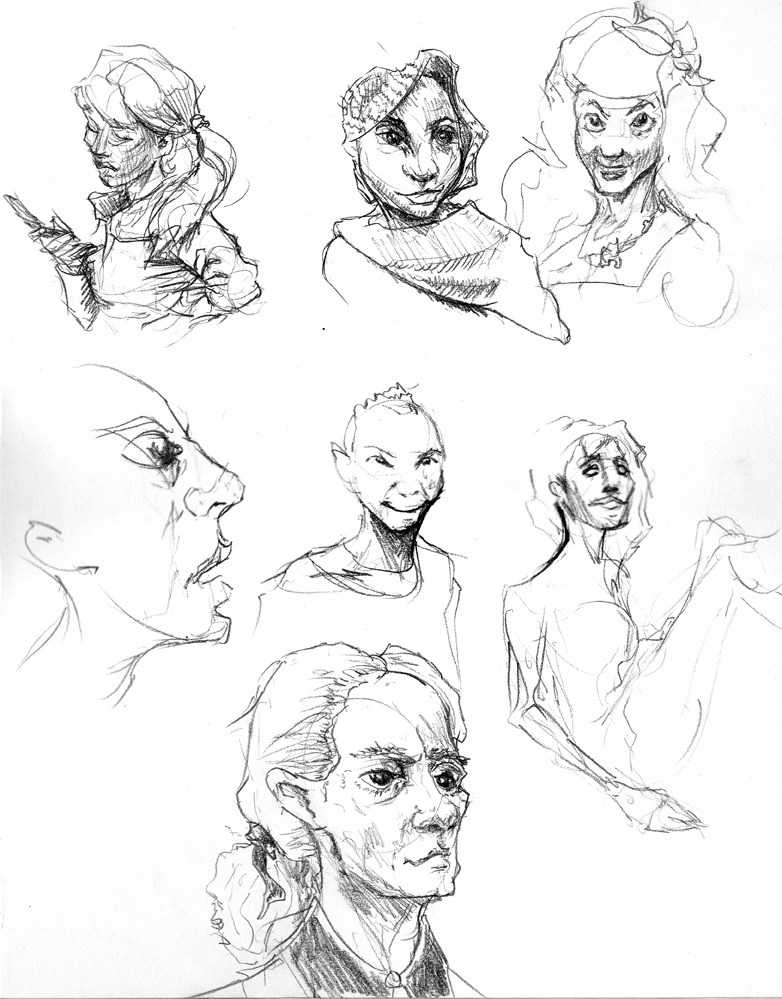
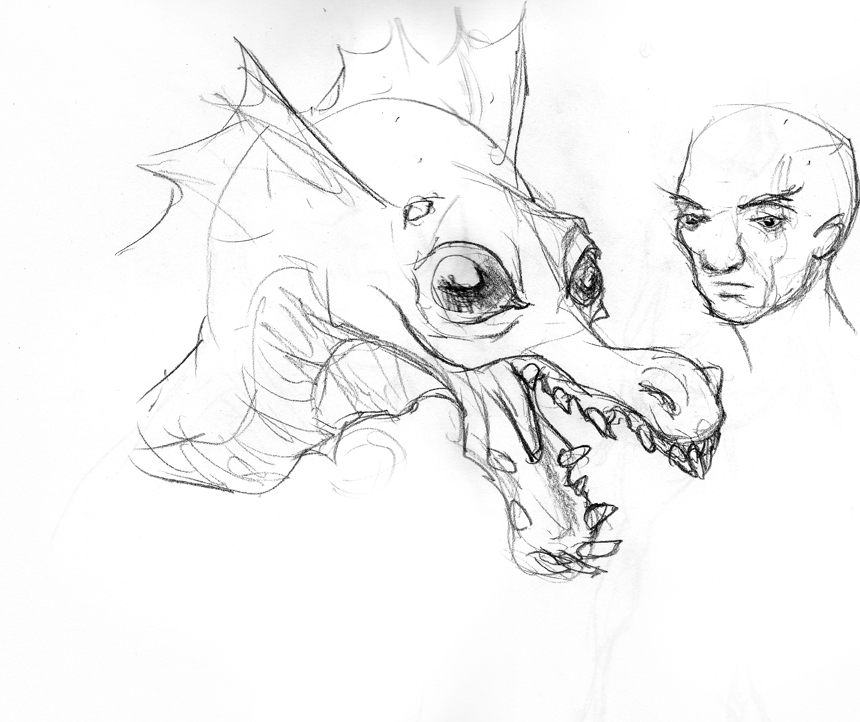
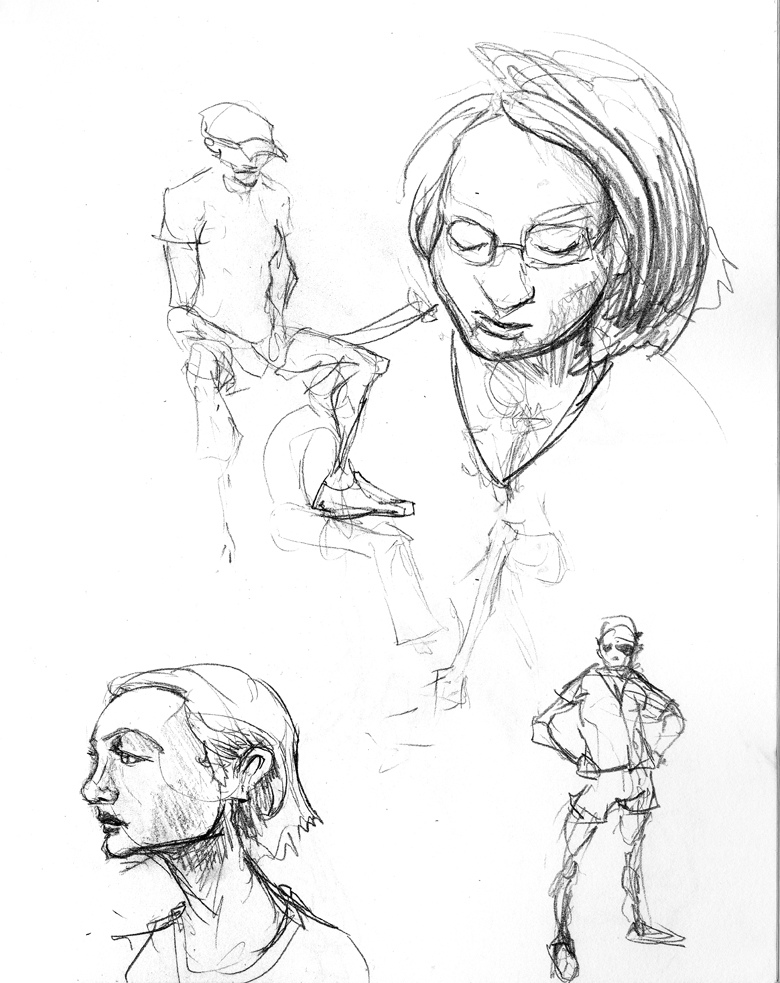
heads

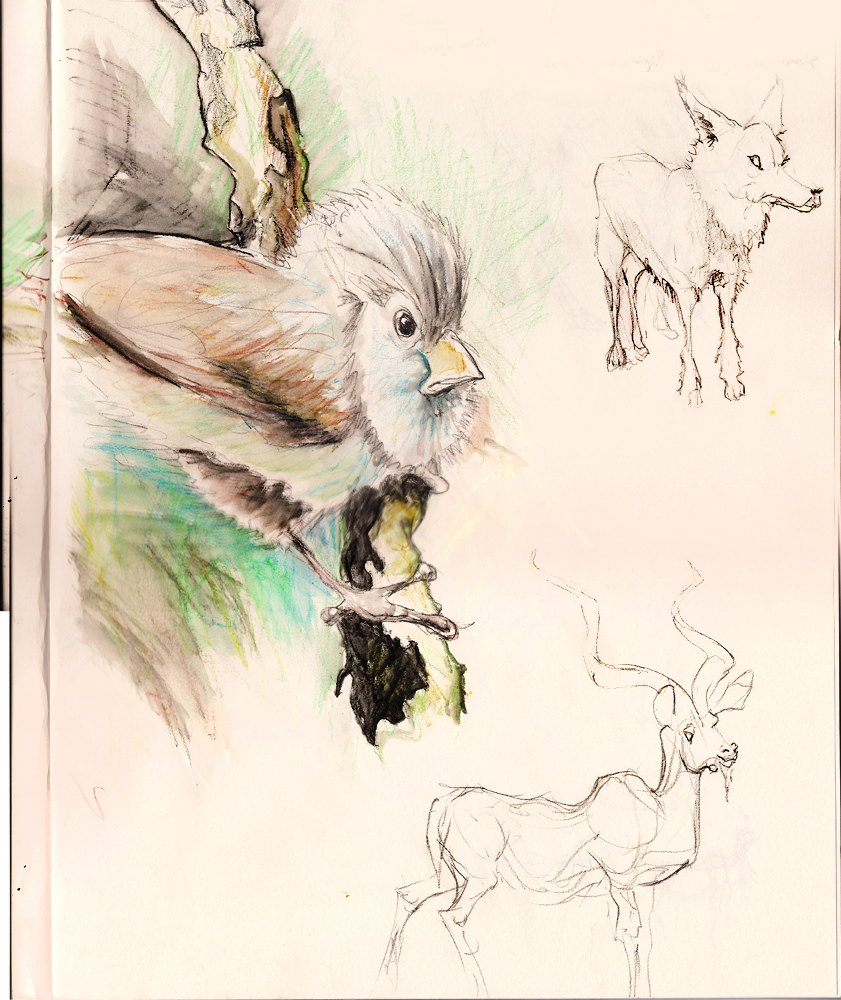
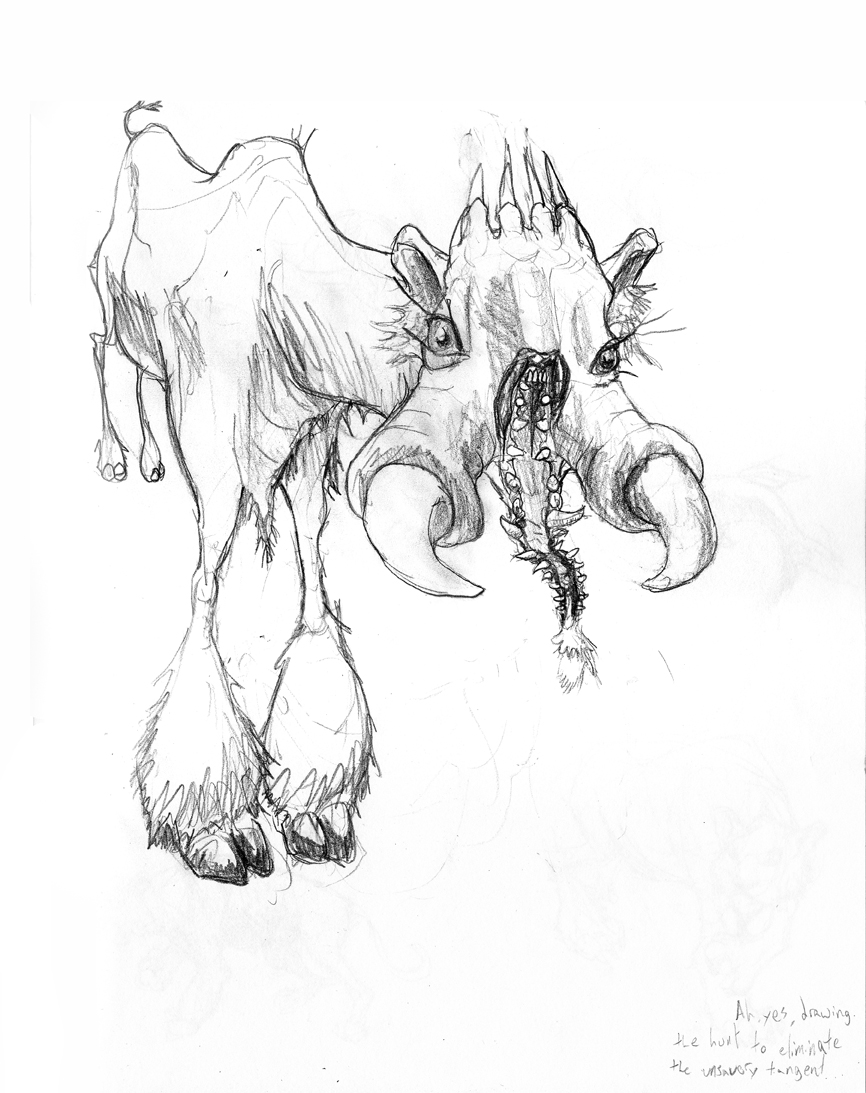
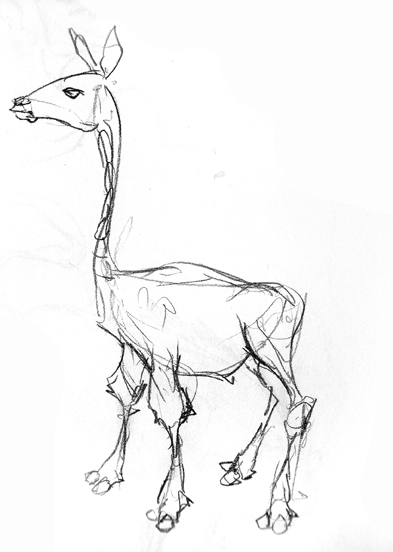
In a talk with the wizardly Tony Mullen at the December Seabug, he quipped that all drawing teachers ever say is “draw looser.” I was drawing this rather nobbly antelope off of arkive.org and felt pretty stiff. So I kept drawing until it felt loose enough. Indeed, I’d say the second-to-last one ended up the best.

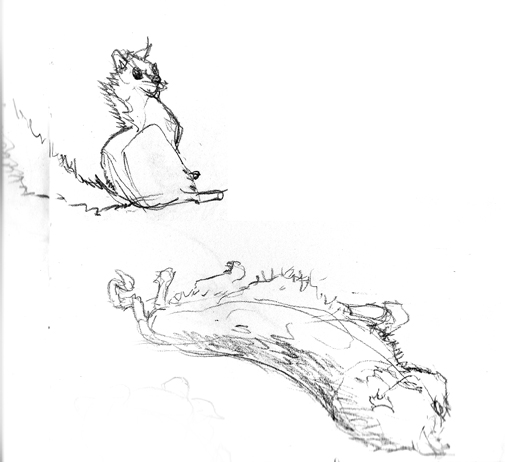
My cat Charlie.

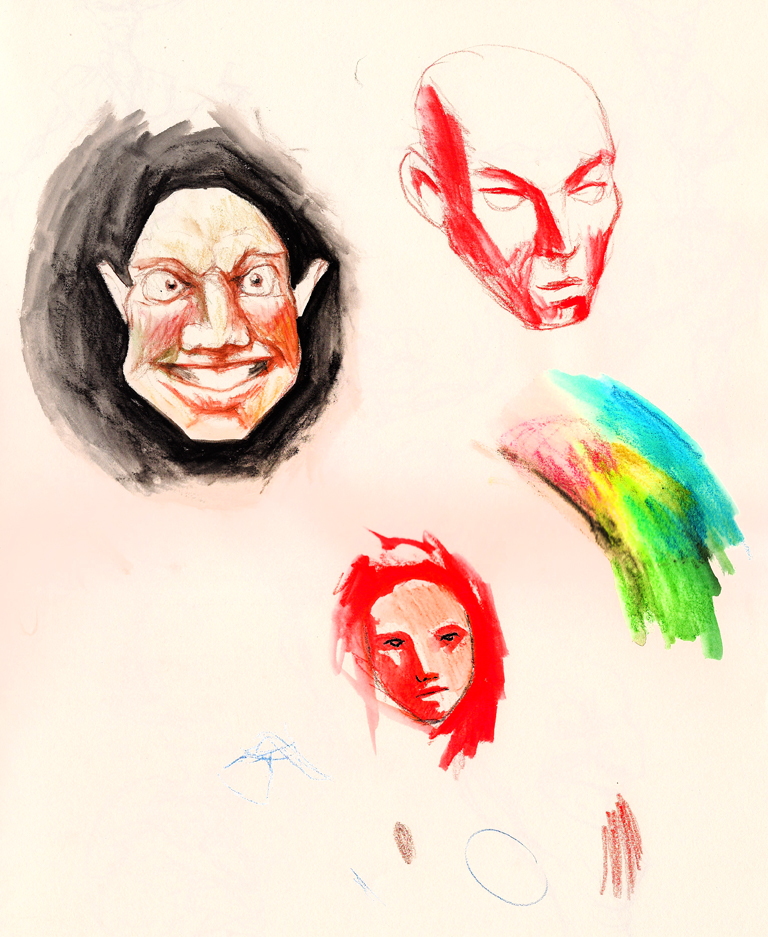
I’ve been playing with watercolor pencils on occasion.

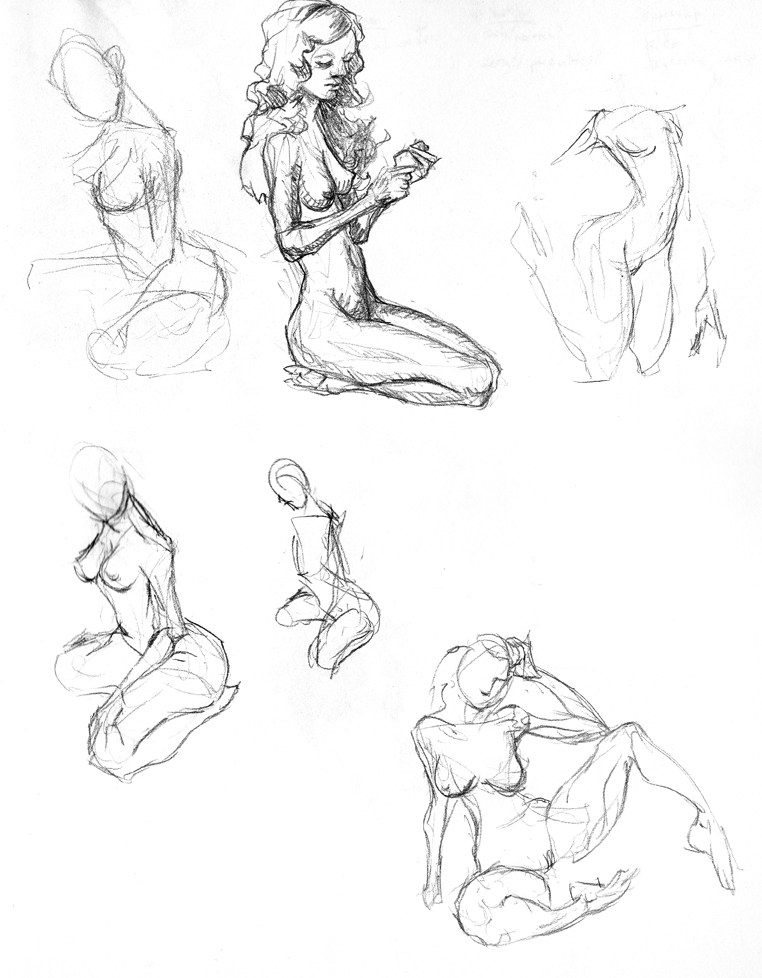
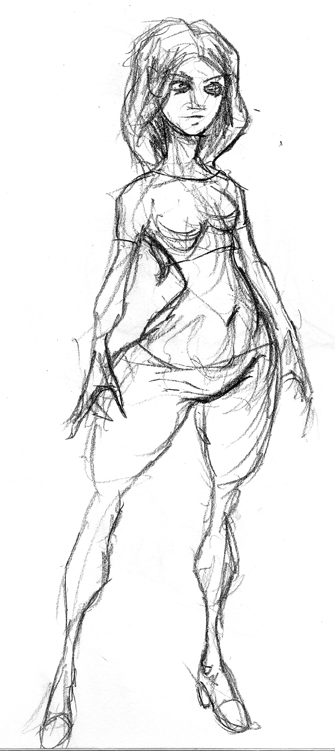
Nekkidness.

Drew a guy, then tried to stay on the single subject.

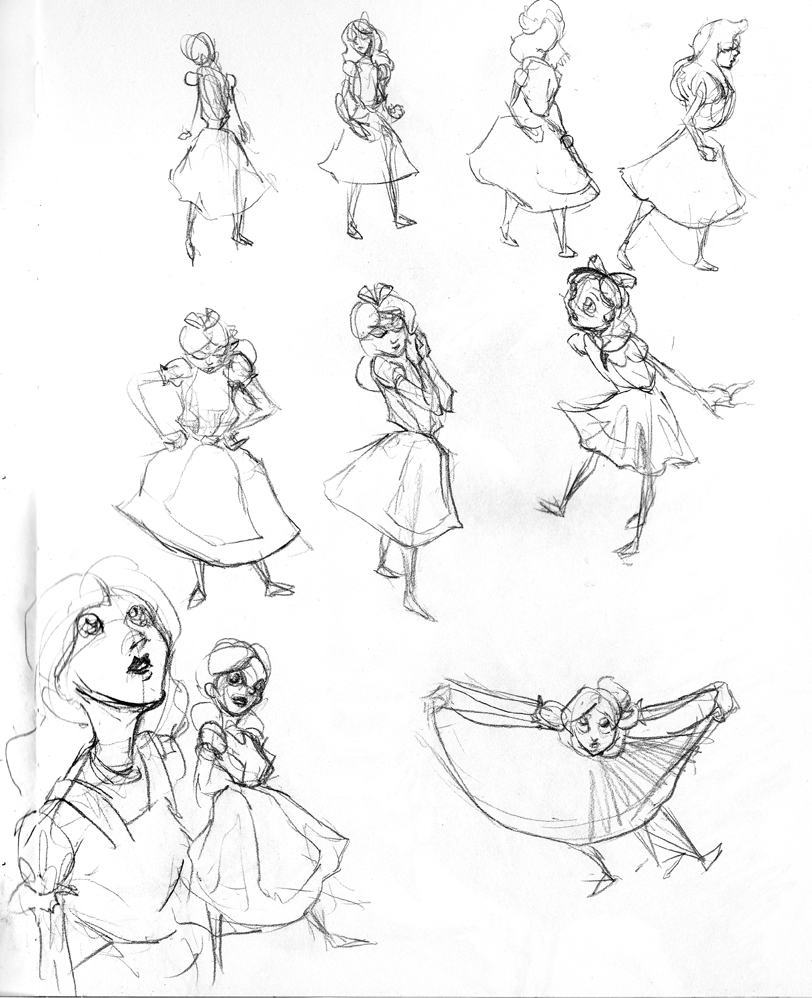
Character studies from Disney’s Alice in Wonderland


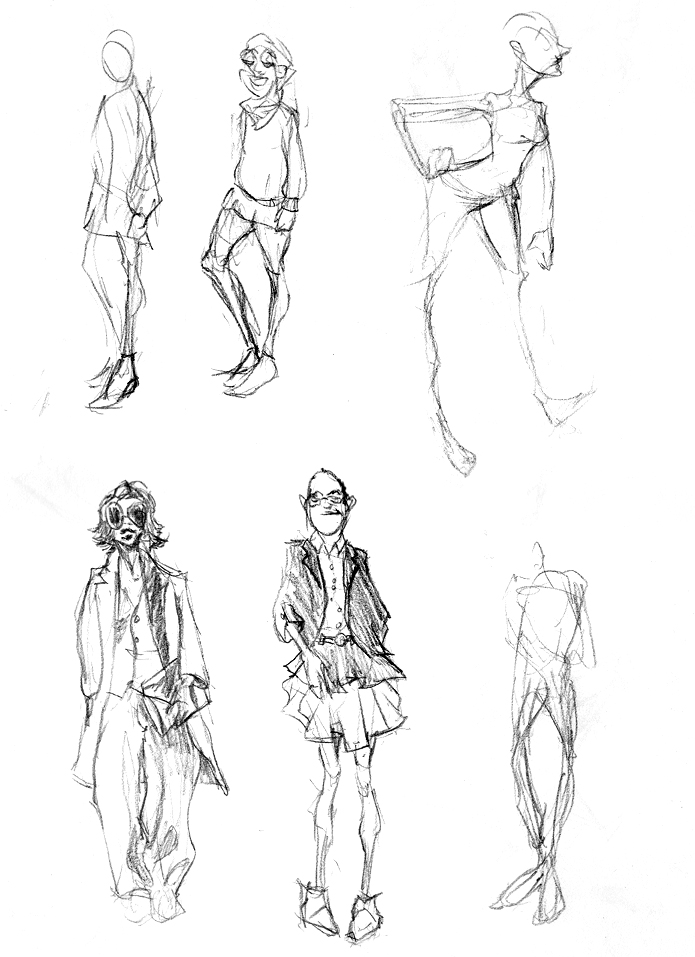
I looked around on the internet for a fashion generator, with humorous results. Pity I can’t recall the URL.


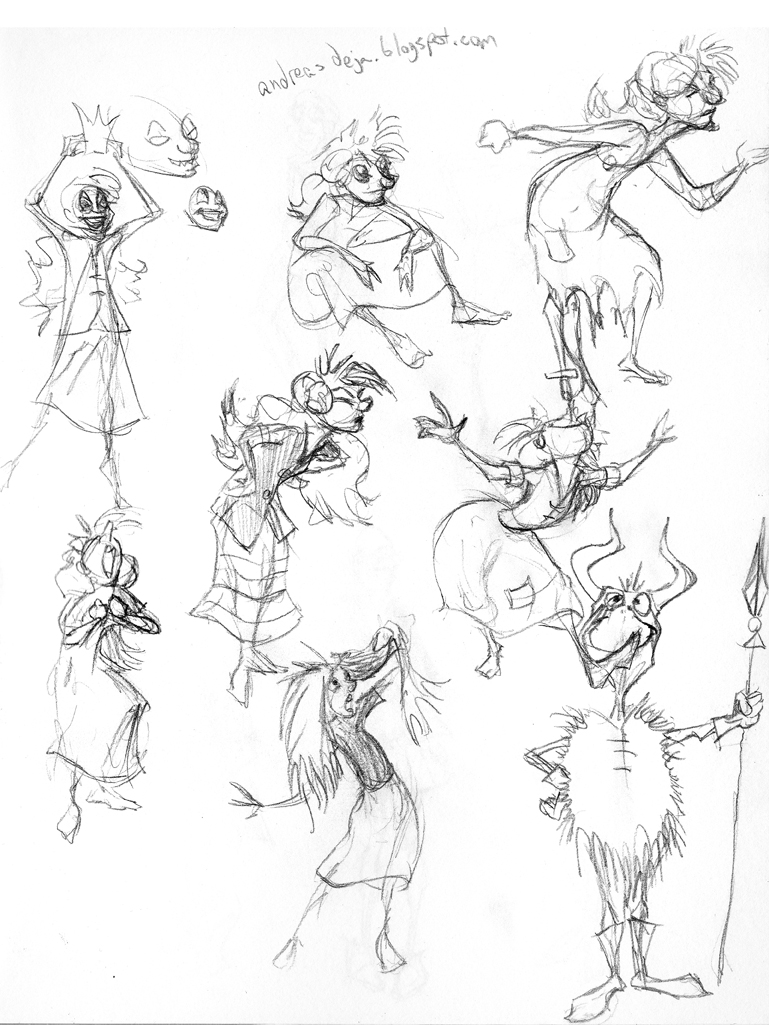
More Disney studies, from the excellent http://andreasdeja.blogspot.com/

Baby New Year

Posted by oscarbaechler on January 1, 2012
Posted in: illustration. Leave a comment


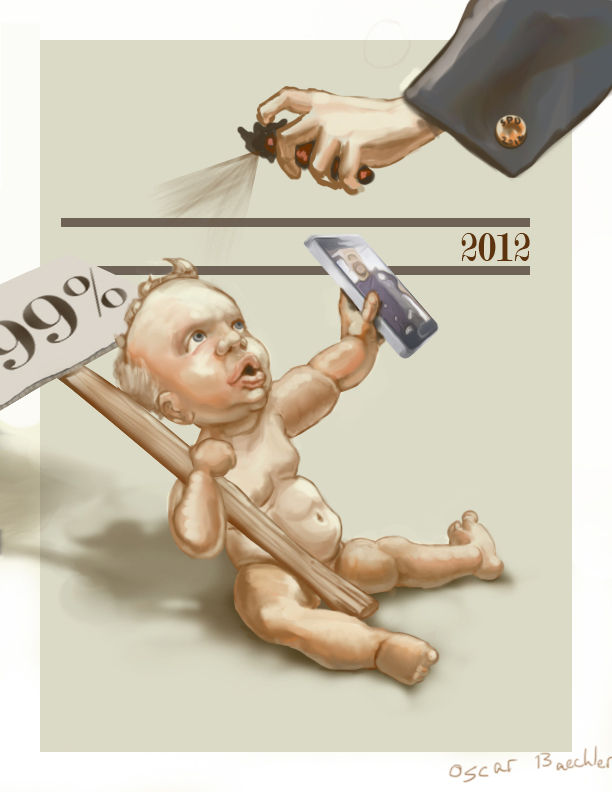
In homage to the inimitable J.C. Leyendecker, I made a Baby New Year illustration for our tumultuous 2012. The bad news is I put this off til the last day of 2011, but the good news is I’m getting faster! This took about an hour of doodling and compositing my doodles together, plus five hours of painting.


Here’s to a great 2012!

Merry Christmas!

Posted by oscarbaechler on December 23, 2011
Posted in: illustration, sketch. Leave a comment

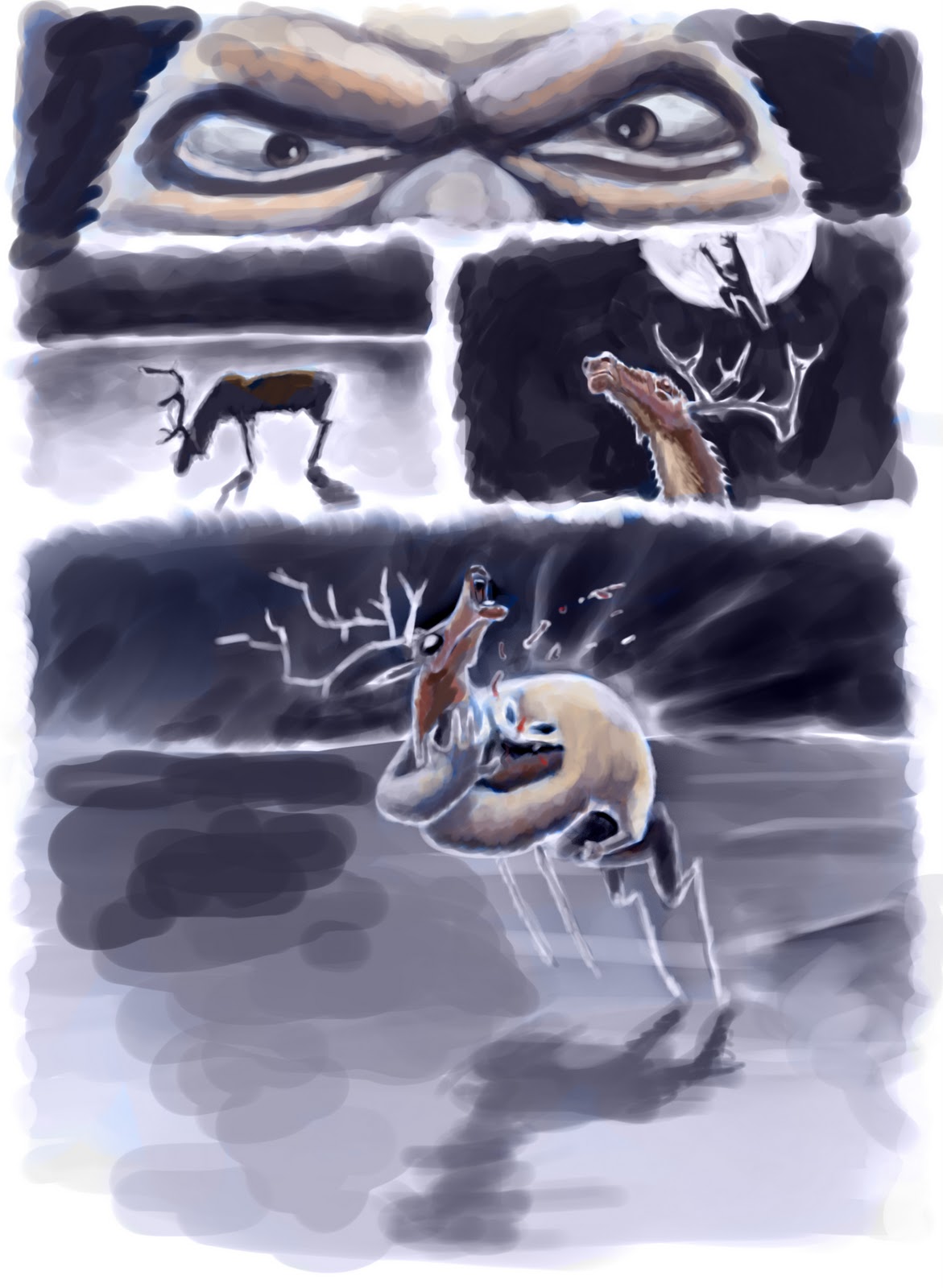
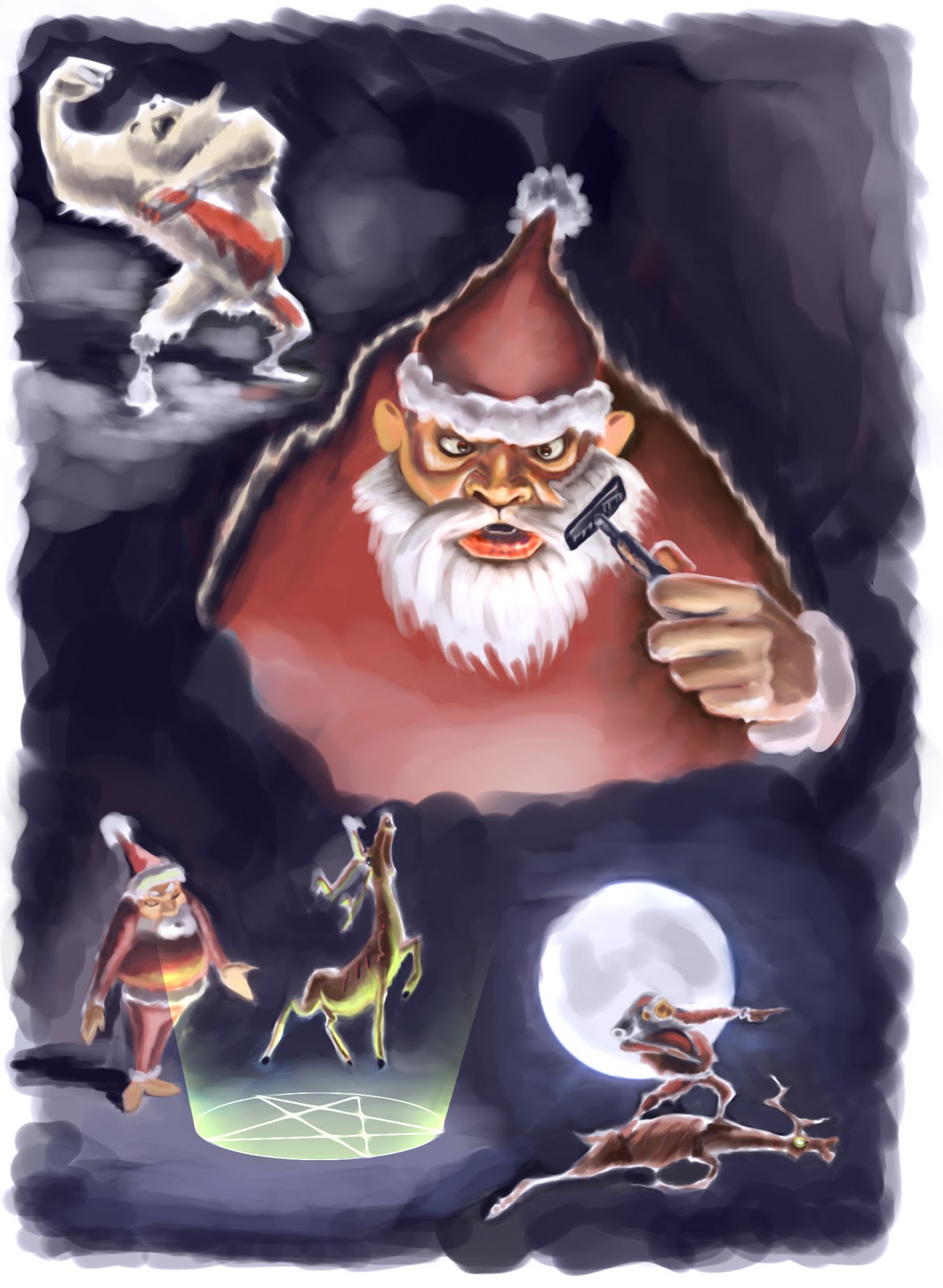
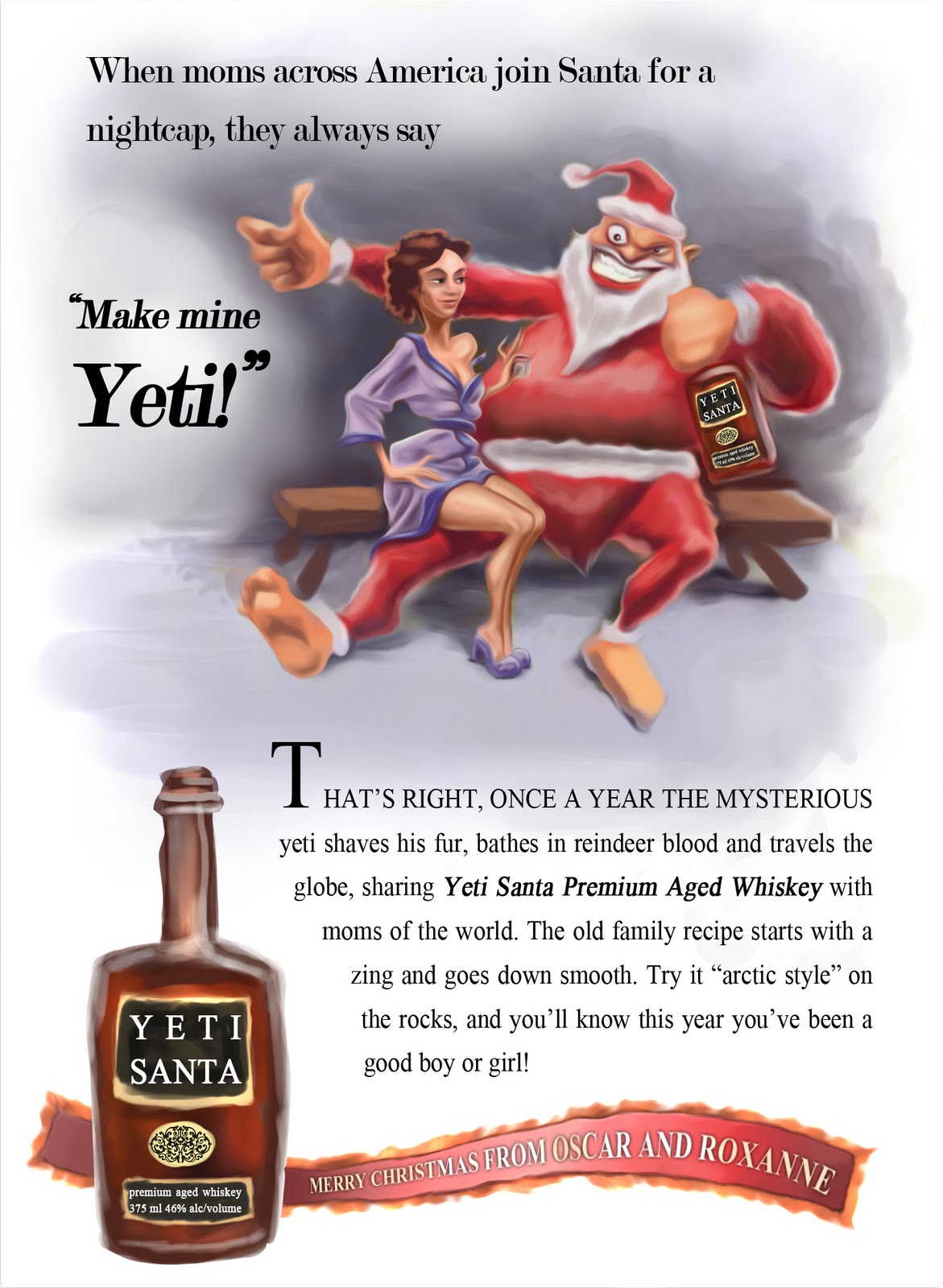
Hope you’re all having a wonderful holiday season this year! Here’s my Christmas card, which warped into more of a comic strip than a card.


Merry Christmas and a Happy New Year!

October sketches

Posted by oscarbaechler on October 29, 2011
Posted in: sketch. Leave a comment

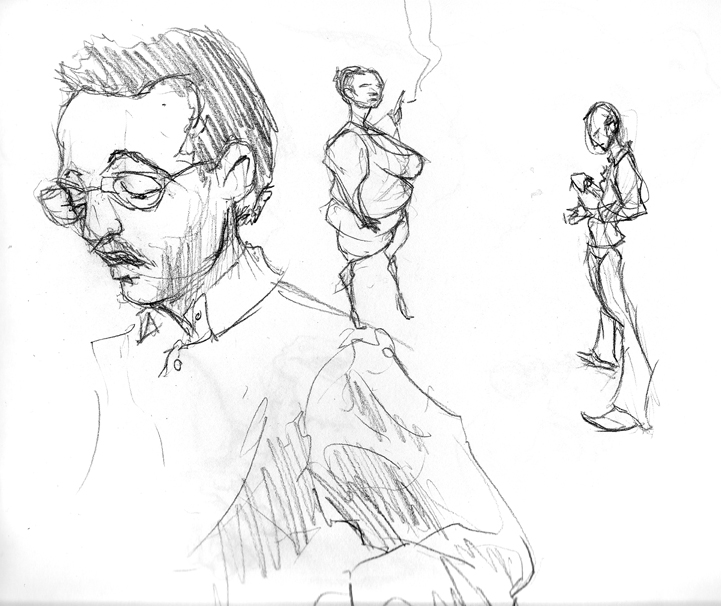
Yaaay! Finished this sketchbook in under 2 months, without resorting to unpolished unscannable gesture-binging.


Some credit for this completion deadline goes to Star Trek. I successfully watched Star Trek TNG in entirety over the last month or so, and I don’t think I’ve ever had a show so good for multitask drawing.


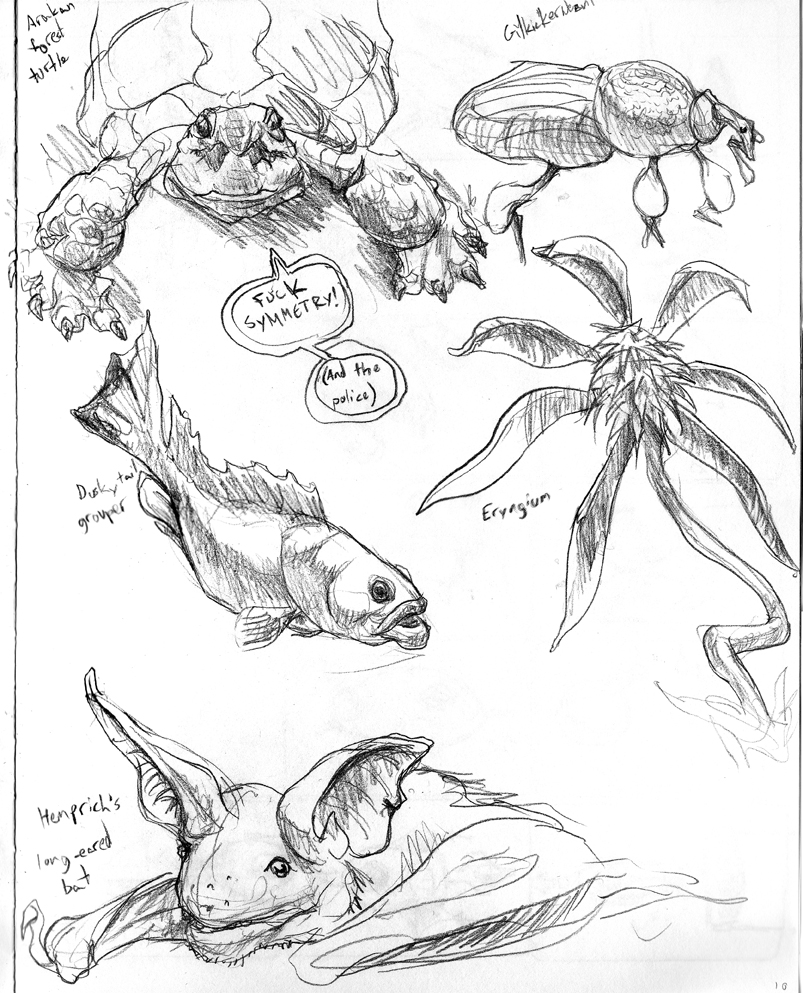
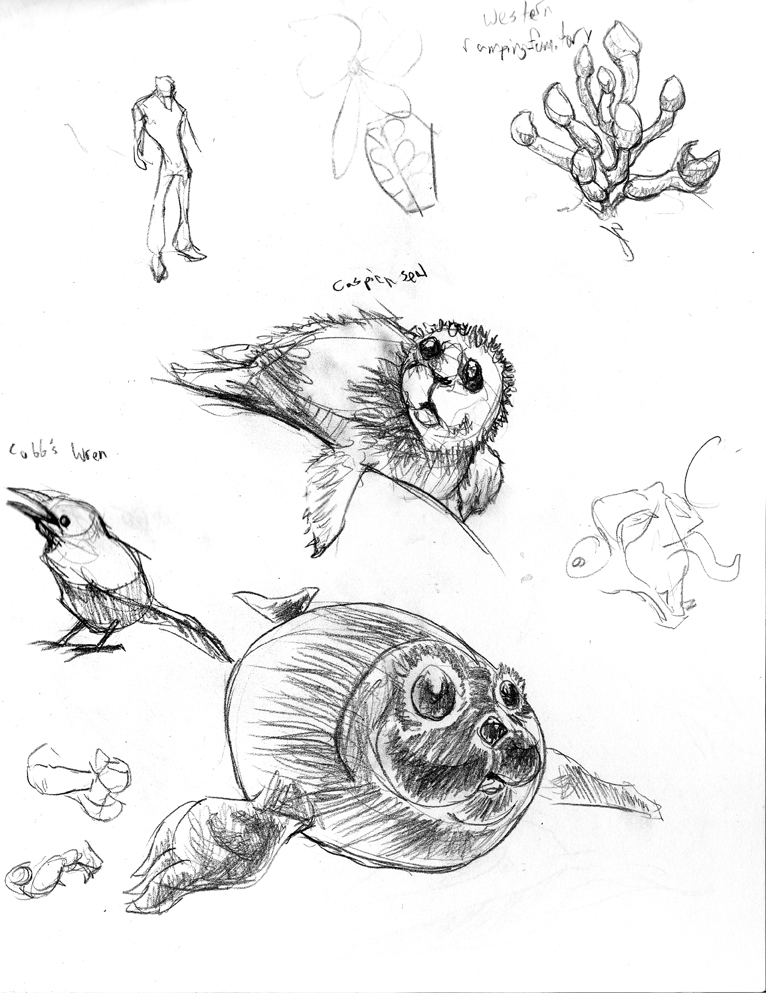
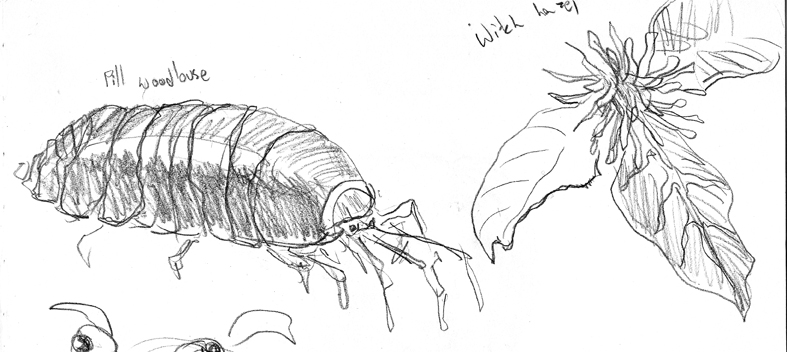
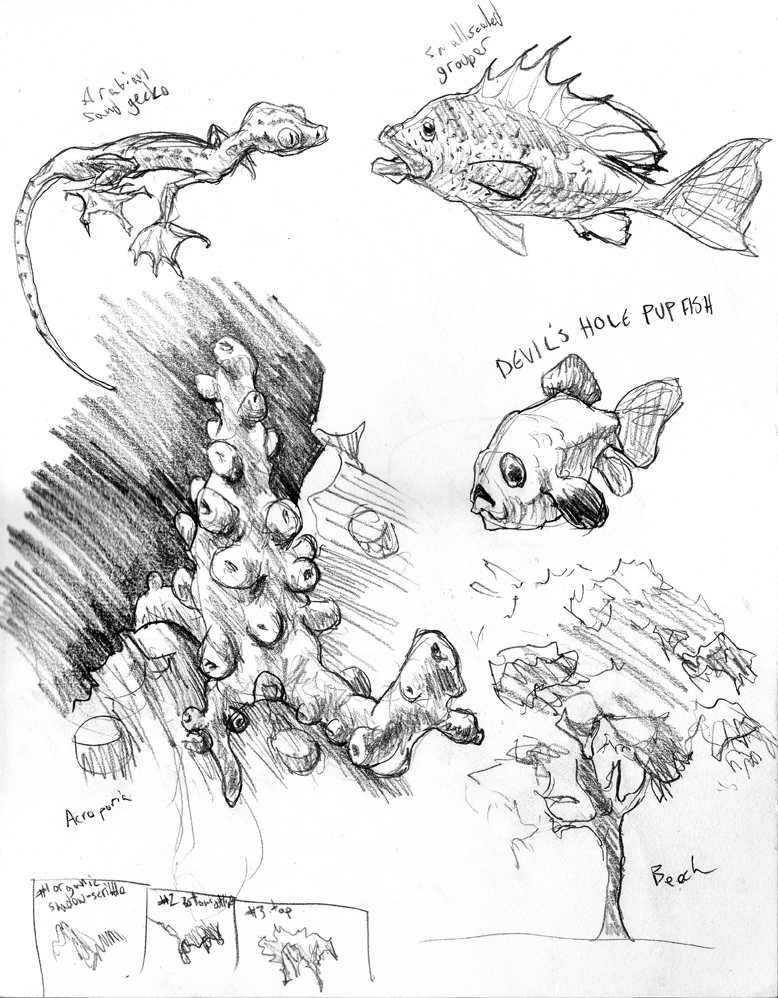
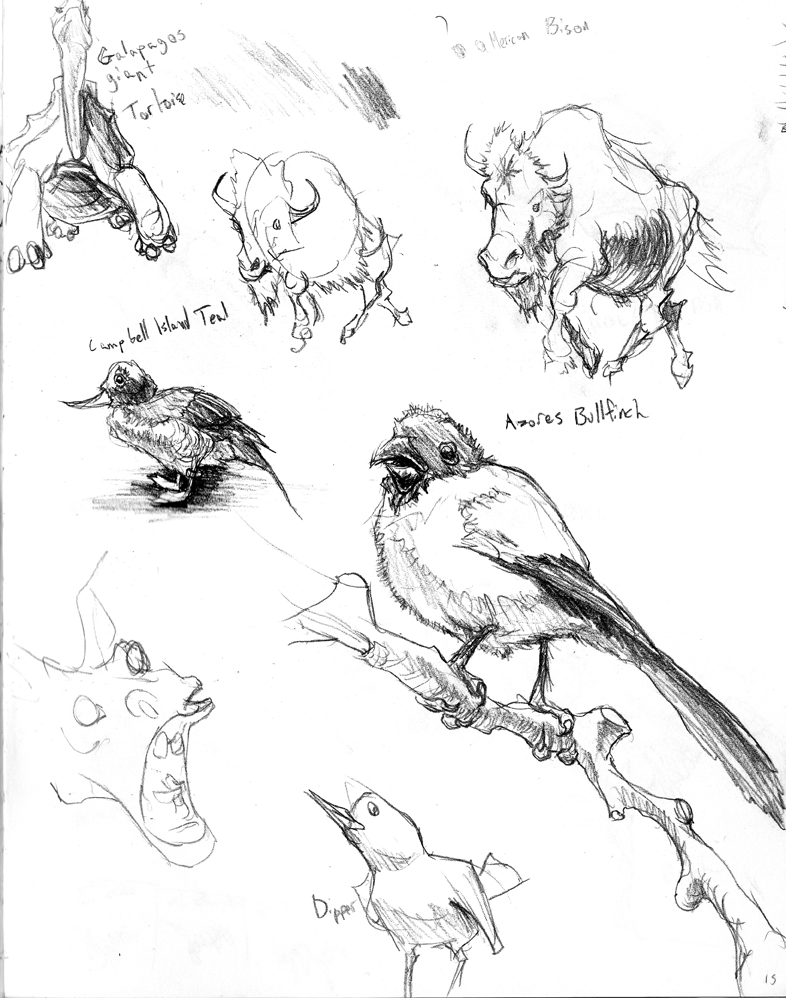
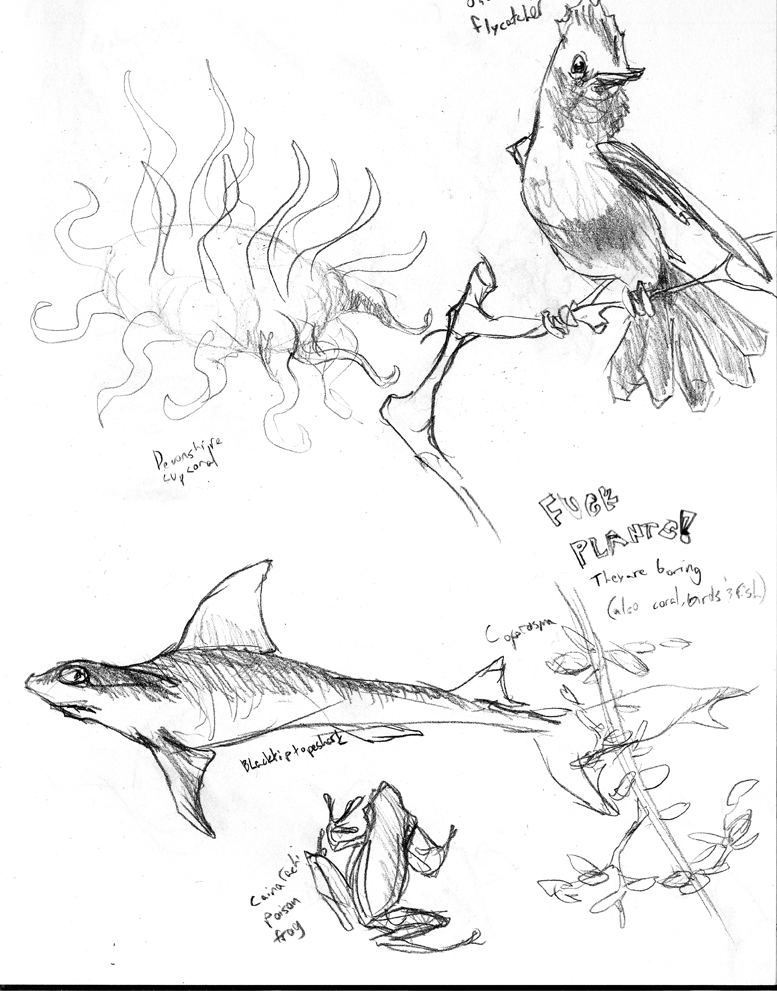
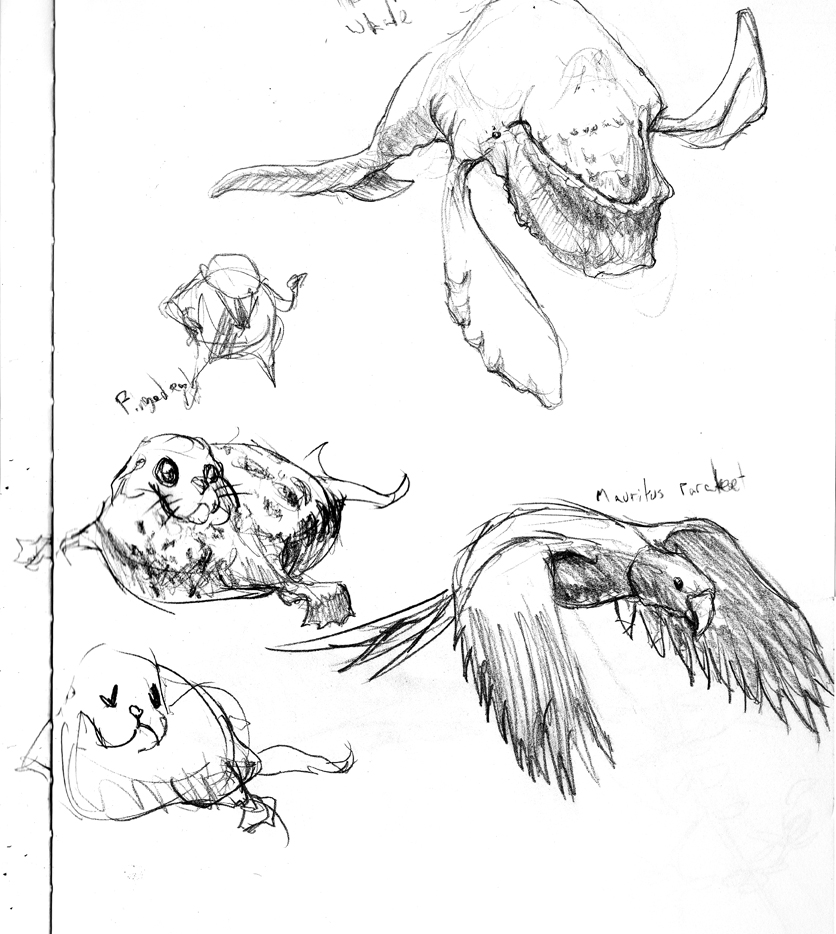
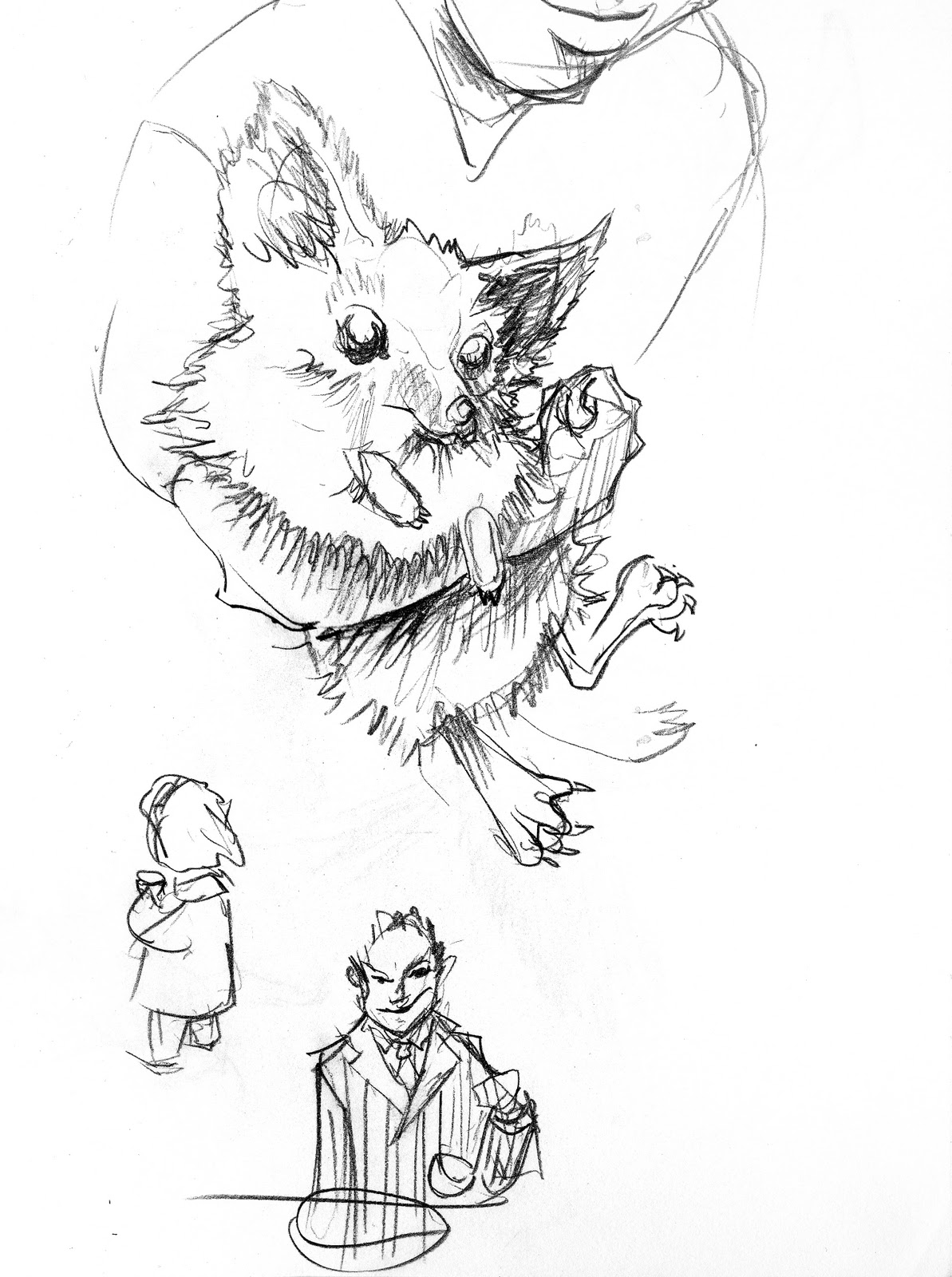
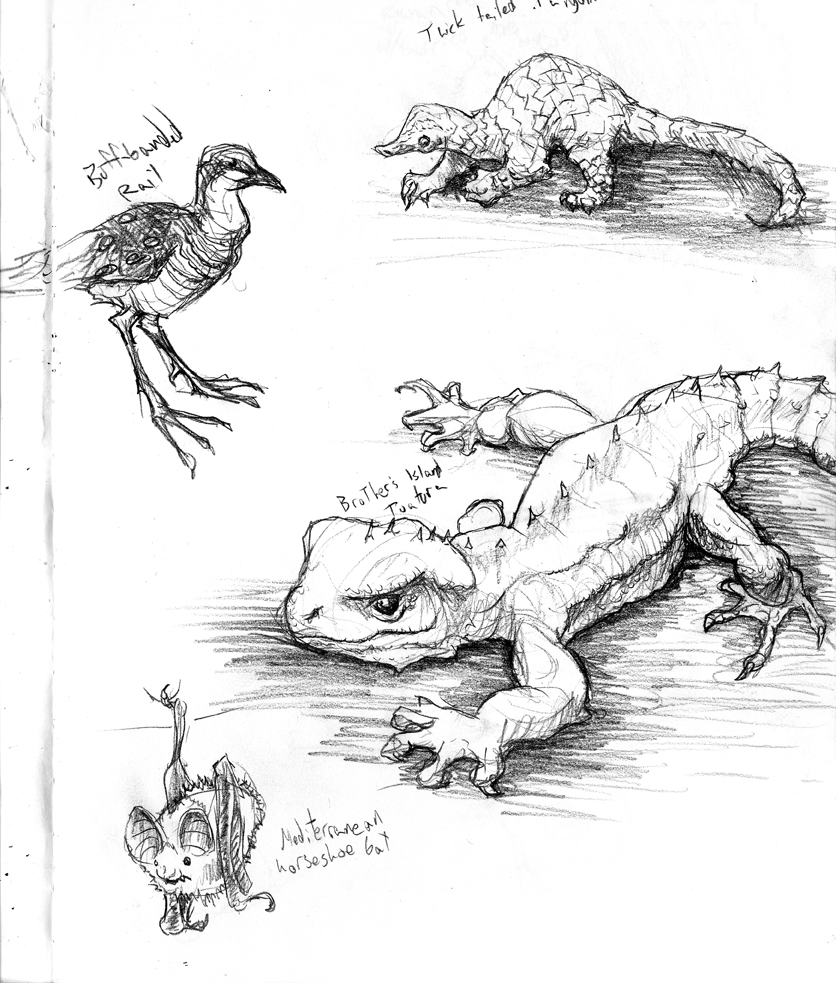
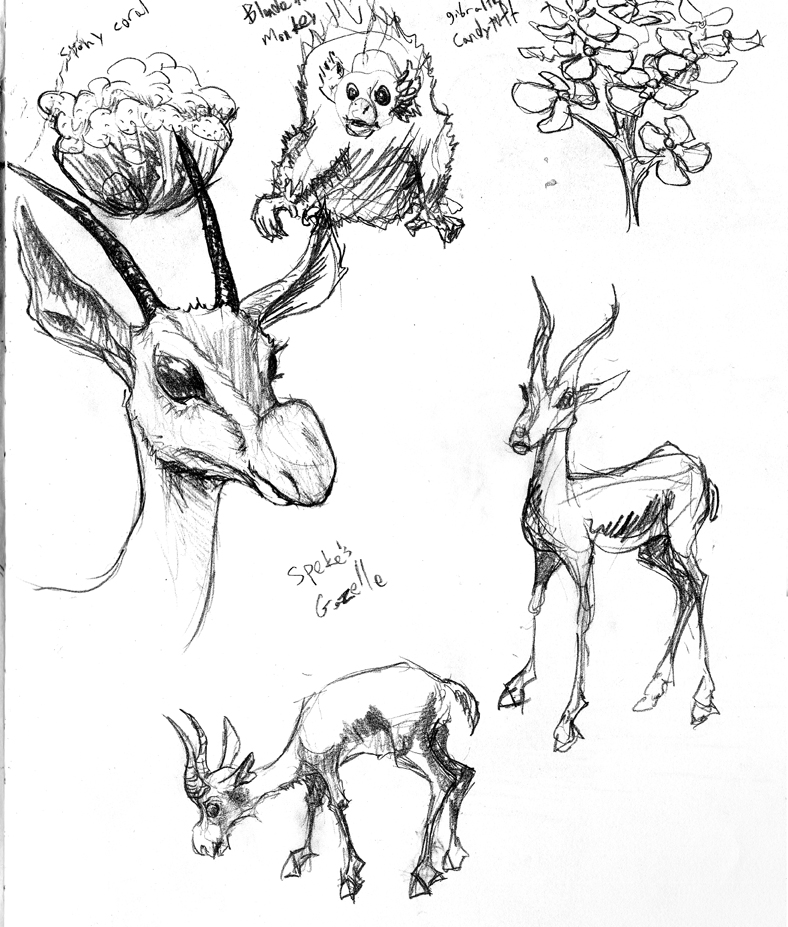
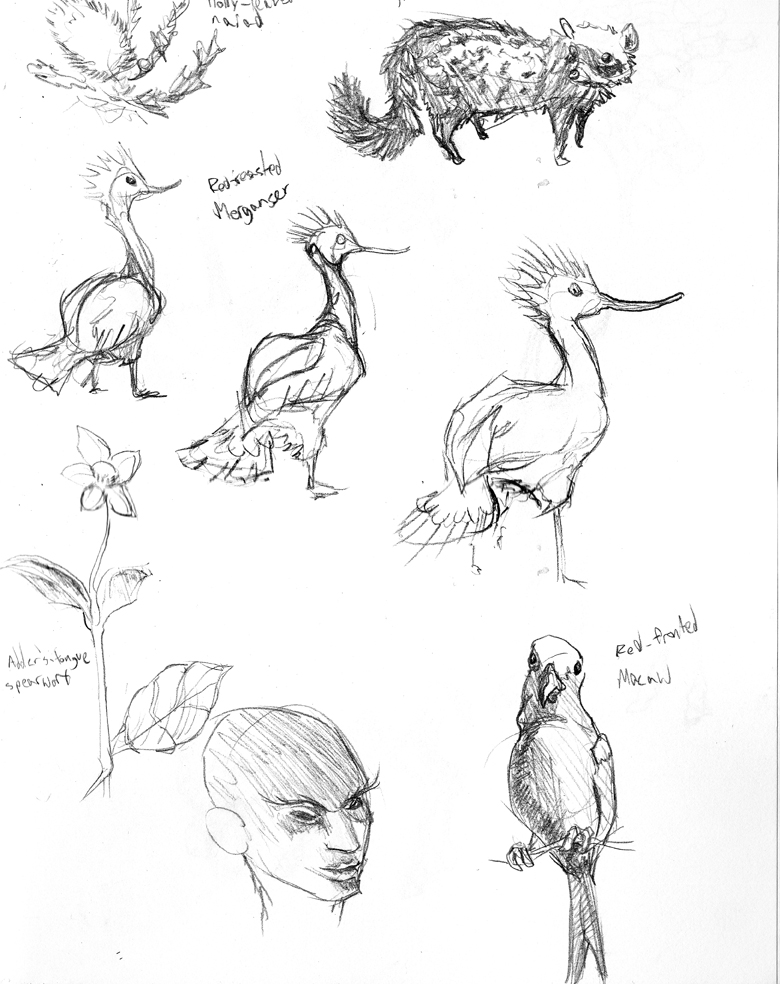
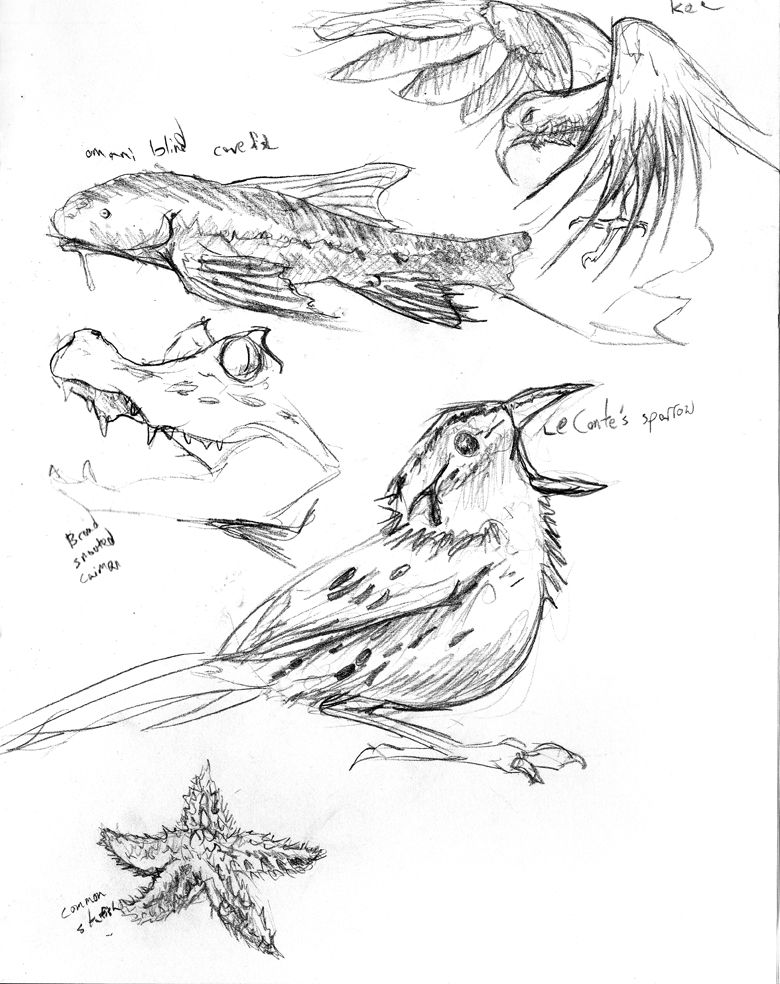
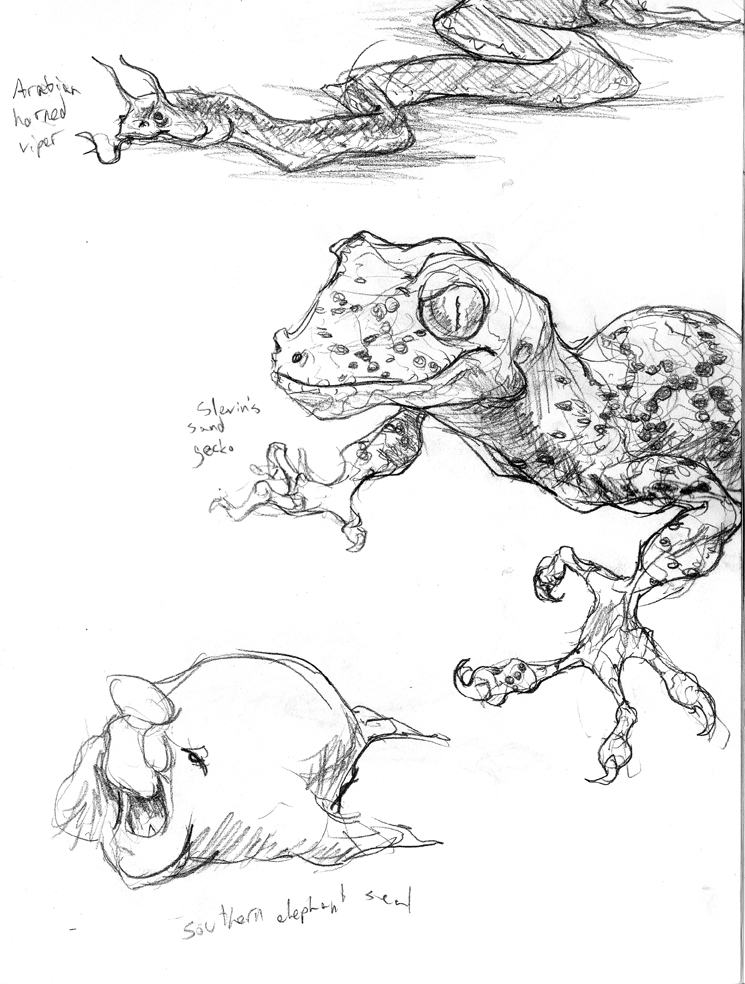
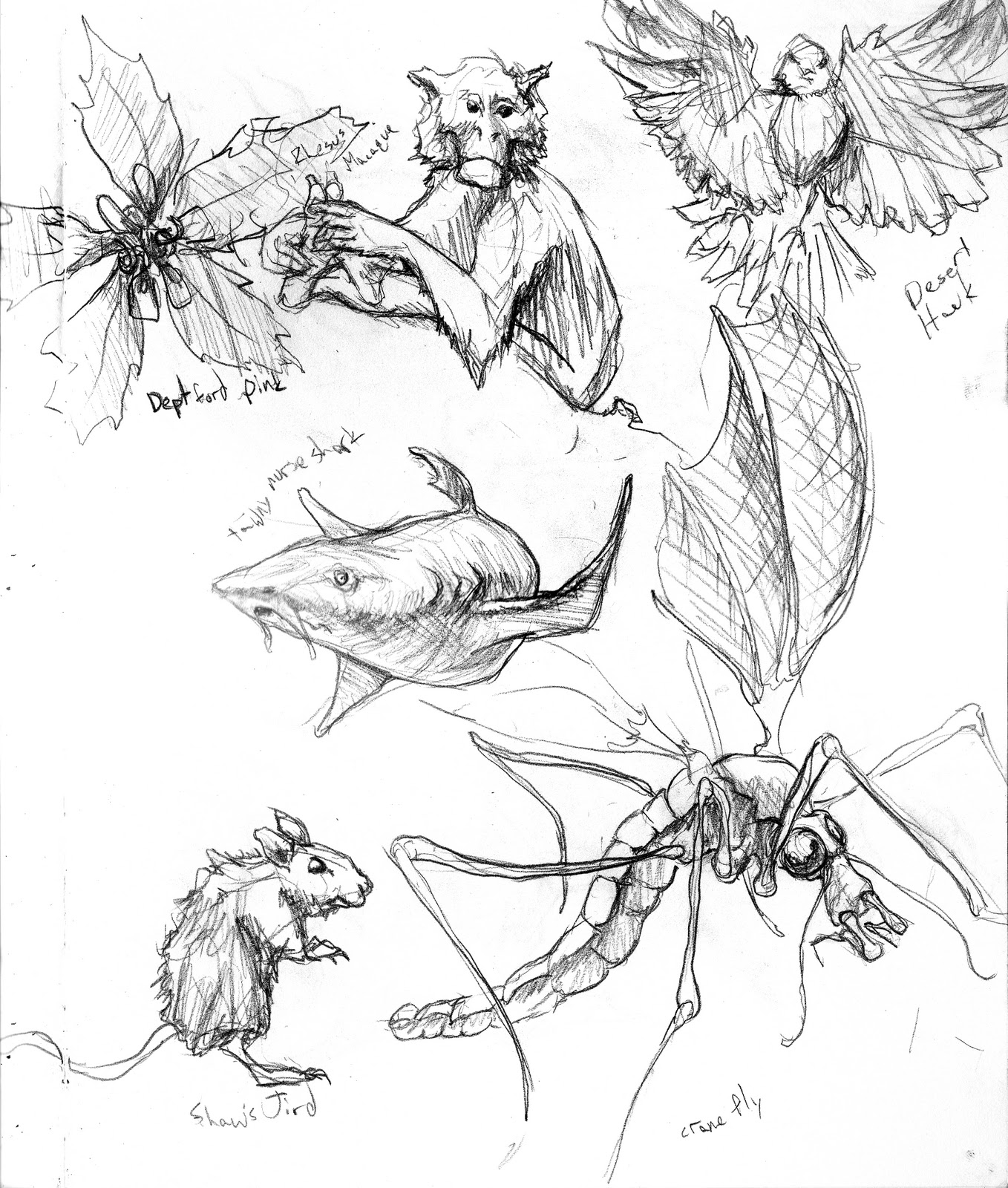
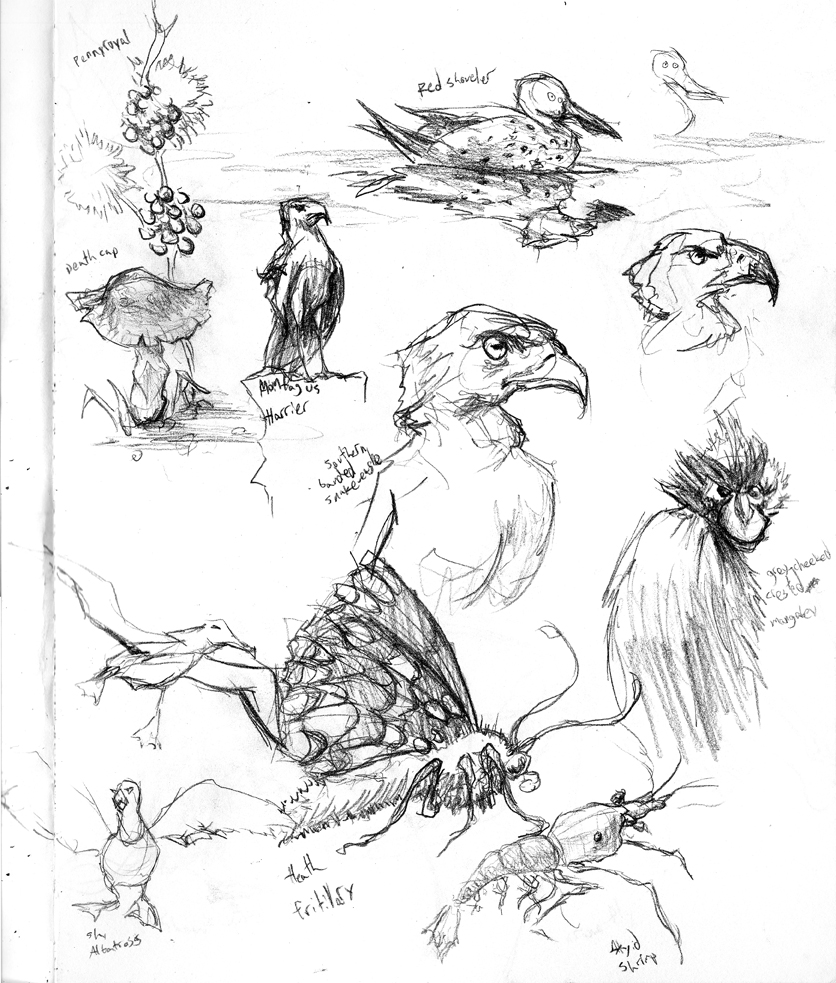
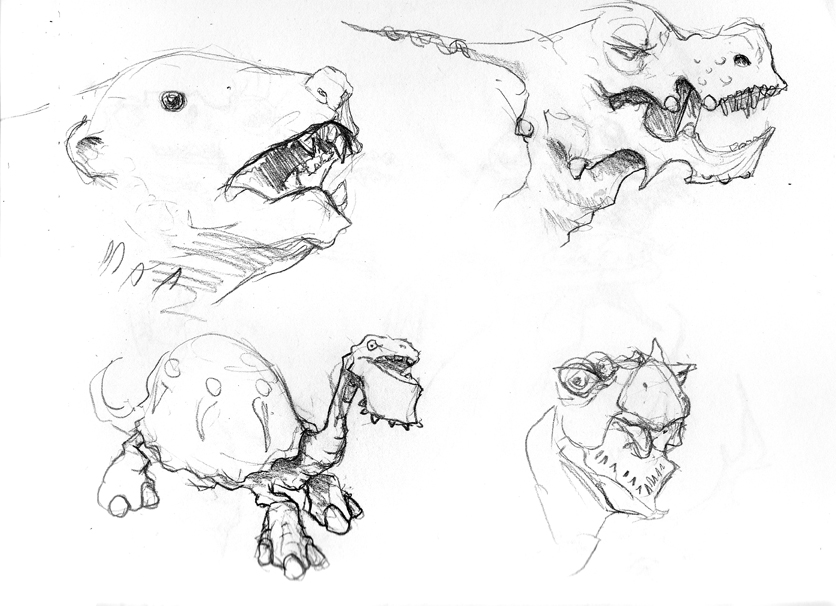
Sketched a lot of lifeforms from photos this time around. I was going to http://www.arkive.org/random-species over and over again. Although I grumbled about it, I tried to draw the plants, coral reefs, fish and birds it threw at me over and over. In other words, the boring stuff. In retrospect, birds, fish and fish are more interesting than I thought. But mostly, plants are stupid.


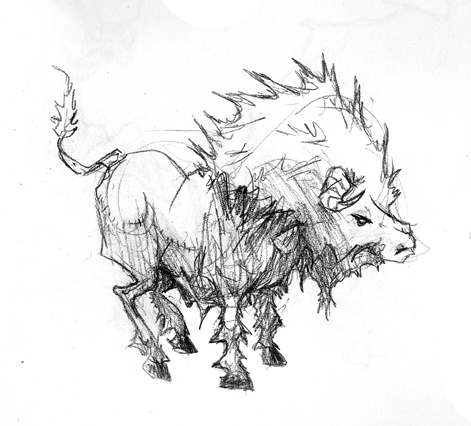
I dunno if it’s “correct”, but I like rendering fur in a specific way. Scribbling back and forth for fur doesn’t look right, because you don’t get wispy points with the fur. Similarly, repeated lines don’t look as good, because it’s hard to get a concise sense of border.


The hybrid is drawing a series of “U” strokes, where the start and end of the U create a wispy, feathery edge for fur and feathes. However, the inner border (the U bend) feels thick and materialized.


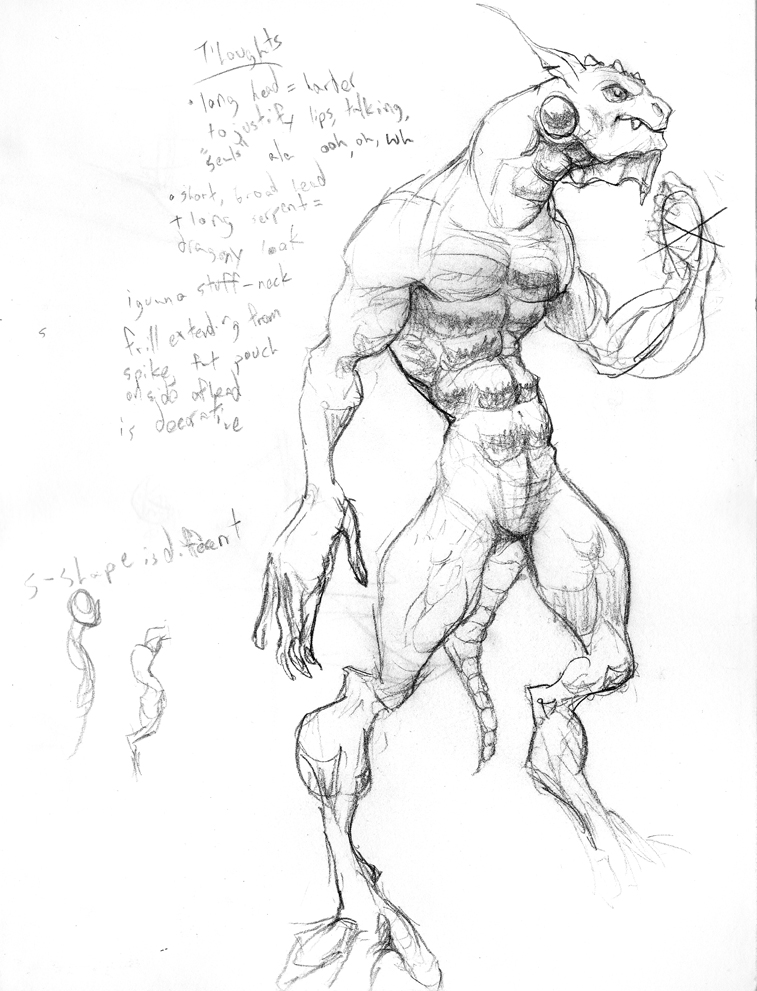
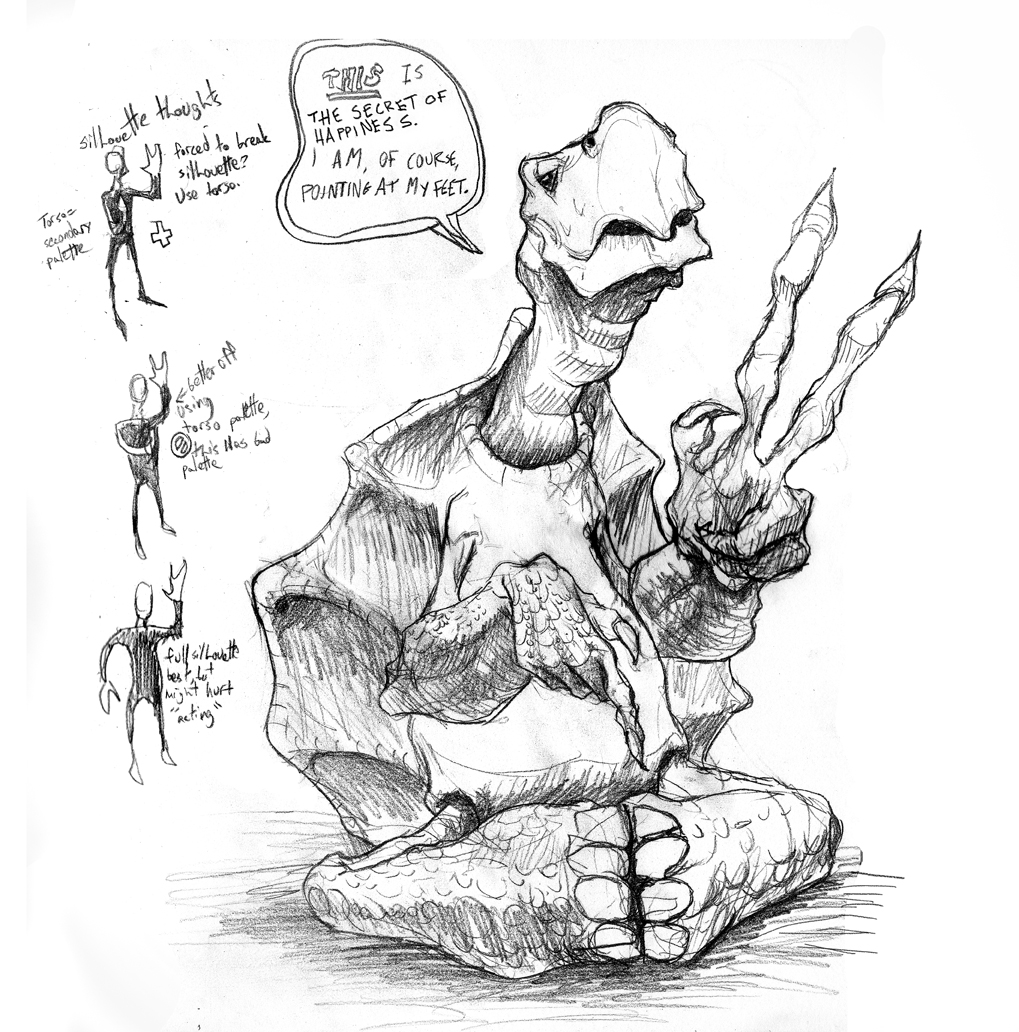
Lizards are one of my favorite things to draw. Their legs don’t fold in a hinge motion. Instead they prop up on their legs and rotate to move them. As a result, their legs bulge with muscle in all the funnest places. Also, their feet (which don’t function like springs ala mammals) have toes that point in slouchy rest poses. If a claw isn’t digging into tree bark, it lays sideways on the nail. It makes them looks a little disheveled and  unplanted.


Uploaded in reverse; sketches at the top are the most recent.
Me, doing a hilarious impression of you

Posted by oscarbaechler on October 4, 2011
Posted in: illustration, sketch. Leave a comment
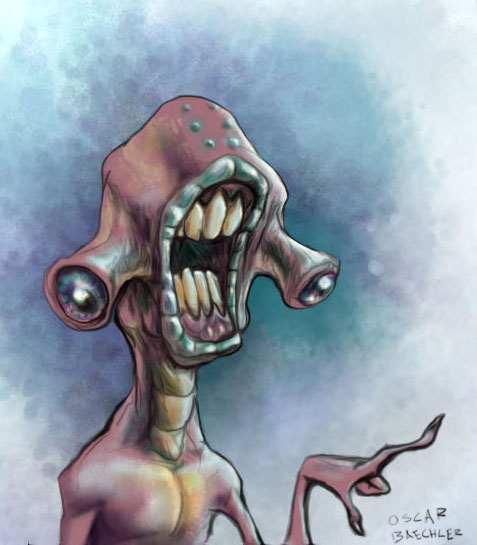
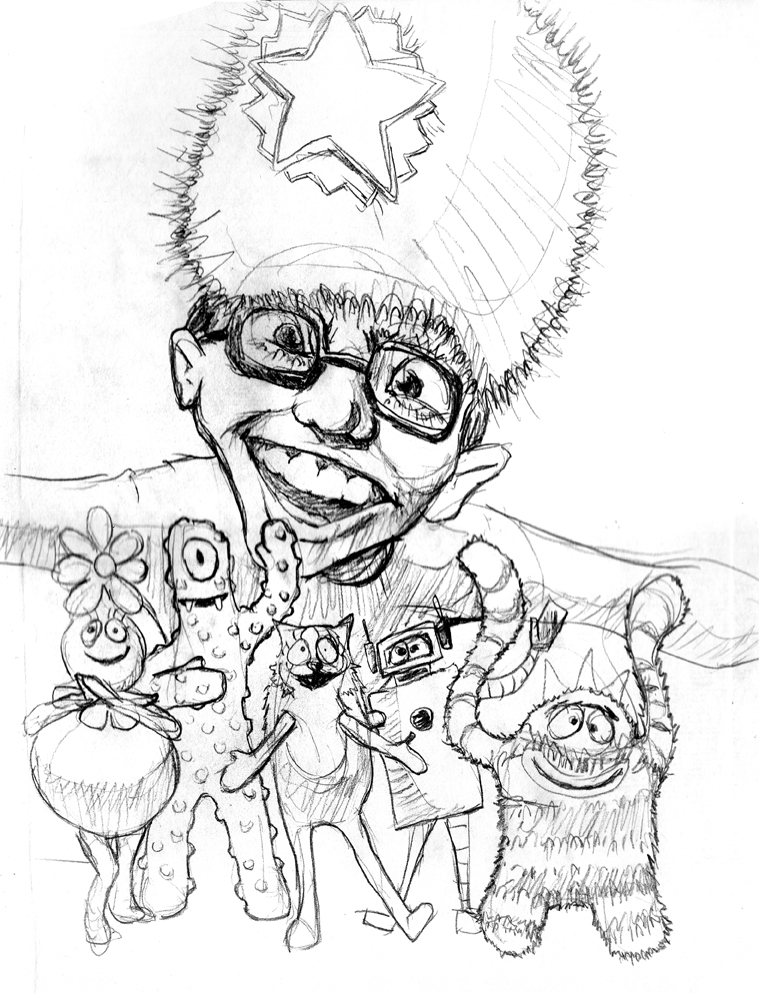
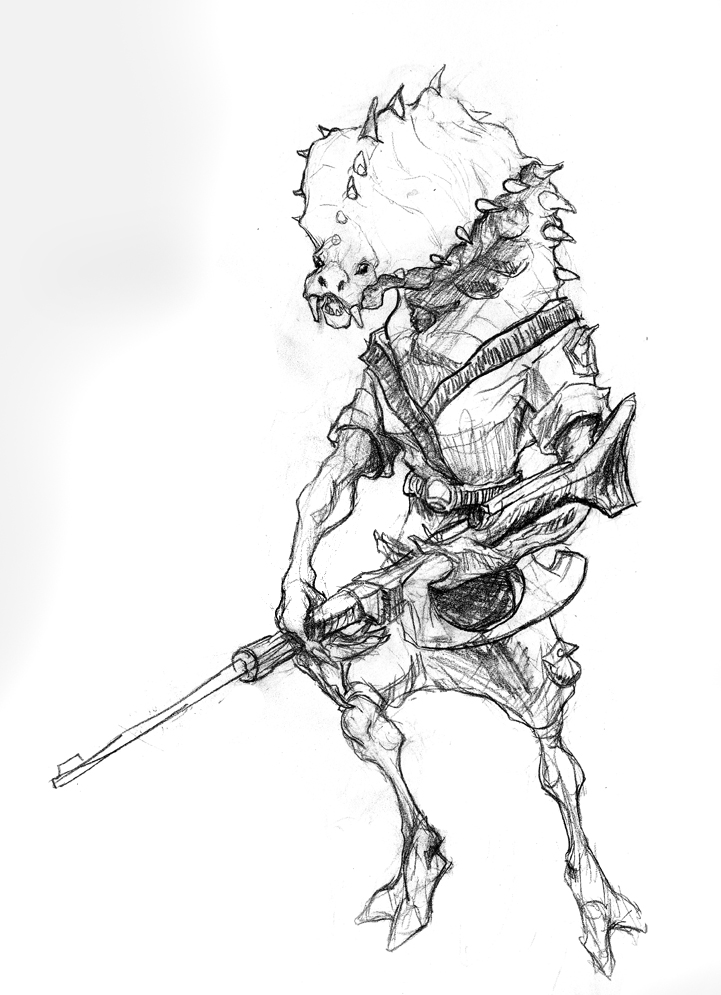
Me Oscar! Me sketch!

Posted by oscarbaechler on September 28, 2011
Posted in: sketch. Leave a comment

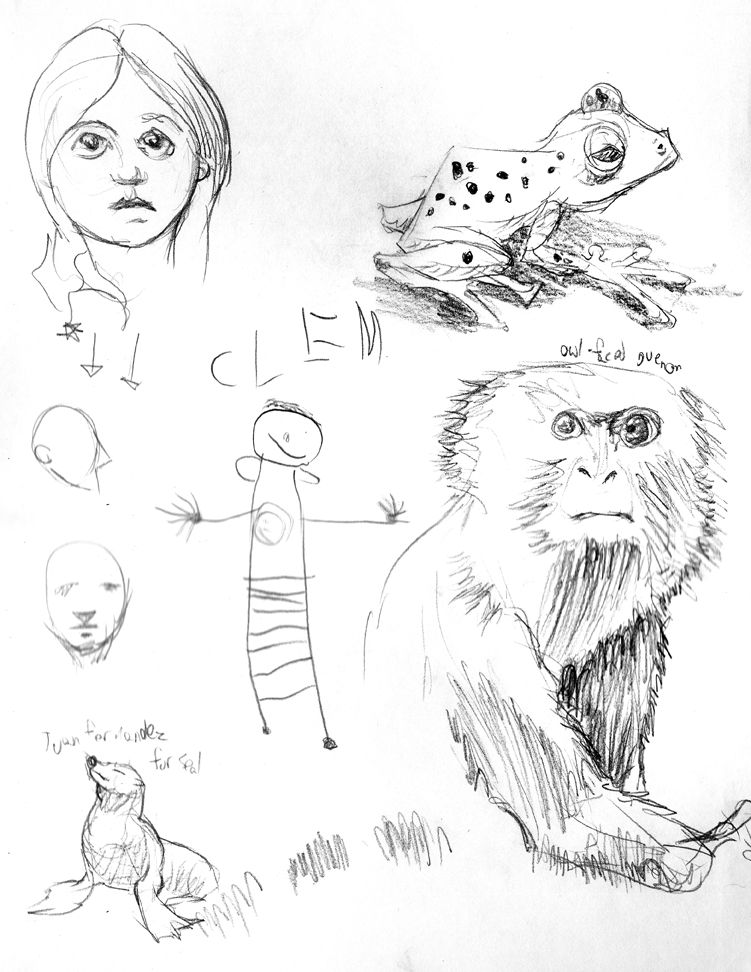
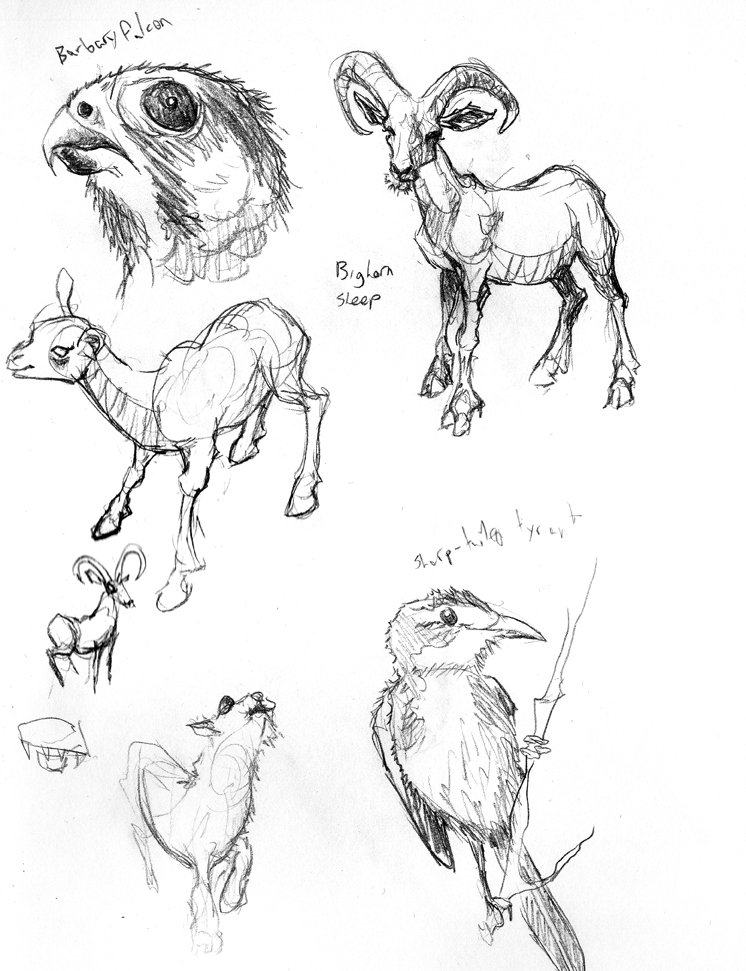
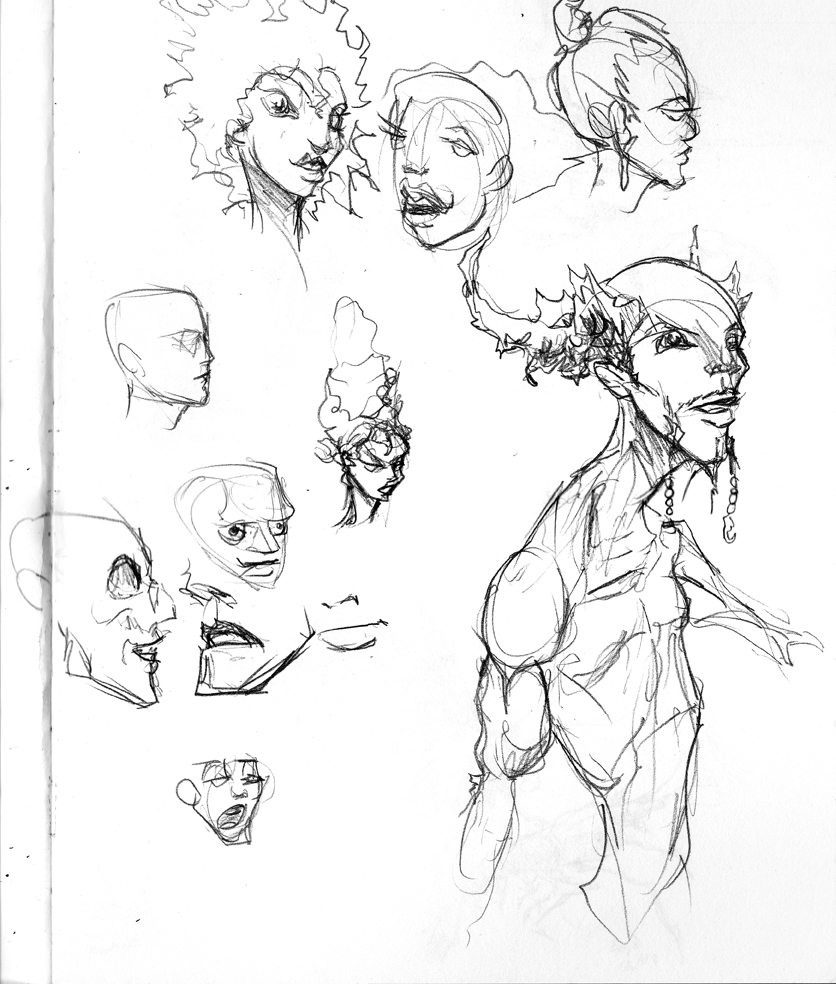
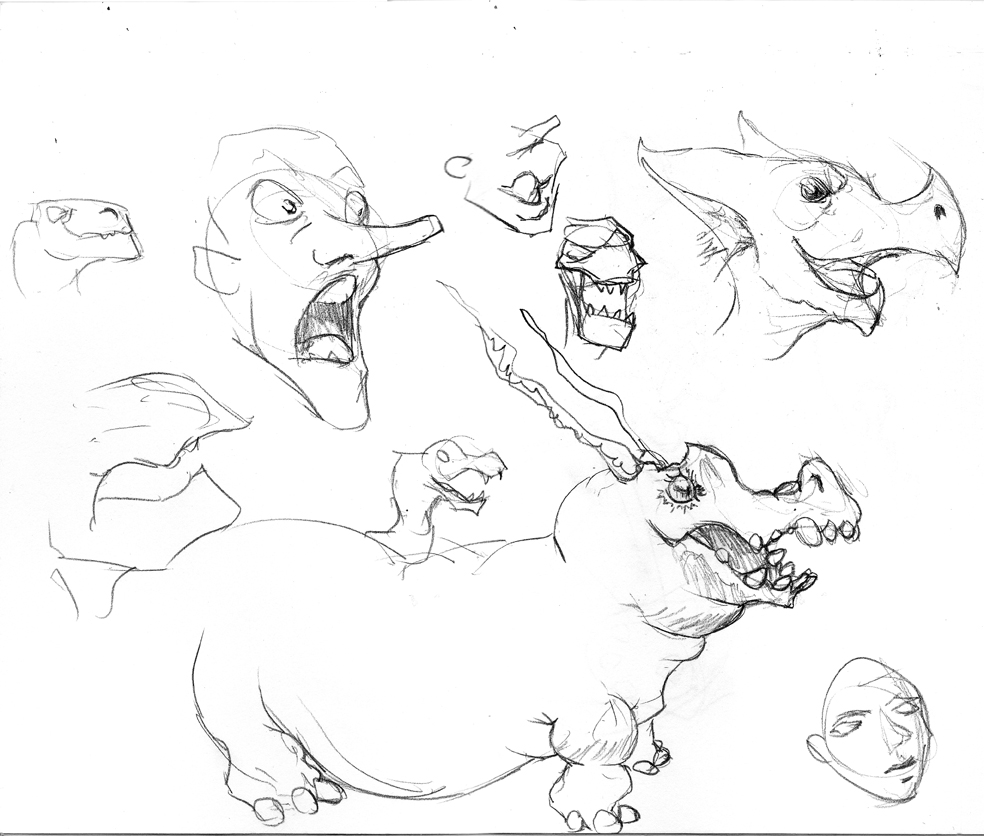
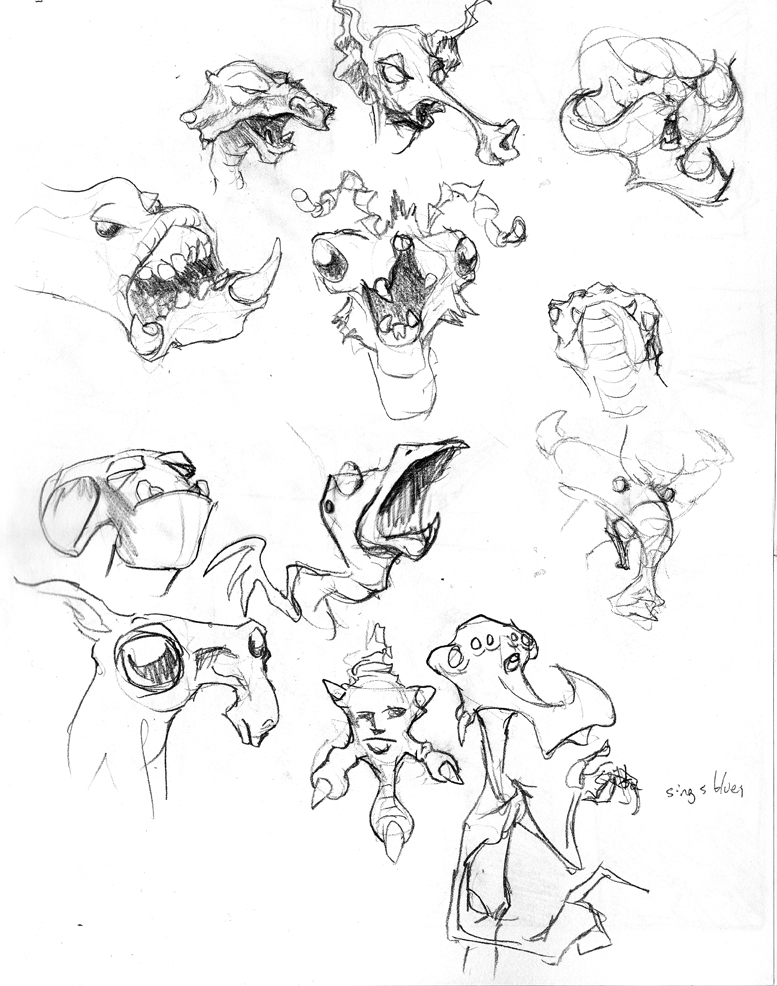
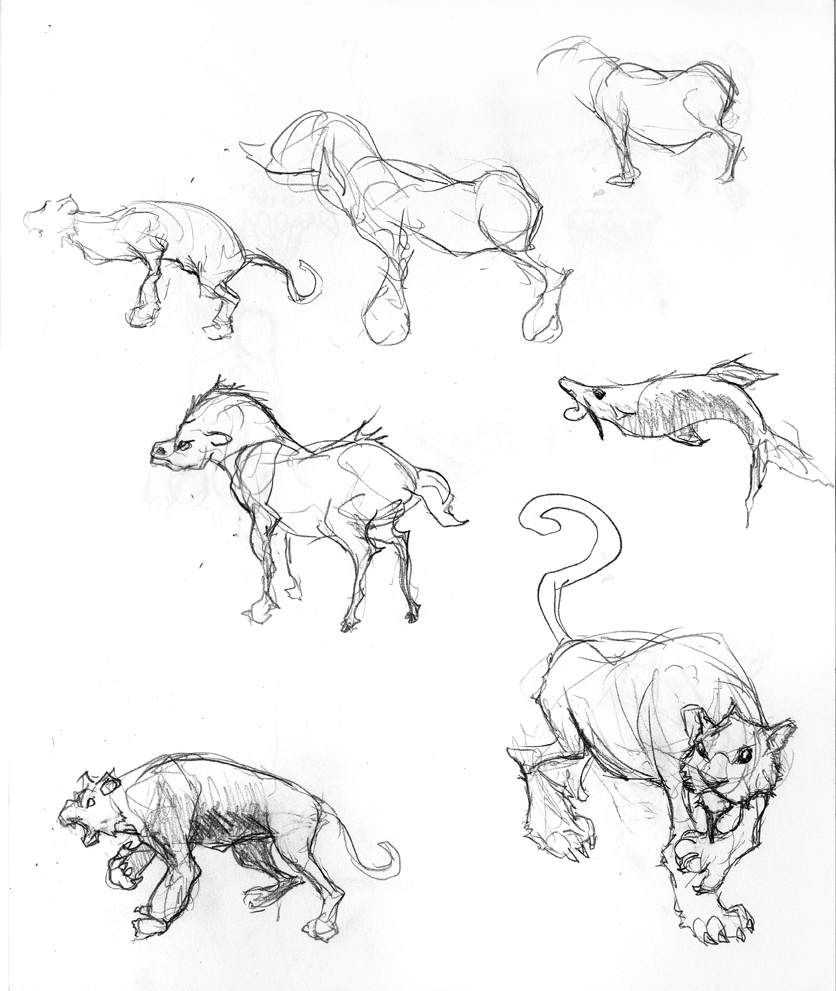
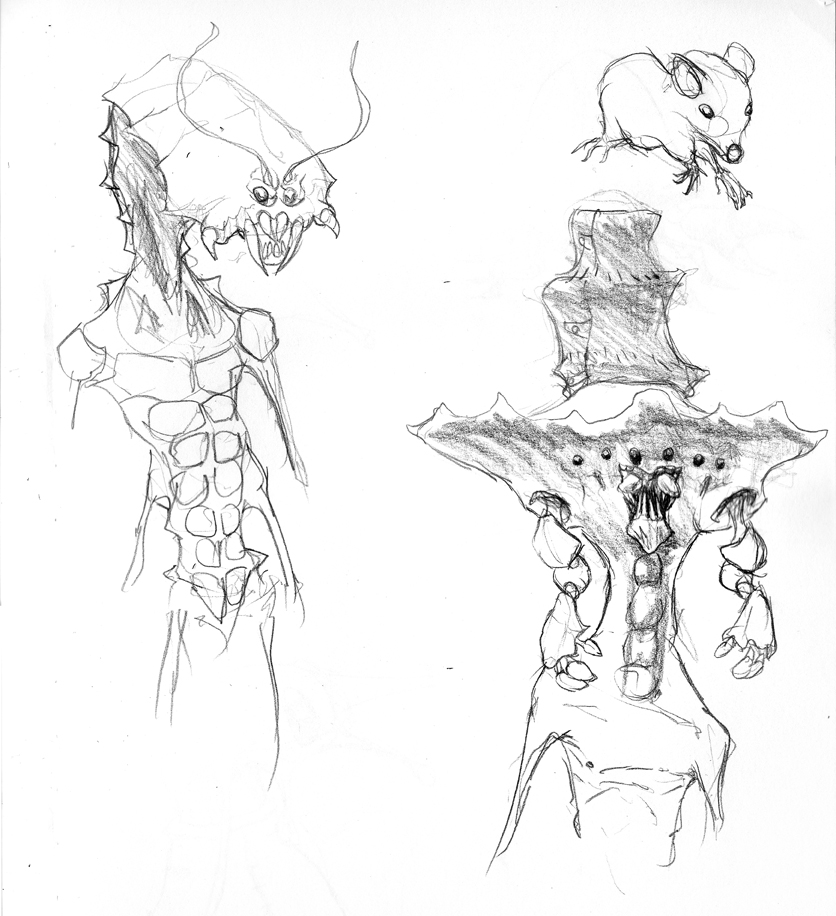
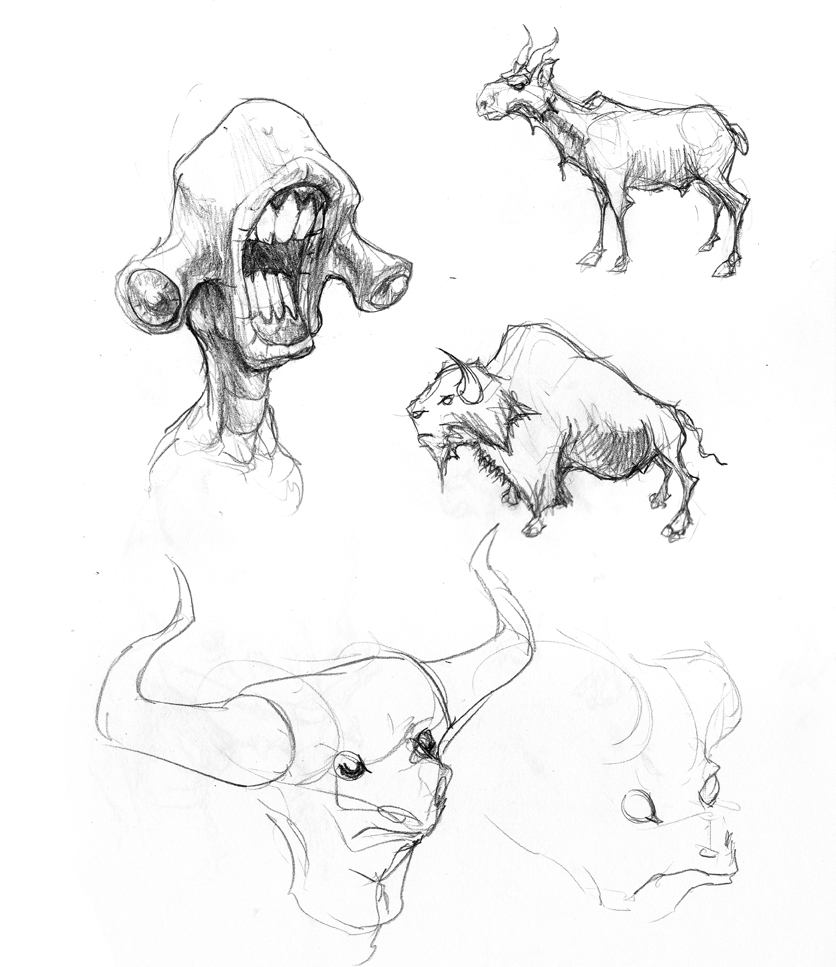
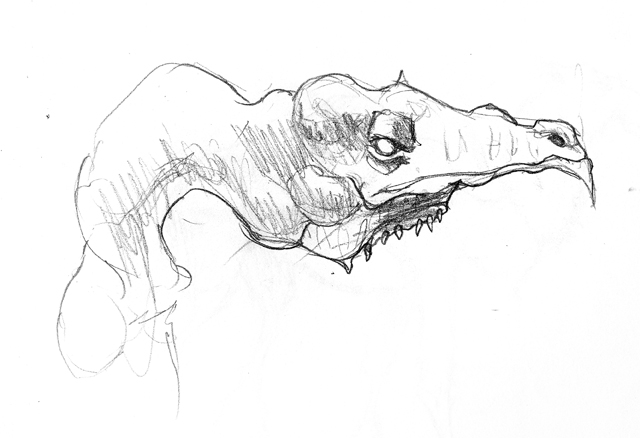
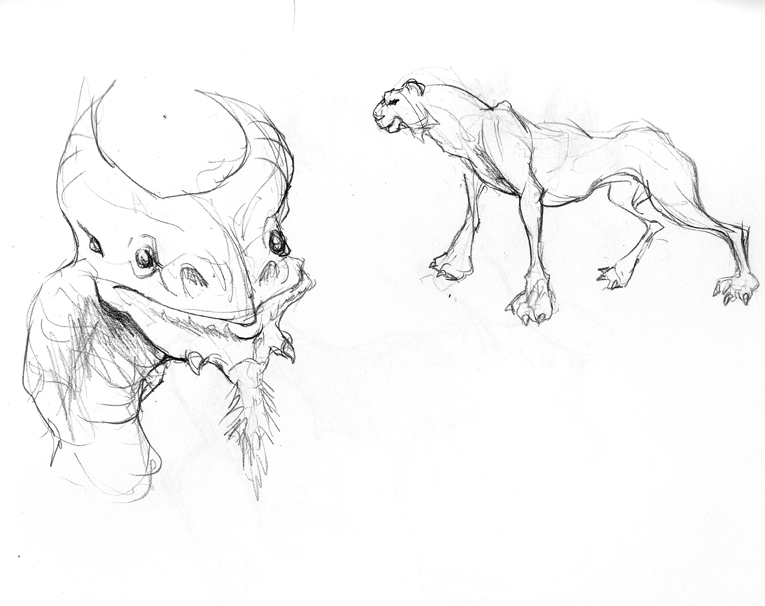
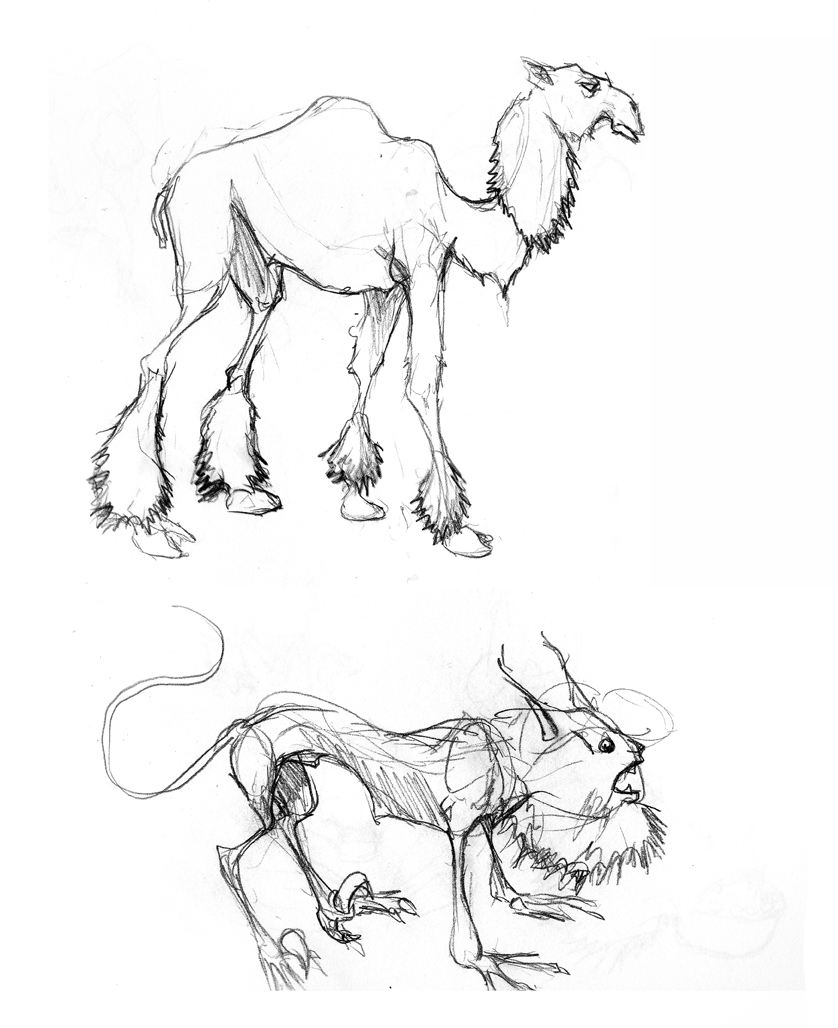
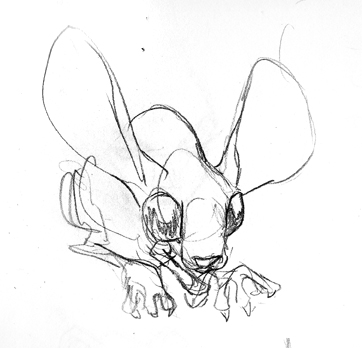
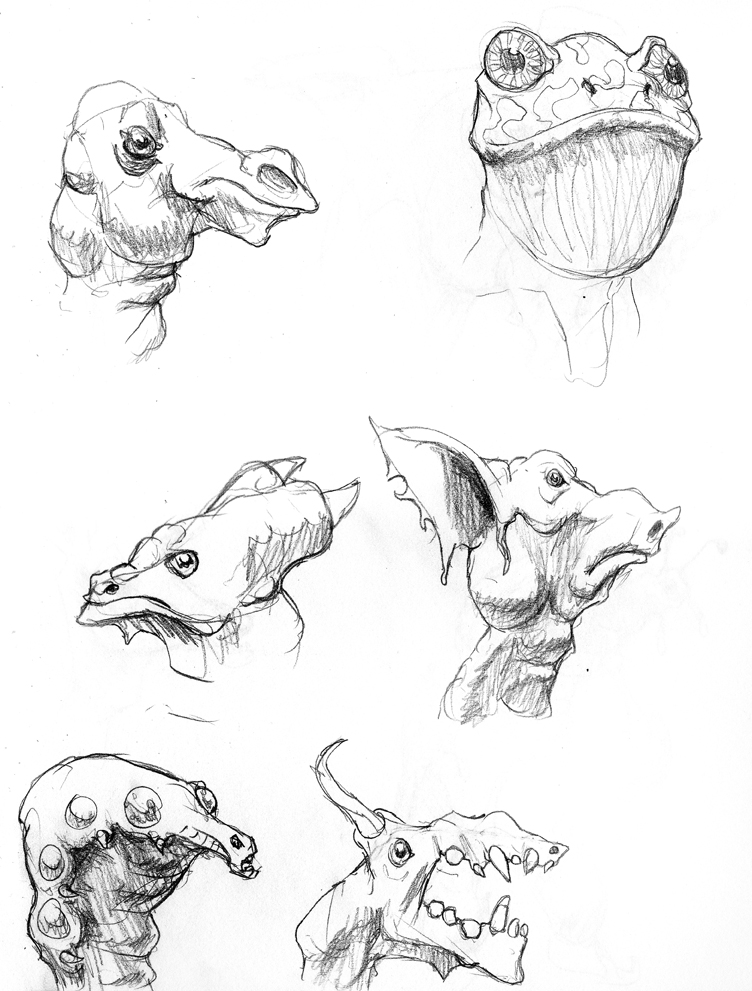
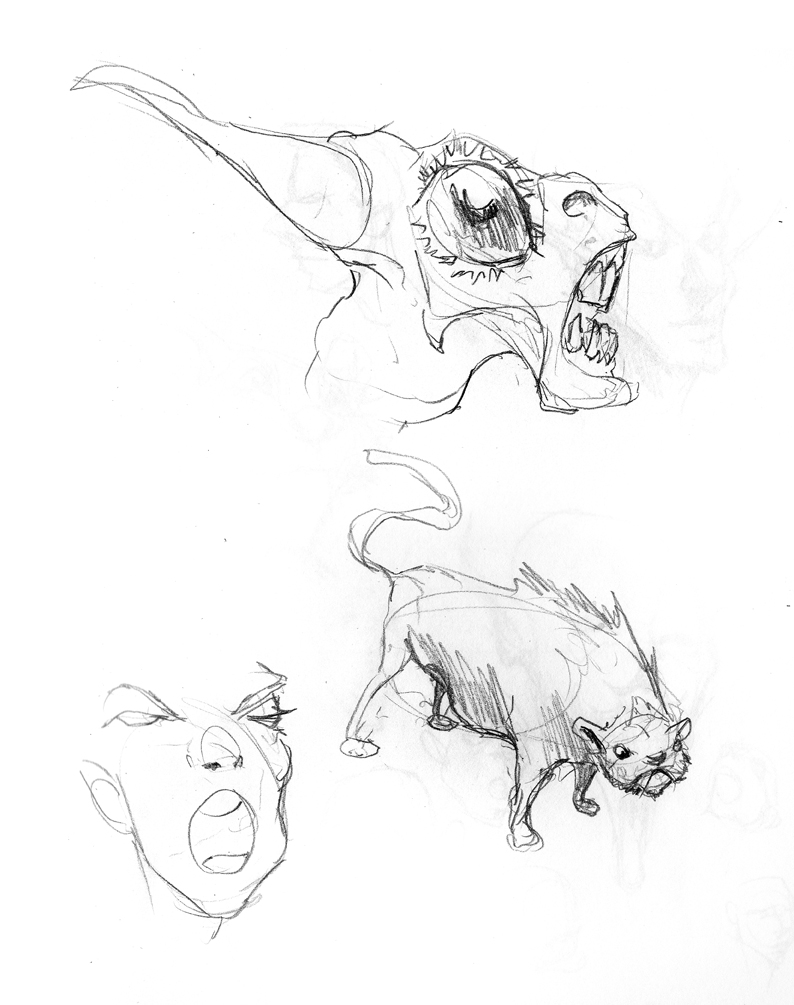
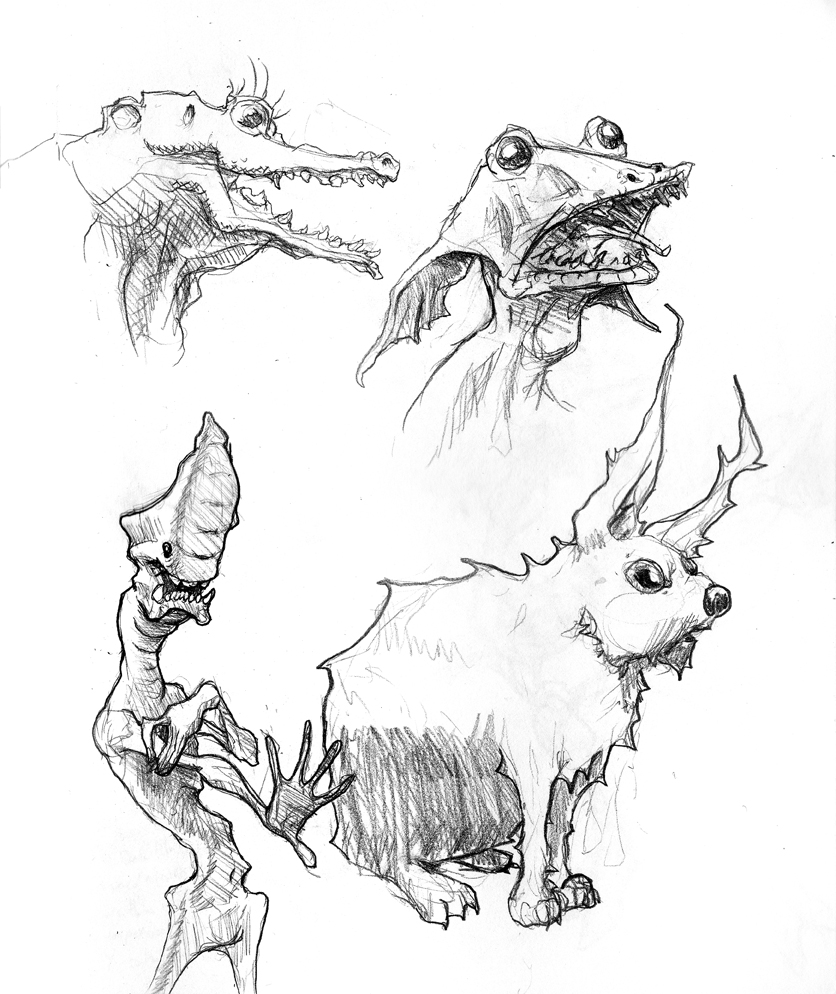
Lots of animals and such. I think I was feeling self-conscious about my habit of heads, so there’s a fair amount more “whole body” anatomical sketches.


Preview

Posted by oscarbaechler on September 18, 2011
Posted in: illustration, sketch. Leave a comment

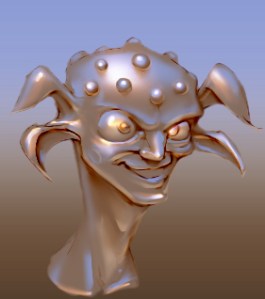
Rendering gold

Posted by oscarbaechler on September 13, 2011
Posted in: illustration, sketch. Leave a comment

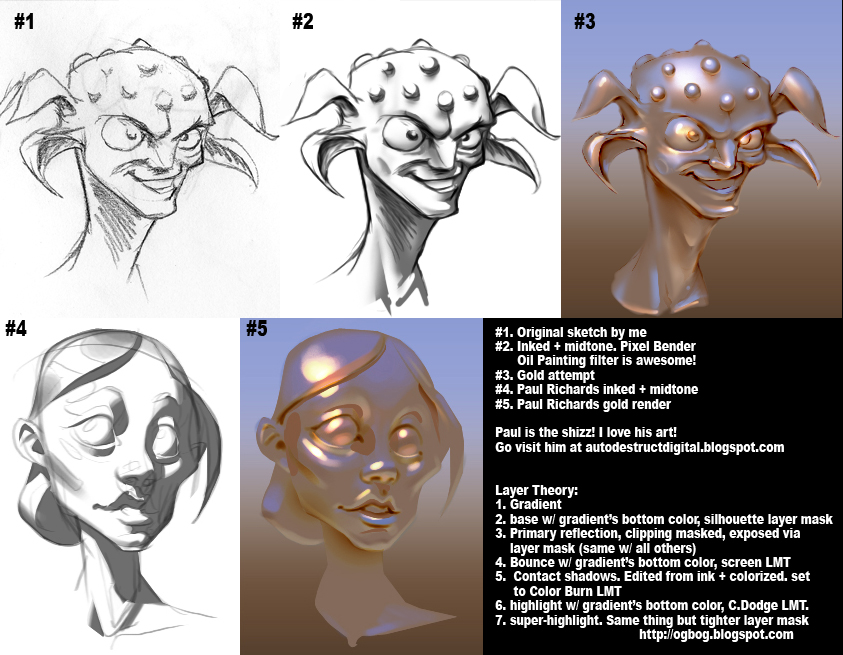
After the amazing Paul Richards posted an analysis on gold (based on the tutelage of Mathias Verhasselt) I was compelled by the lure of beautiful renderings to follow along. Here’s mine, plus a breakdown of layers and stuff after some experiments with color eye-dropping and layer mode transfers.

All of these were solid color layers, painted in with layer masks plus a clipping mask to the original silhouette layer. I’ve been off this system for a while, due to early days as a photoshop n00b being frustrated with jumbles of unnavigable layers and layer groups. But coming back to the philosophy of one layer per art pass was nice, in that it really fixes the eye-dropper problem of mud color.

Also, check out the photoshop filter Pixel Bender, specifically the Oil Painting mode. When used on a sketch, it generates really nice ink-like results, that follow contours rather than just blotching in pixels. You still will need to hand-edit stuff, but it cuts out a rather big step!

I’m also using a two-tool setup for most of my brush work (all of which is being done via masks). First, a round brush set to full hardness with pen pressure affecting size. However, it’s not set to full pressure, as that gives you the ugly Photoshop rat-tails. I used this to lay in block passes, switching between black and white with X. Second, I use the new Mixer Brush tool, which functions like a more advanced smudge tool. (In fact, I reset my R hotkey to it.) After the block pass, I blur some edges with this. I’ve found that it’s way easier to start with hard edges and make them soft, rather than to start by fuzzing in soft edges and hoping for hard edges later.

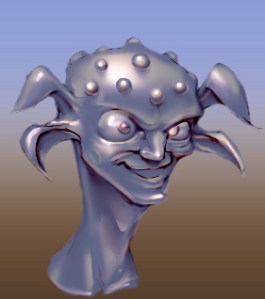
The layer setup also lets you simply change the base layer with pretty convincing results right away. Case in point, assuming the base metal would absorb less base color, here’s a darker metal that still reads pretty realistically.

Posts navigation

← Older Entries
Newer Entries →
  • Recent Posts

    • Self Portrait during technology hurdles
    • Ballard Life Drawing Co-op Returns!
    • Linuxfest Northwest 2025!
    • Ogbog’s Grog Barrel Generator for Geometry Nodes in Blender 4.3
    • Adding labels with geometry nodes and python
  • Archives

    • May 2026
    • March 2026
    • May 2025
    • February 2025
    • July 2024
    • March 2024
    • February 2024
    • December 2021
    • October 2021
    • September 2021
    • August 2021
    • July 2021
    • June 2021
    • March 2017
    • February 2017
    • January 2017
    • December 2016
    • November 2016
    • October 2016
    • September 2016
    • August 2016
    • July 2016
    • June 2016
    • May 2016
    • April 2016
    • March 2016
    • November 2015
    • October 2015
    • January 2015
    • September 2014
    • August 2014
    • July 2014
    • June 2014
    • April 2014
    • March 2014
    • February 2014
    • January 2014
    • December 2013
    • November 2013
    • March 2013
    • January 2013
    • December 2012
    • November 2012
    • October 2012
    • August 2012
    • July 2012
    • June 2012
    • May 2012
    • April 2012
    • March 2012
    • January 2012
    • December 2011
    • October 2011
    • September 2011
    • August 2011
  • Categories

    • blender
    • HDR
    • illustration
    • sketch
    • Uncategorized
  • Meta

    • Create account
    • Log in
    • Entries feed
    • Comments feed
    • WordPress.com
Create a free website or blog at WordPress.com.
The Og Bog Blog
Blog at WordPress.com.
Privacy & Cookies: This site uses cookies. By continuing to use this website, you agree to their use.
To find out more, including how to control cookies, see here: Cookie Policy
  • Subscribe Subscribed
    The Og Bog Blog

    Have a WordPress.com account? Log in now.

  • The Og Bog Blog
    View site in Reader
    Manage subscriptionsSign upLog in
    Report this content
    Collapse this bar
Loading Comments...