Here’s my talk from the 2026 Blender Conference, the Blender + AI-Enabled Tools & Workflows SIG. The SIG covers some broader AI literacy, Blender’s history with AI, the current guidelines and projects, and also reframing this discussion through the lens of “The Blender ethic.” Namely: Software freedom, project sovereignty, open culture, and our history as technological tinkerers.
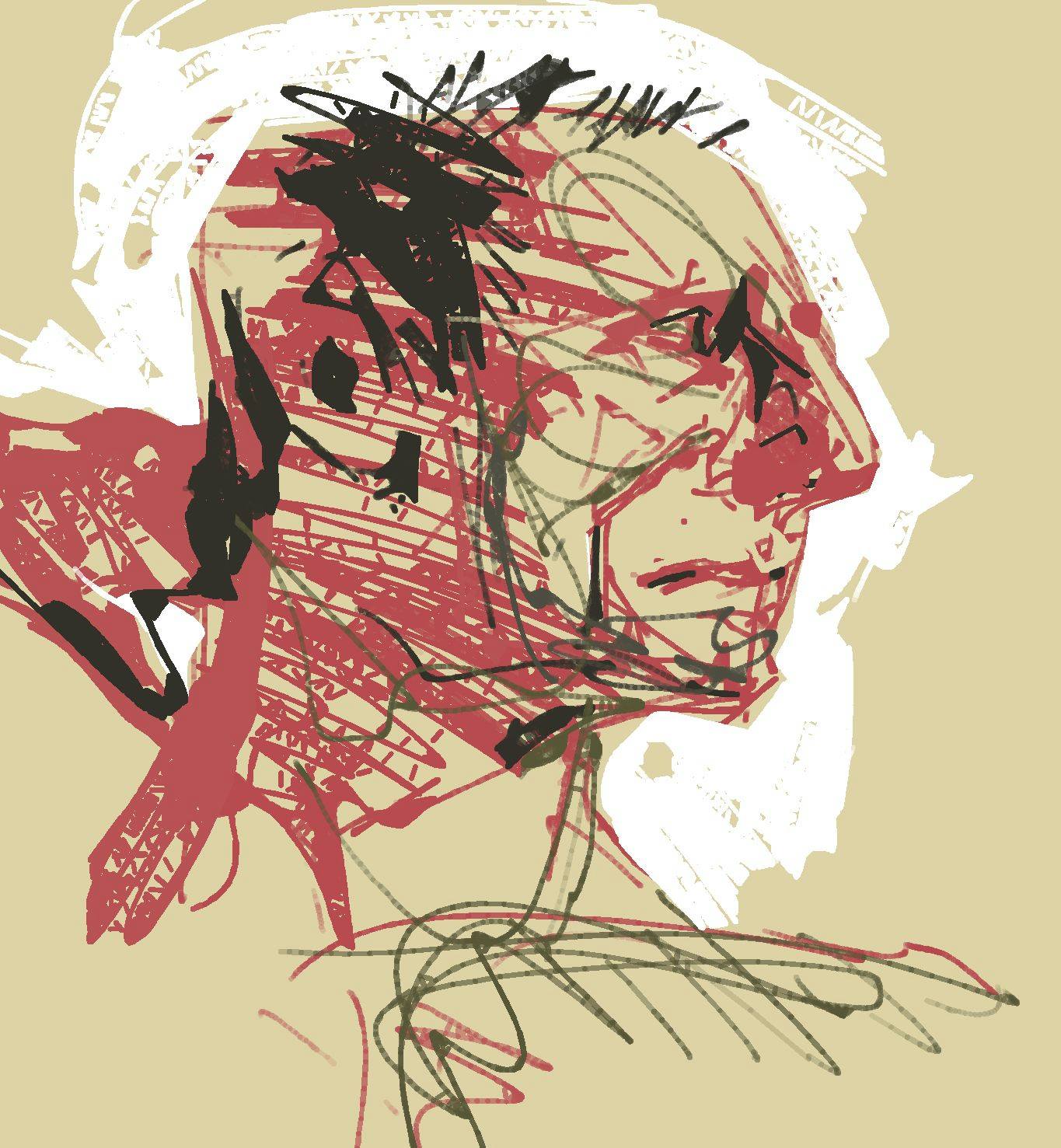
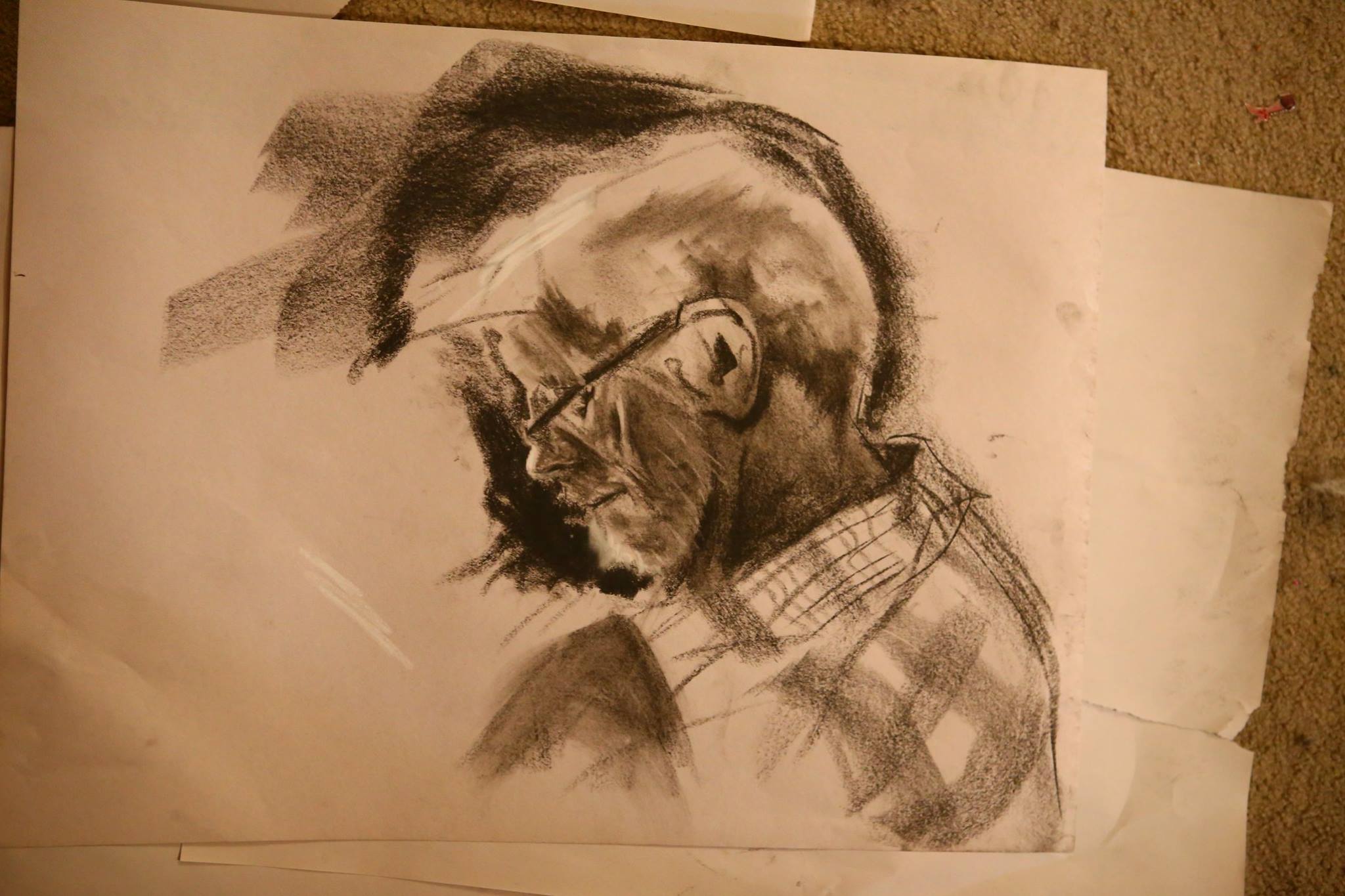
Anyhoo, here’s a self portrait I did. MS Teams was being a butt during class and everything started an hour late, so I took another hour off of the planned itinerary and did this rage painting while narrating the process to students.
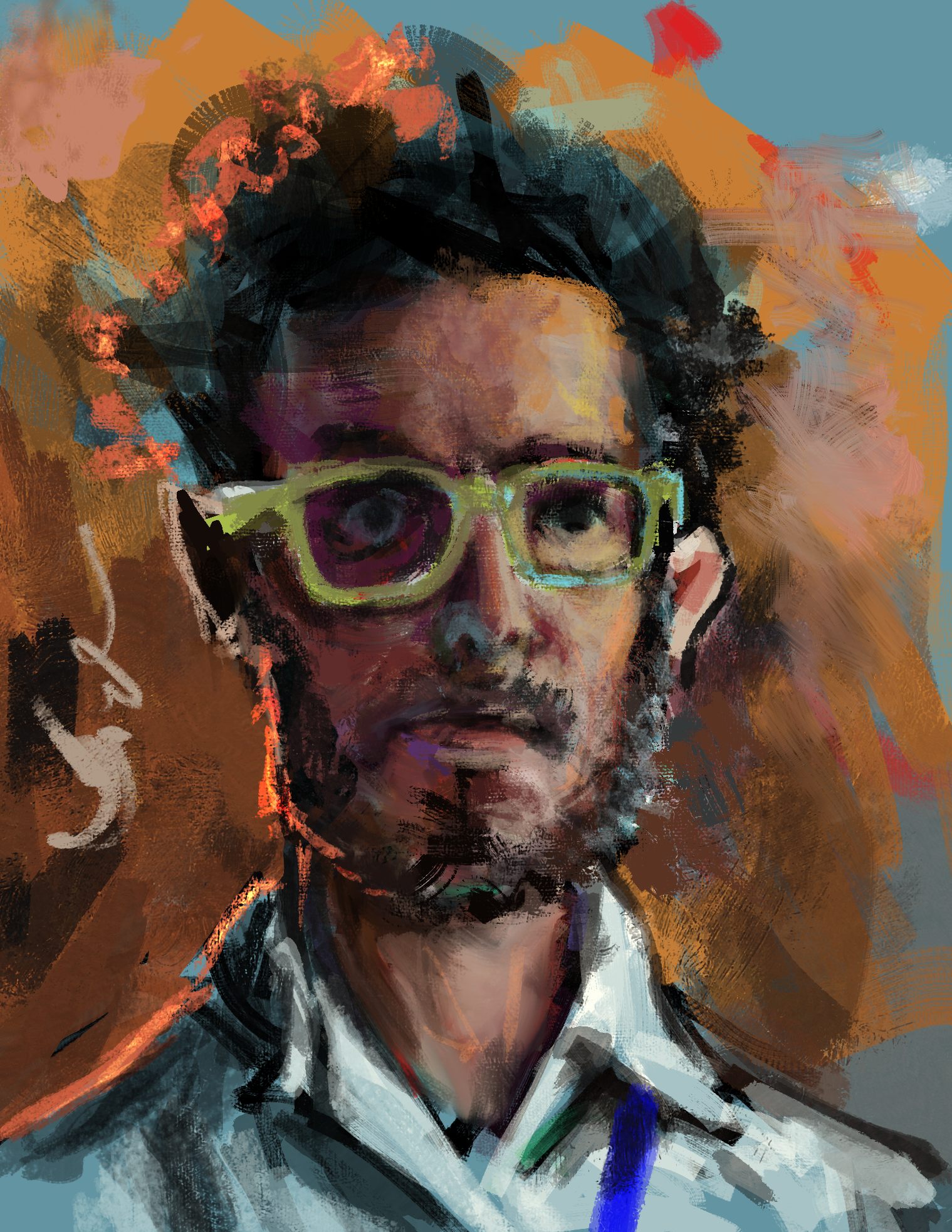
This really is my preferred “style” to work in. Some top level reasons:
- NO ERASE. NO UNDO. In digital painting workflows, this is anathema. An “undo” is usually 25 little teeny strokes and flourishes, and do you know how exhausting it is to go back through those? What a waste of your time it is?
- LAYERS are your erase/undo. Draw and paint what you’re gonna draw and paint. Does it suck? Cool! Set that layer (which stored 10 to 1000 little strokes and daubs) to 20%, create a new layer, and start doing it all over again.
- LINE ART HATER’S CLUB. Yeah I can do a line art if you want me to. But do I want to? No. I’m in a continuous quest for painterly flourishes when I paint this way. And the more I’ve digitally painted, the more comfortable I am with the idea that it’ll all get covered up by the end anyway, and until it hits that point, line art actually feels like a chore and a pair of shackles. If it’s in my sketchbook and ready to go, cool, but otherwise I’d rather not.
- ANGRY PROFESSOR RED PEN. If you just highlight everything that needs fixing directly with a “red pen,” you can often times….start blurring that out and it’s ready to go! Doing things like demarcating your construction lines and then having that notation turn into vibrant saturation hints later kinda works well.
- DIRECT PAINTERS ARE COOL. Dean Cornwell, Tom Lovell, John Singer Sargent, Joaquin Sorolla, and other painters in this modality always blow me away with how they’ll just dump the correct color mote in the exact right spot, and that’s the end of the argument. Heard a story once that John Singer Sargent would do the face all right then and there, and if it was wrong he’d scrape the whole deal off and start over.
- SPLASH OF COLOR DODGE. Getting that orange highlight at the end is an old favorite trick: just color dodge it a lil bit, either with a layer or a brush.
- I DISLIKE MICROSOFT TEAMS, 2FA, AND SO MANY DIGITAL BARRIERS. Nothing I’m doing really requires ANY fancy tool. Software was capable of painting like this 20 years ago. The greatest art in the history of humanity was people pushing dirt and mud around with sticks. Fanciness and pretentious tools are not needed. And, therefore, the barrriers to access that we still experience regularly are all the more awful.
- I KINDA KNOW MY FACE. I’ve done enough self portraits now that, IDK, I kinda remember the major features.
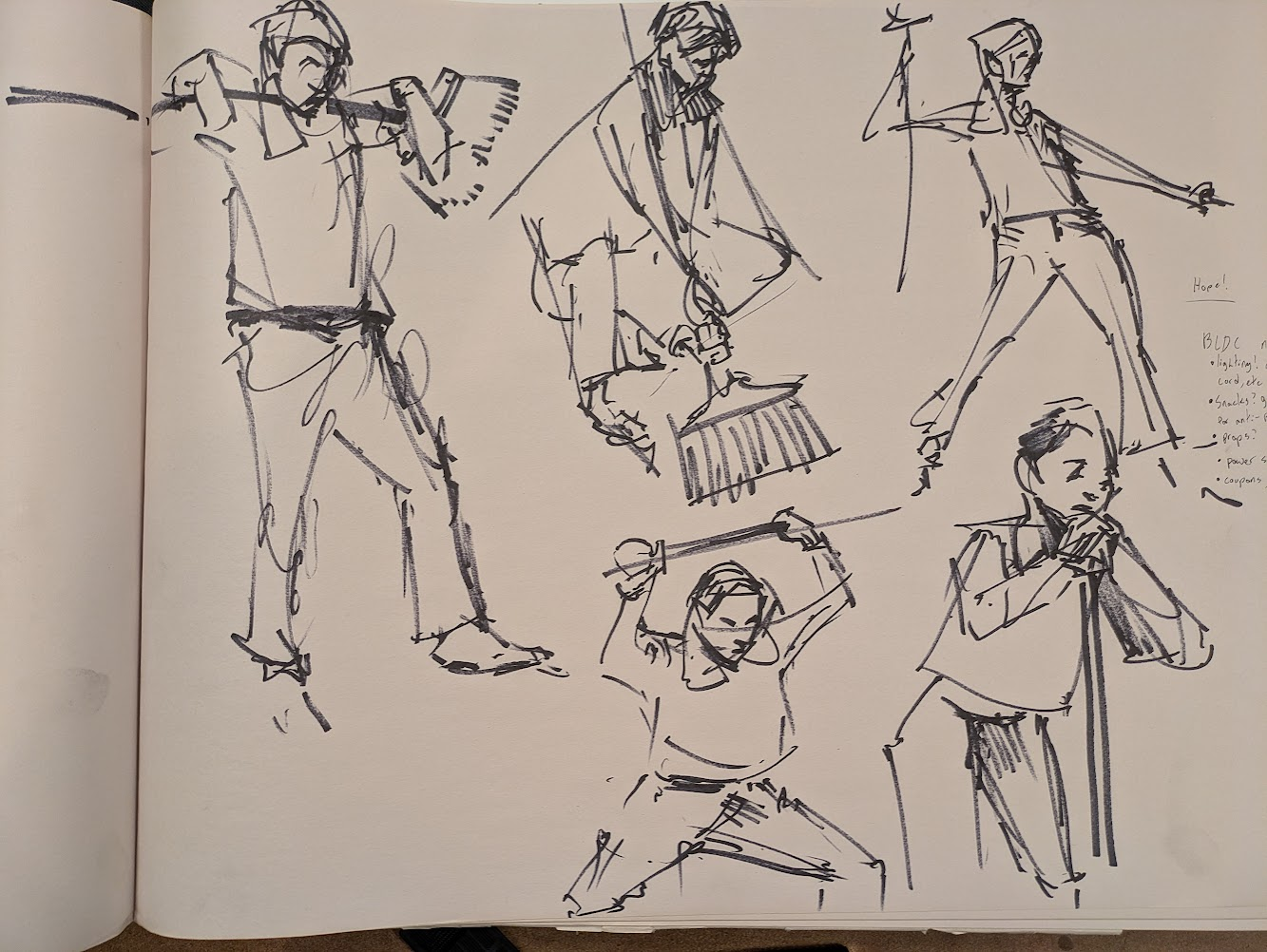
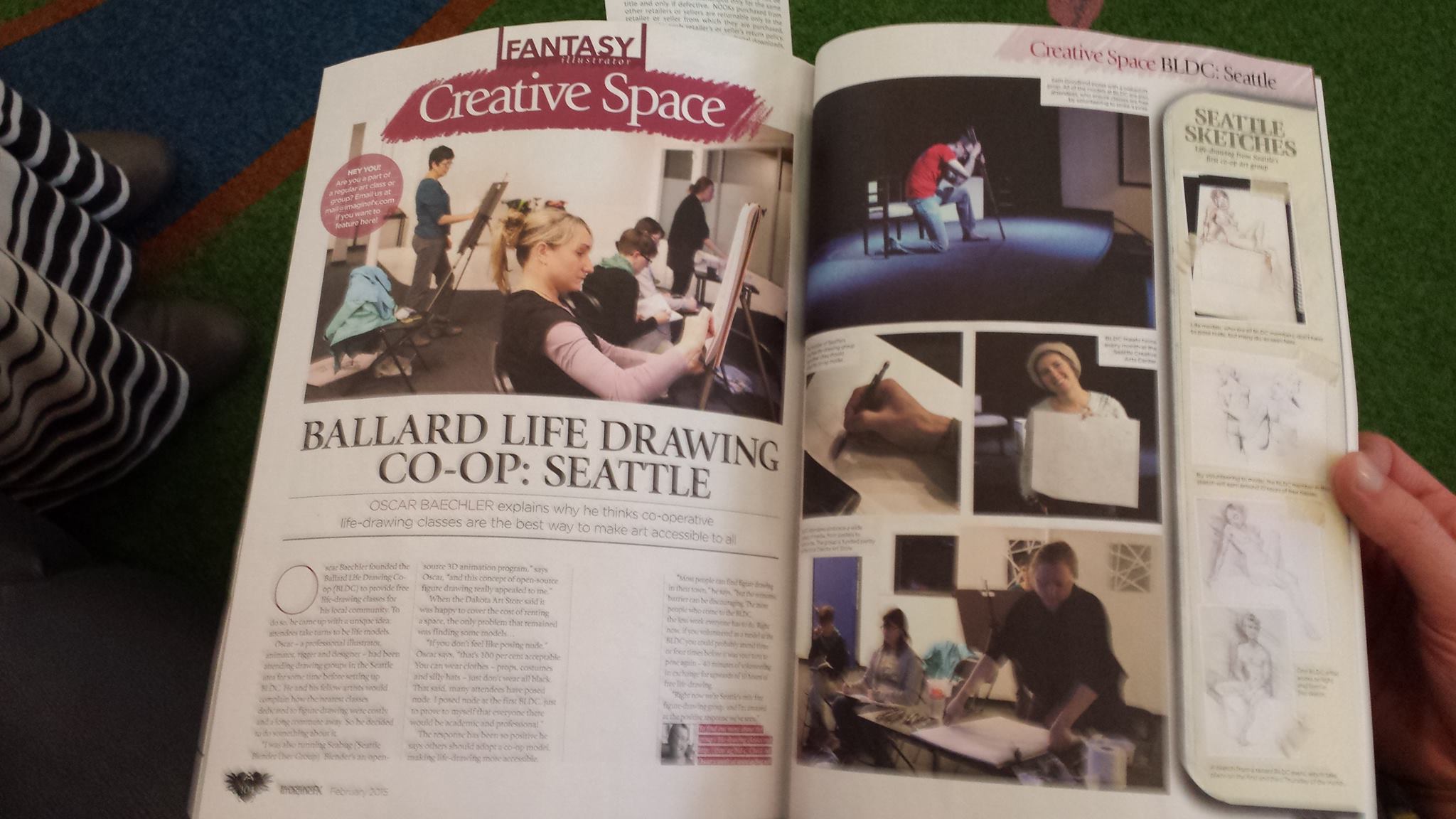
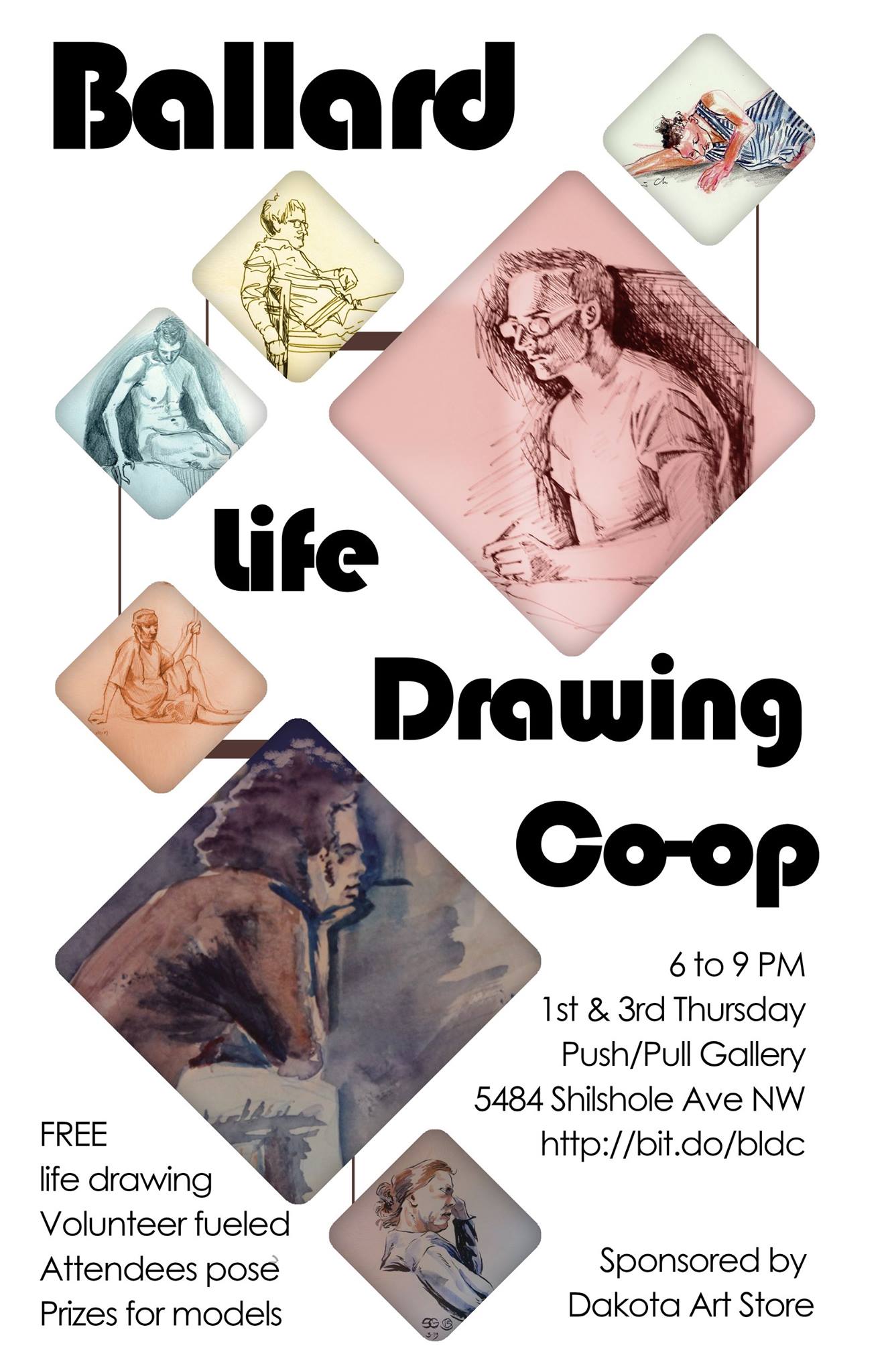
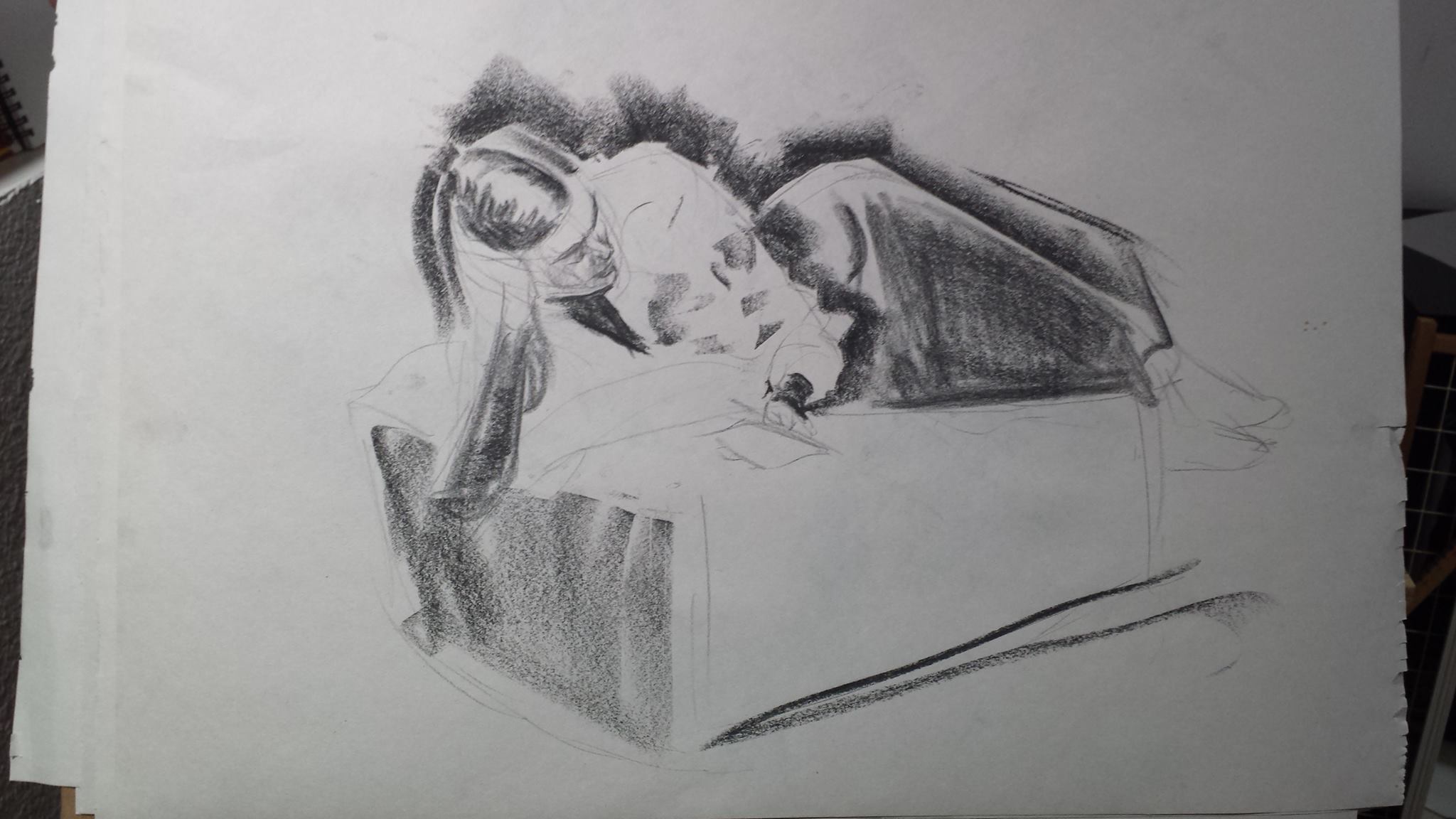
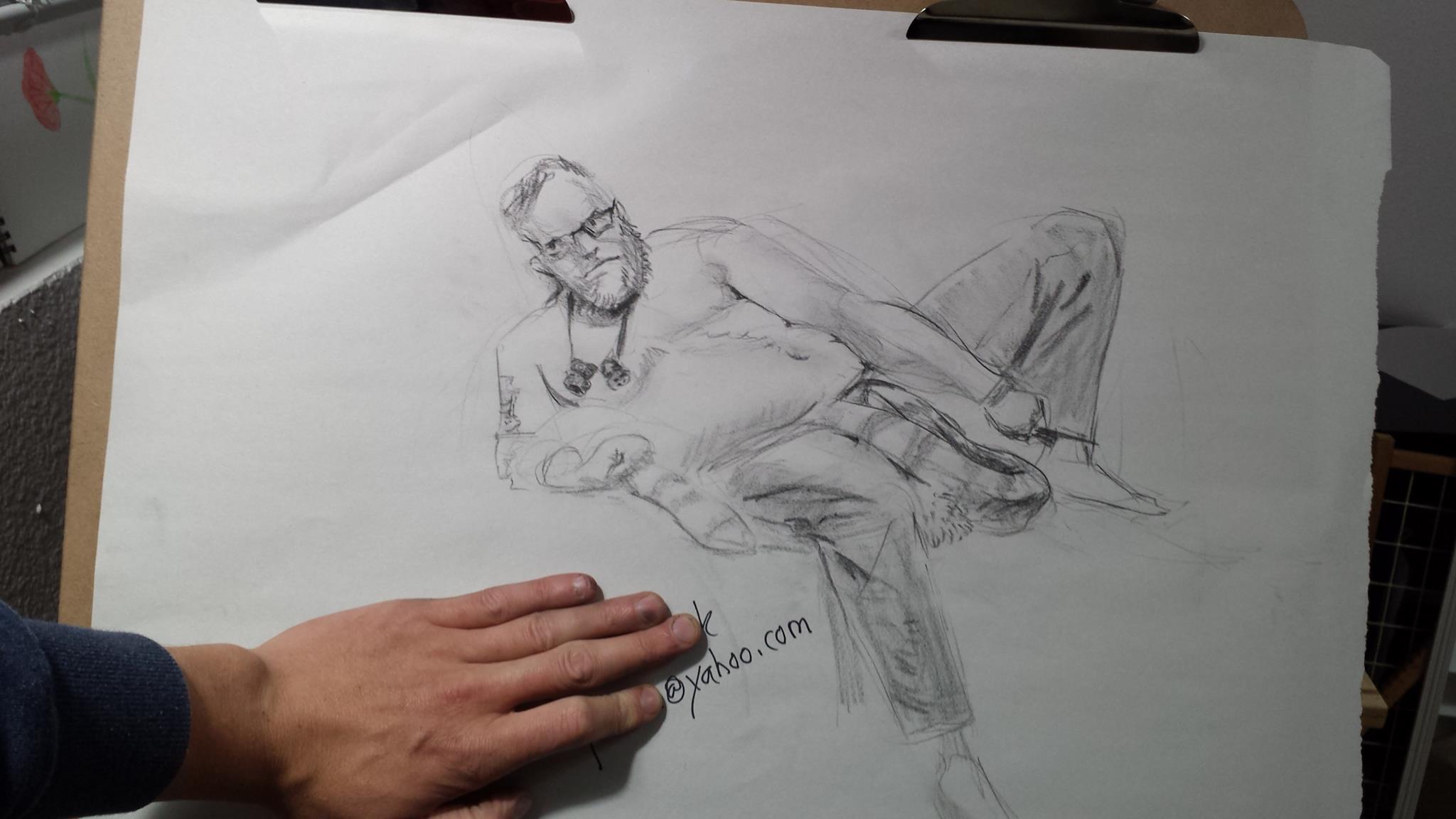
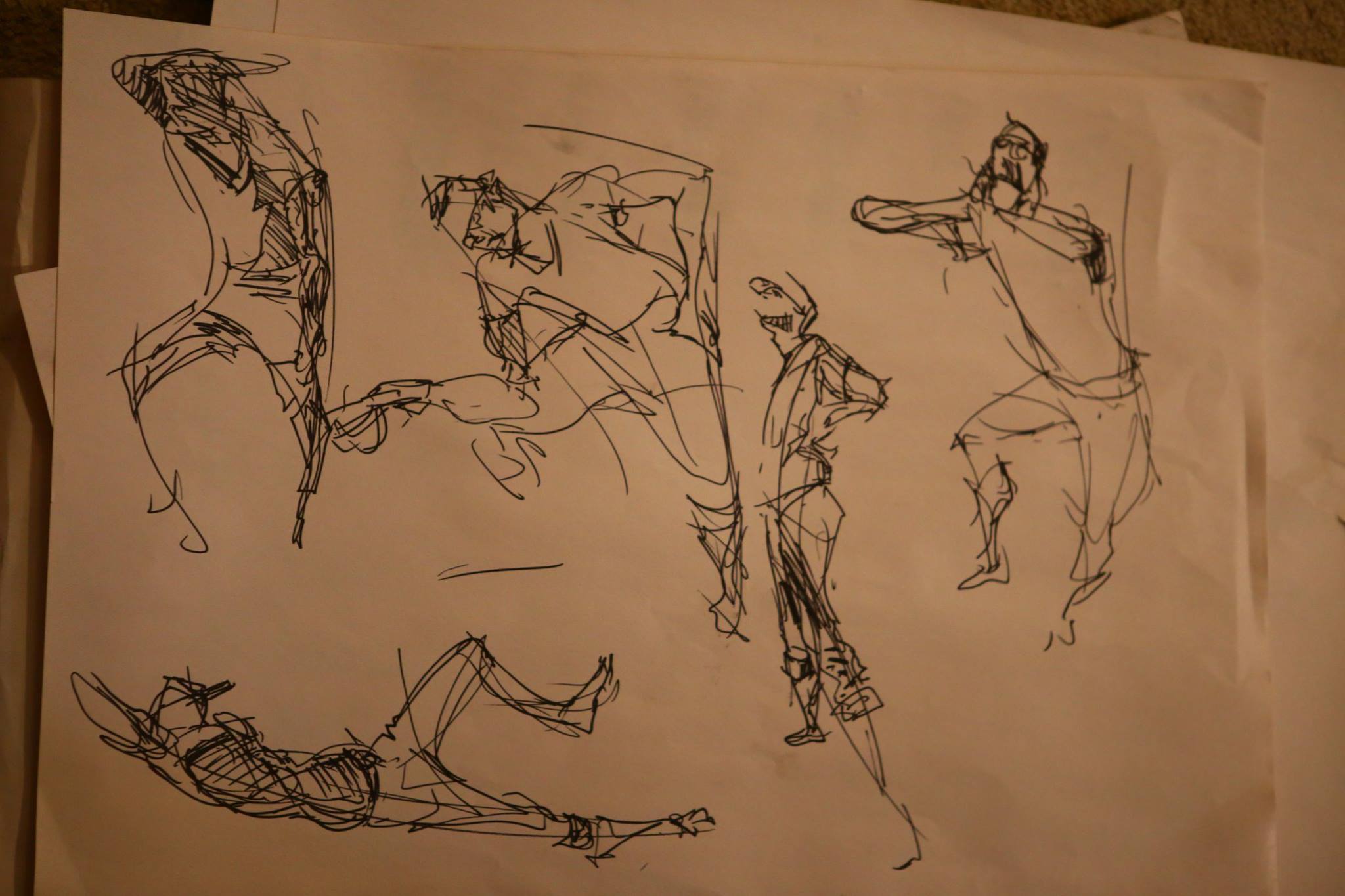
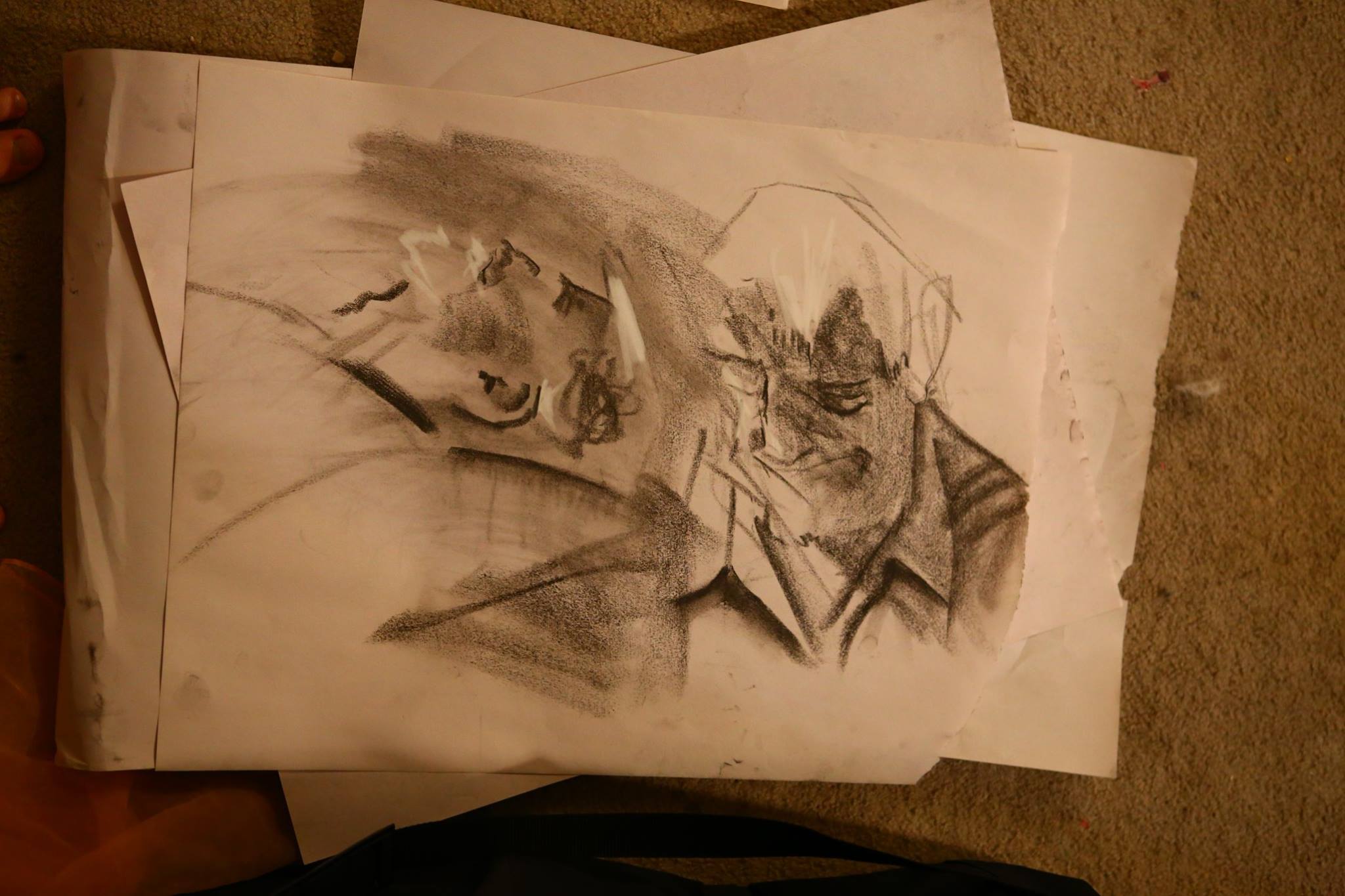
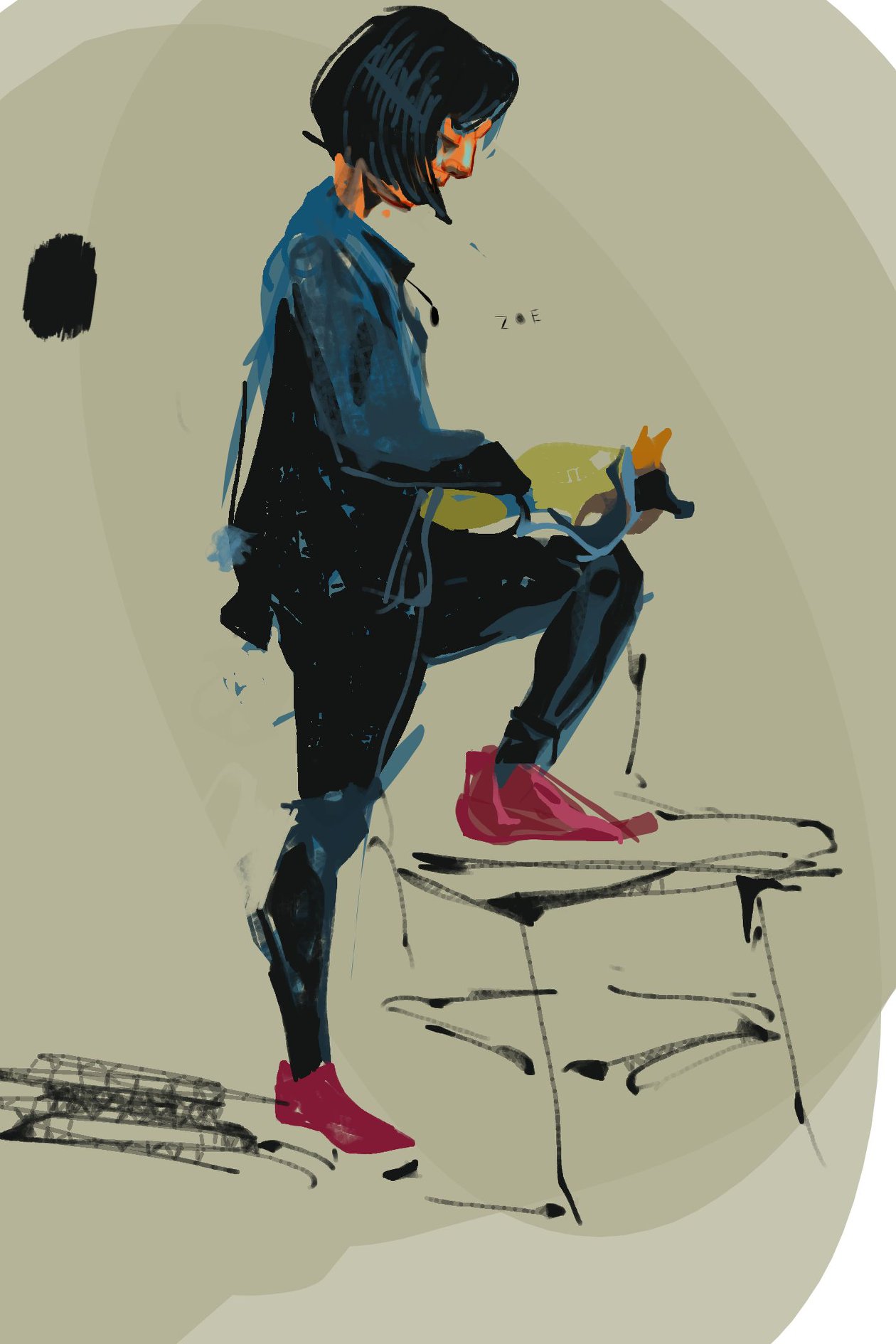
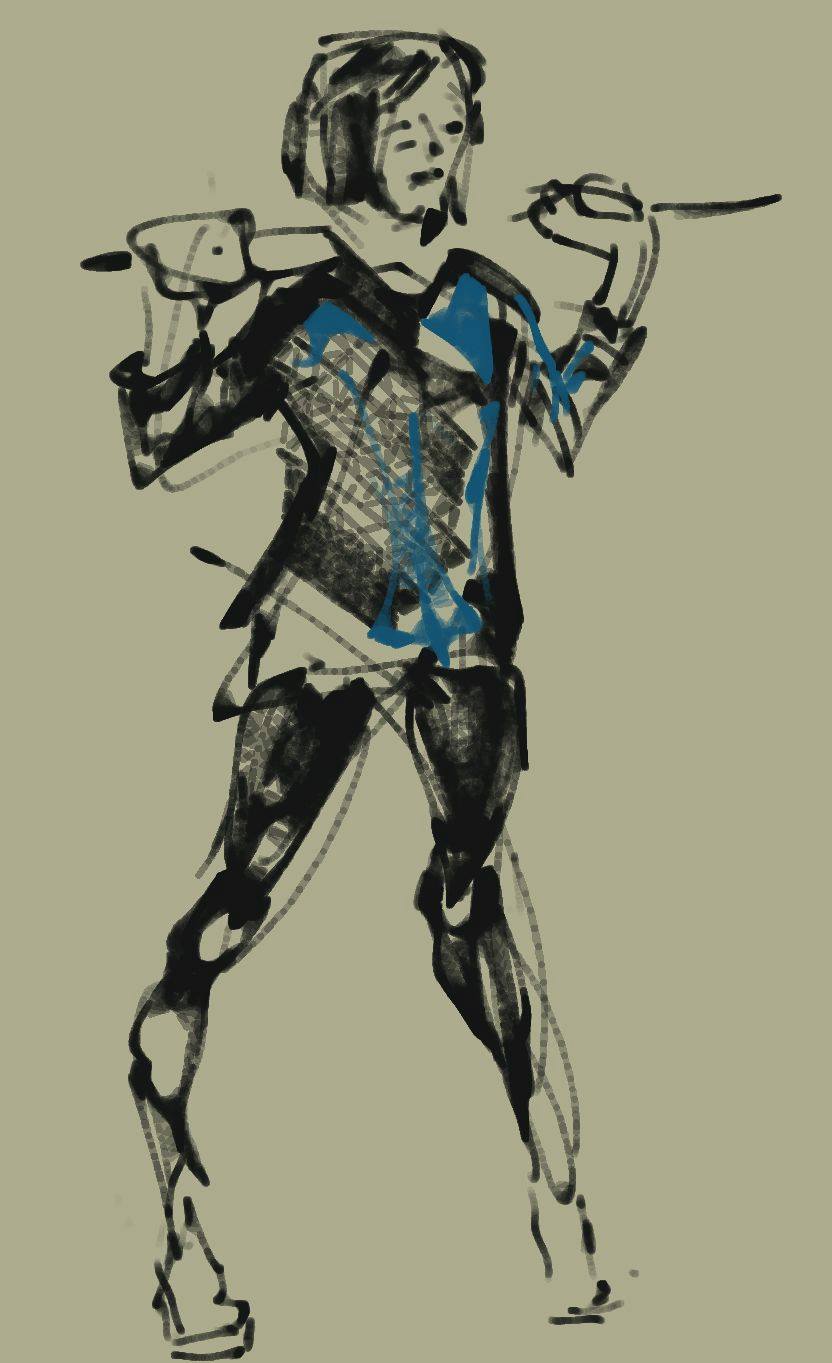
I spent 7 years running the Ballard Life Drawing Co-op from around 2014 to 2020. Then the pandemic happened! When the pandemic finally cooled off and we could meet up again, our venue (Push/Pull) had moved to a new location and we couldn’t pull it off any more.
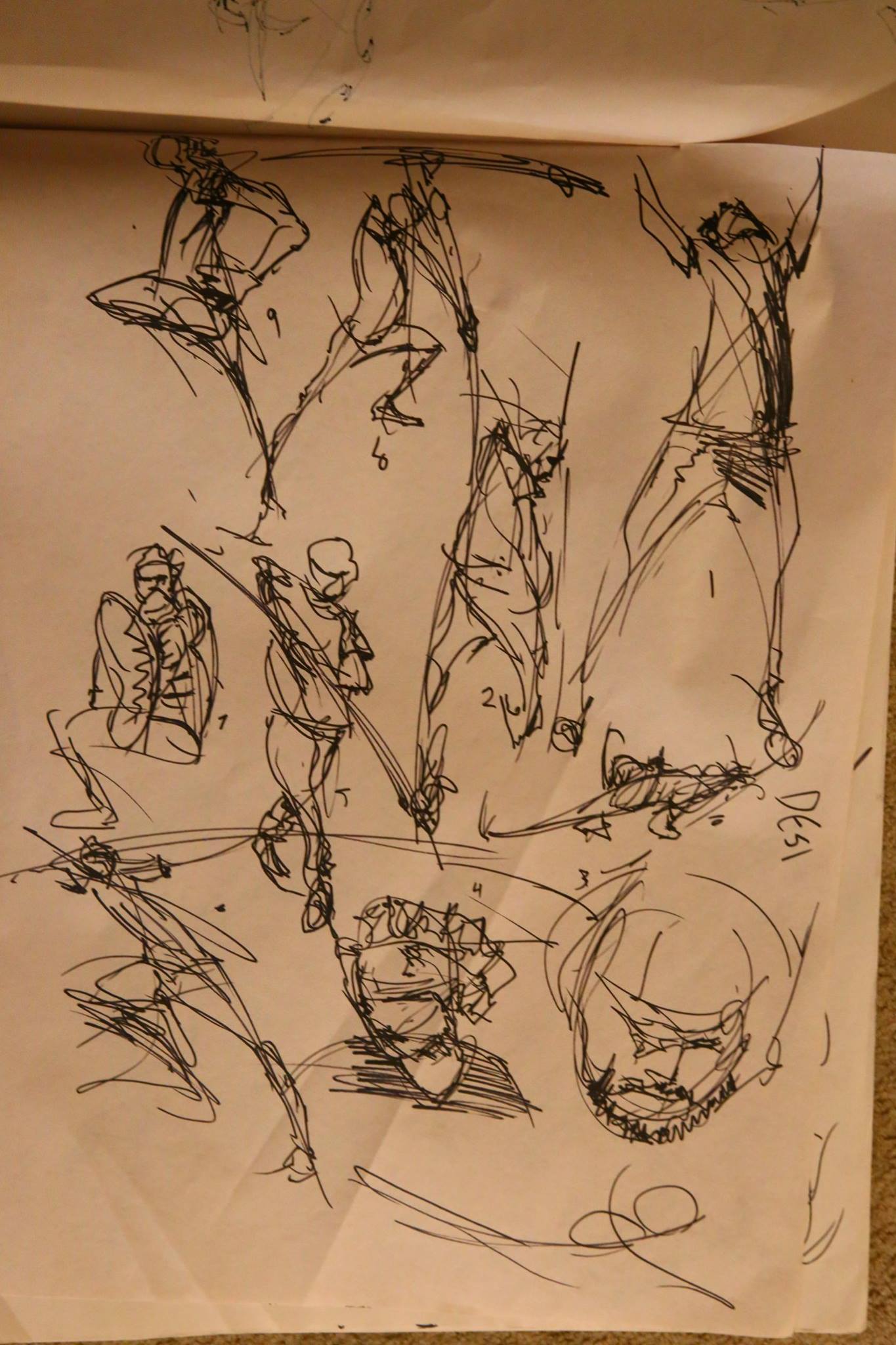
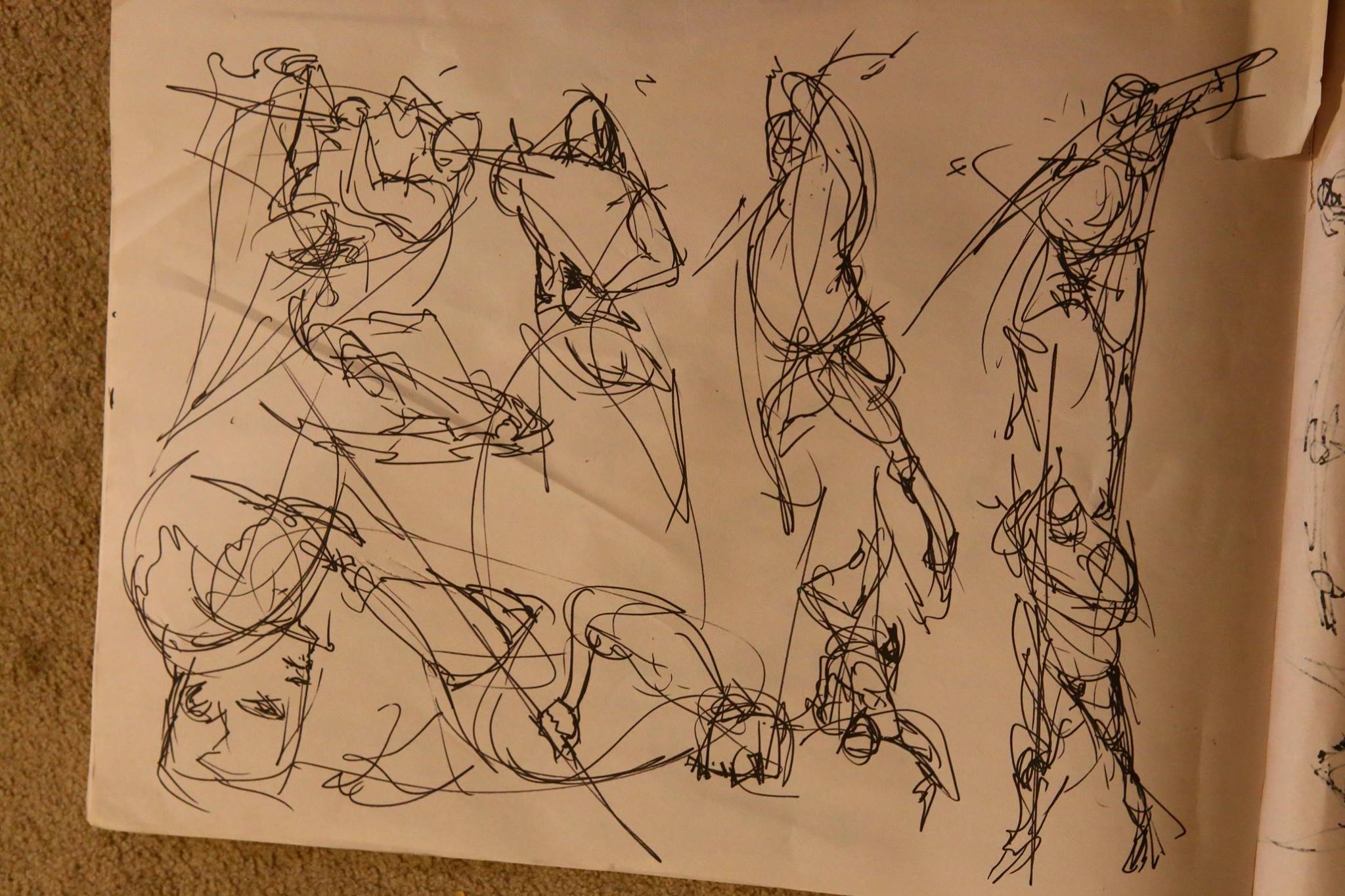
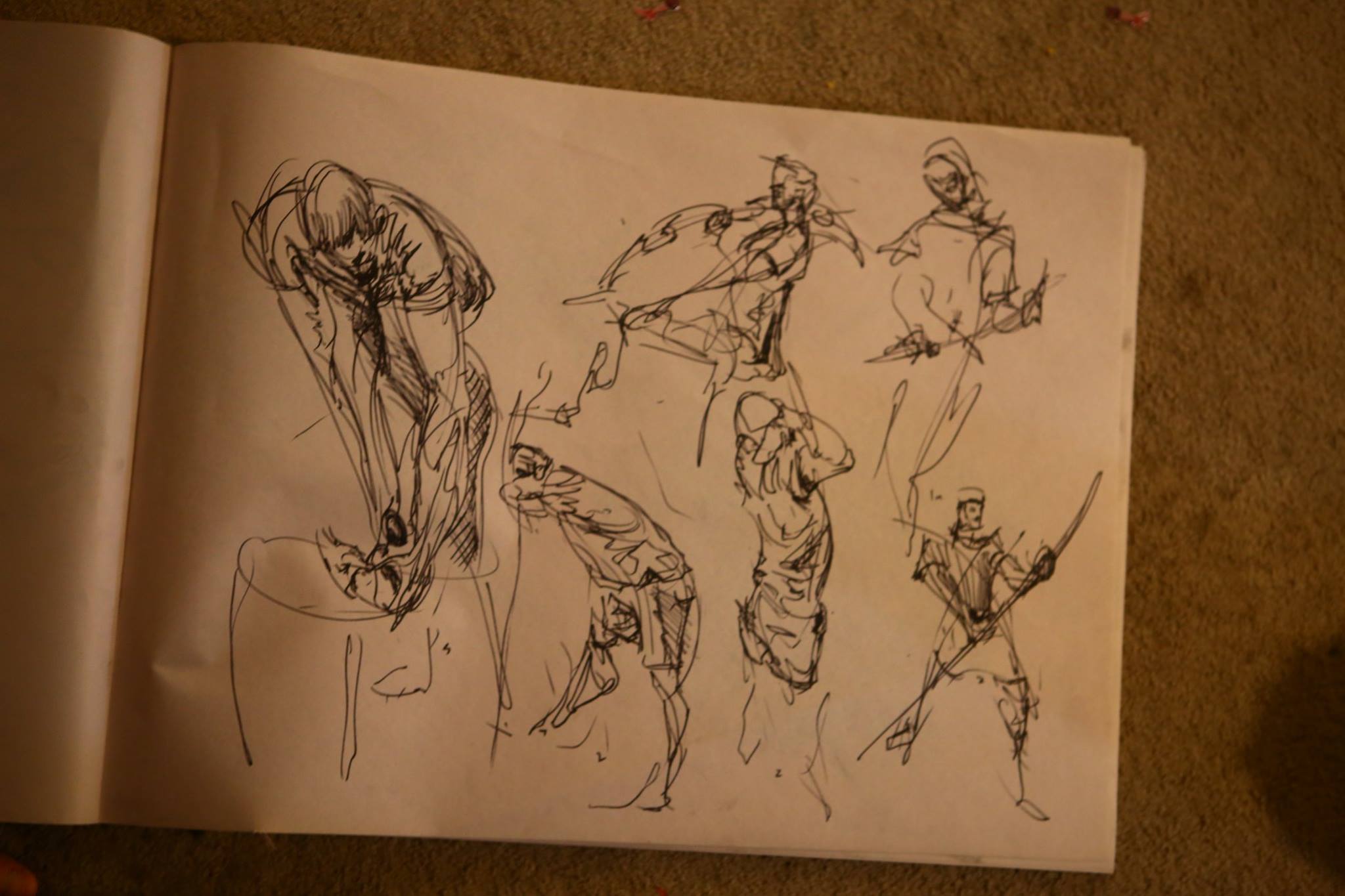
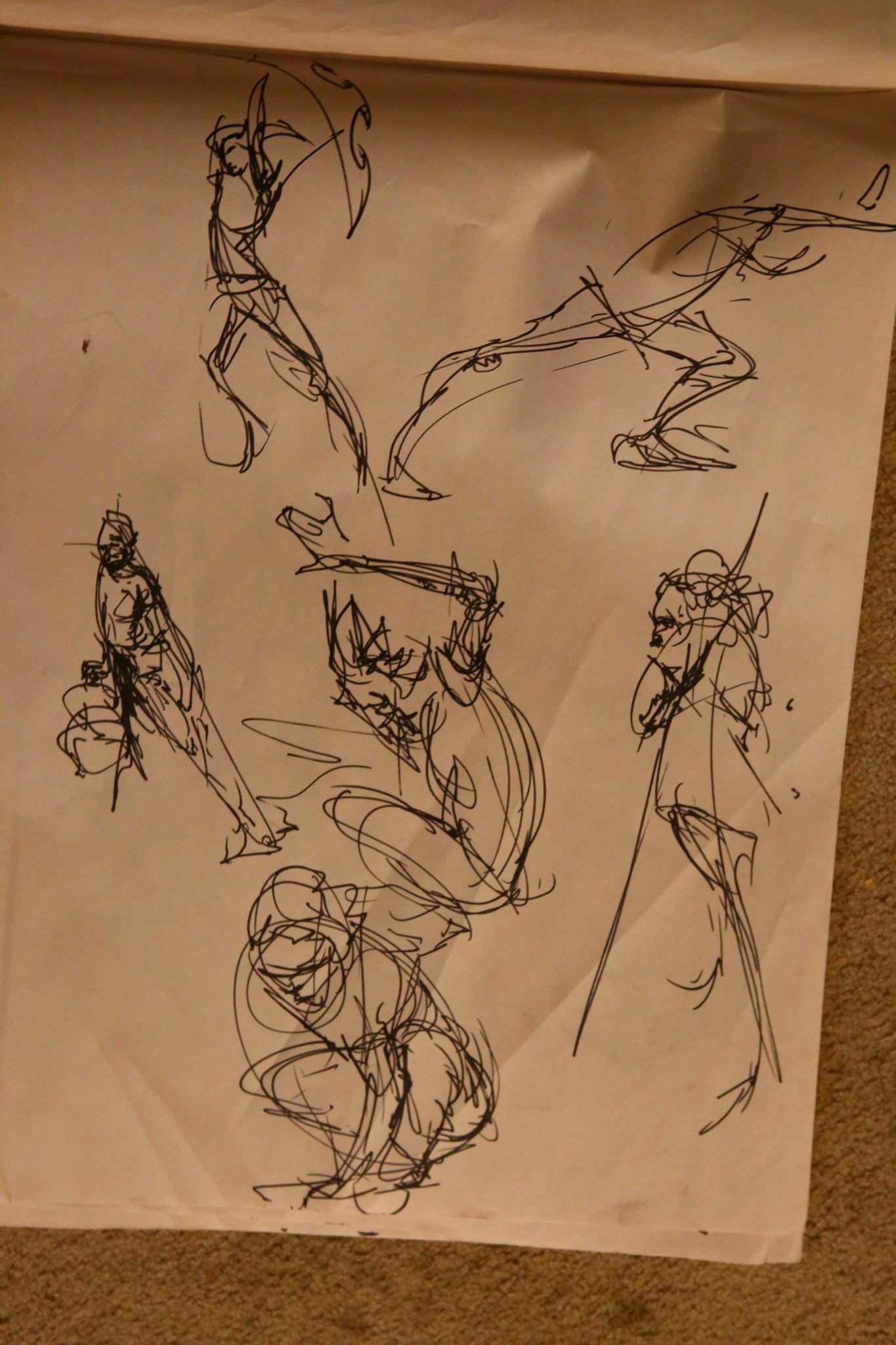
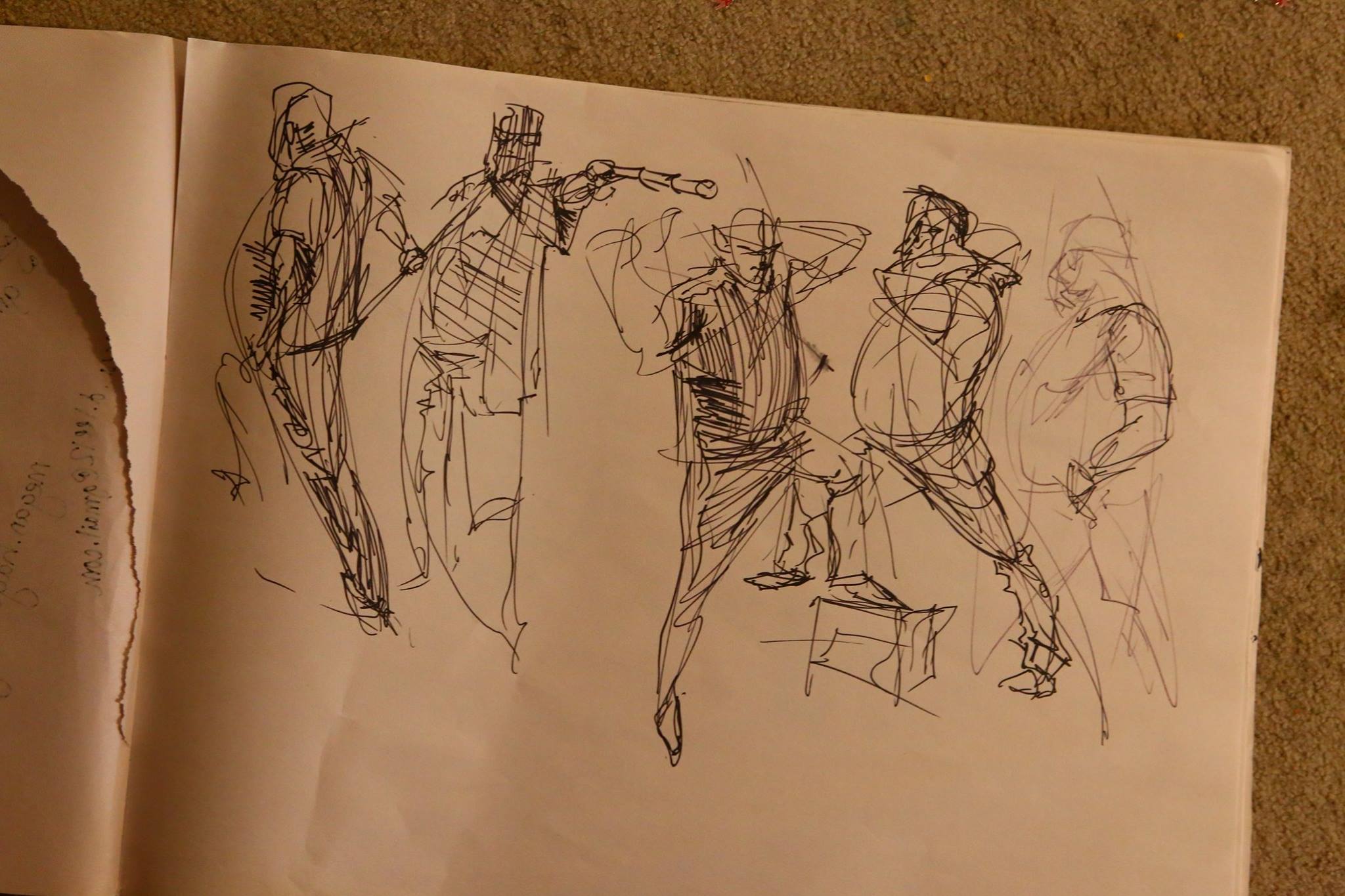
But now we’re at our new location, Oddfellows in Ballard in the spacious lower hall. Last night we had our first return to form, and it was glorious to be back at it! Here are some 2 minute gestures of a new attendee, Hope, and I do think “hope” is the word to describe this promise of a new era for figure drawing in Ballard.
Find out more info about future BLDC meetups (hopefully 2nd Tuesdays of the month going forward) over at https://www.meetup.com/seattlefigureart/
We haven’t had a proper Linuxfest in a long while due to the pandemic and venue setbacks, but I finally reunited with my Open Source brethren in Bellingham for Linuxfest 2025. So many old friends and new friends, it was beautiful and heartwarming to be back. I made the questionable decision to give not one, not two, but THREE talks on open source graphics software: Blender, Krita, and Godot. I’ll post the other vids as they get released!
Blender:
POLY MODELING BARRELS IS DEAD
Never model a barrel again thanks to the Ogbog’s Grog Barrel Generator! It’s all generated off a curve, so hop into Edit mode and use Beziers, twist, and radius scale for the exact barrel profile you need.
SO MANY PARAMETERS ON TAP
Hop into the geometry nodes parameters and customize your barrel’s staves, hoops, head, rivets, and bung. The possibilities are endless!
OTHER USES AS WELL
Need a low poly version? Sure, just click the box and it’ll be included for output! (You’d have to apply/separate/bake it yourself, dear.) Wanna make something more abstract, like Colossus arm rings or a weird cage thing? Yeah! It can do that, kind of!
VERSION NOTES
1.0: Initial release
Wood material CC-By Pixelpoops
I’m revisiting my old huge anatomy atlas and hope to release the new version soon. Remember this bad boy?
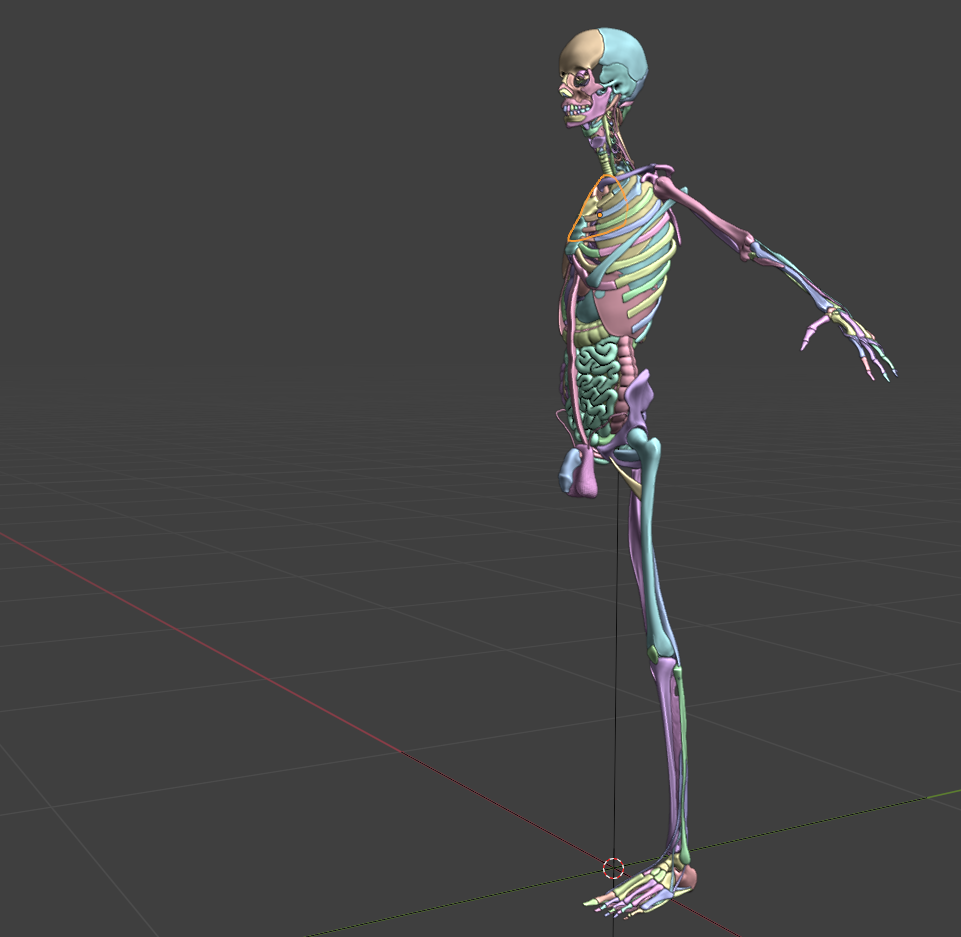
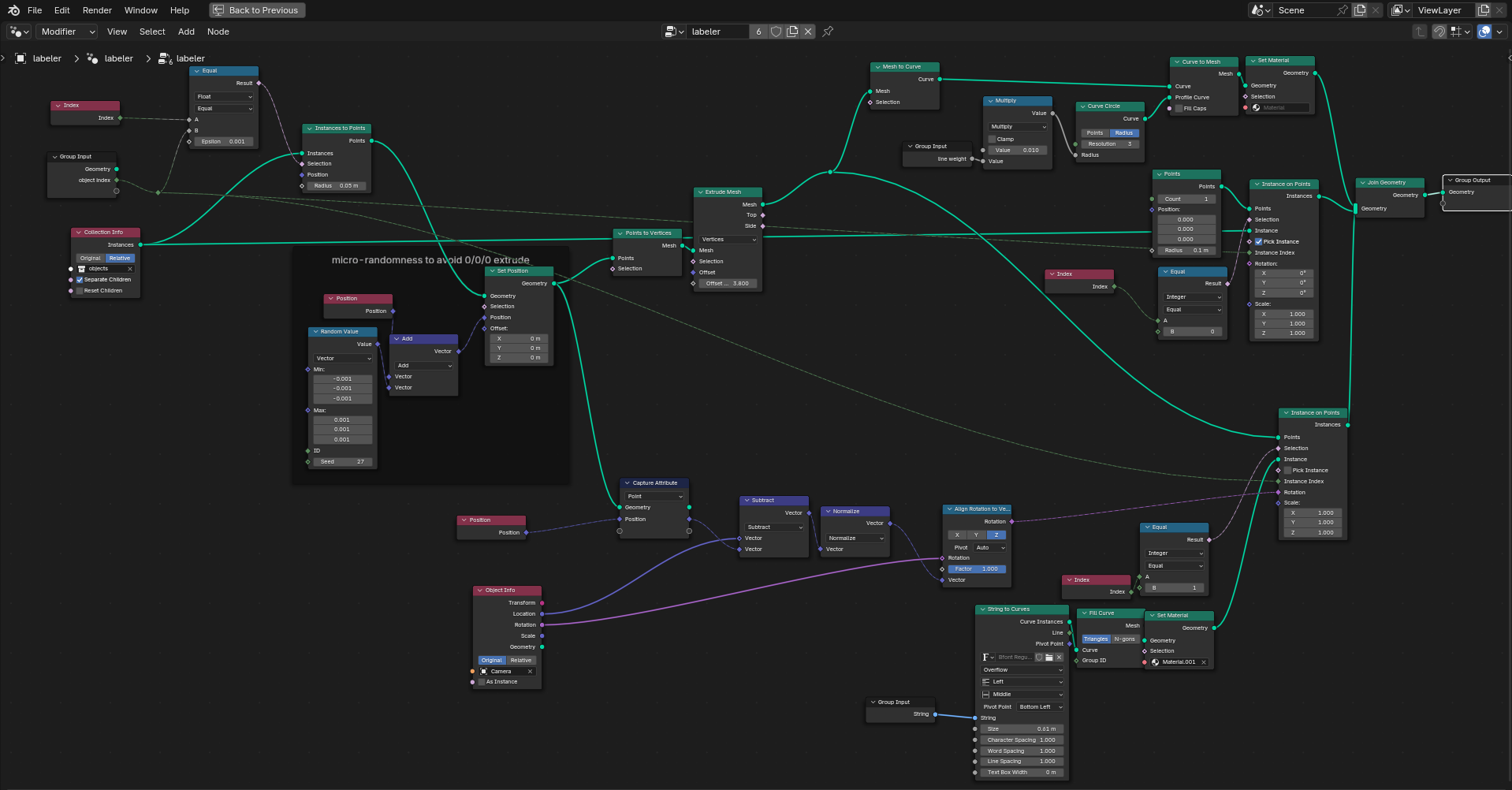
It’s a good use case for Python when geometry nodes only takes you so far. I’m giving everything proper anatomical names, so what about displaying the names? The problem is geometry nodes can’t access an object’s name as an attribute to pass as a string  So enter python. First, here’s a geometry nodes setup that makes a label line from instance origin outward for an object at the input index, then makes an input string curve that orients to the camera
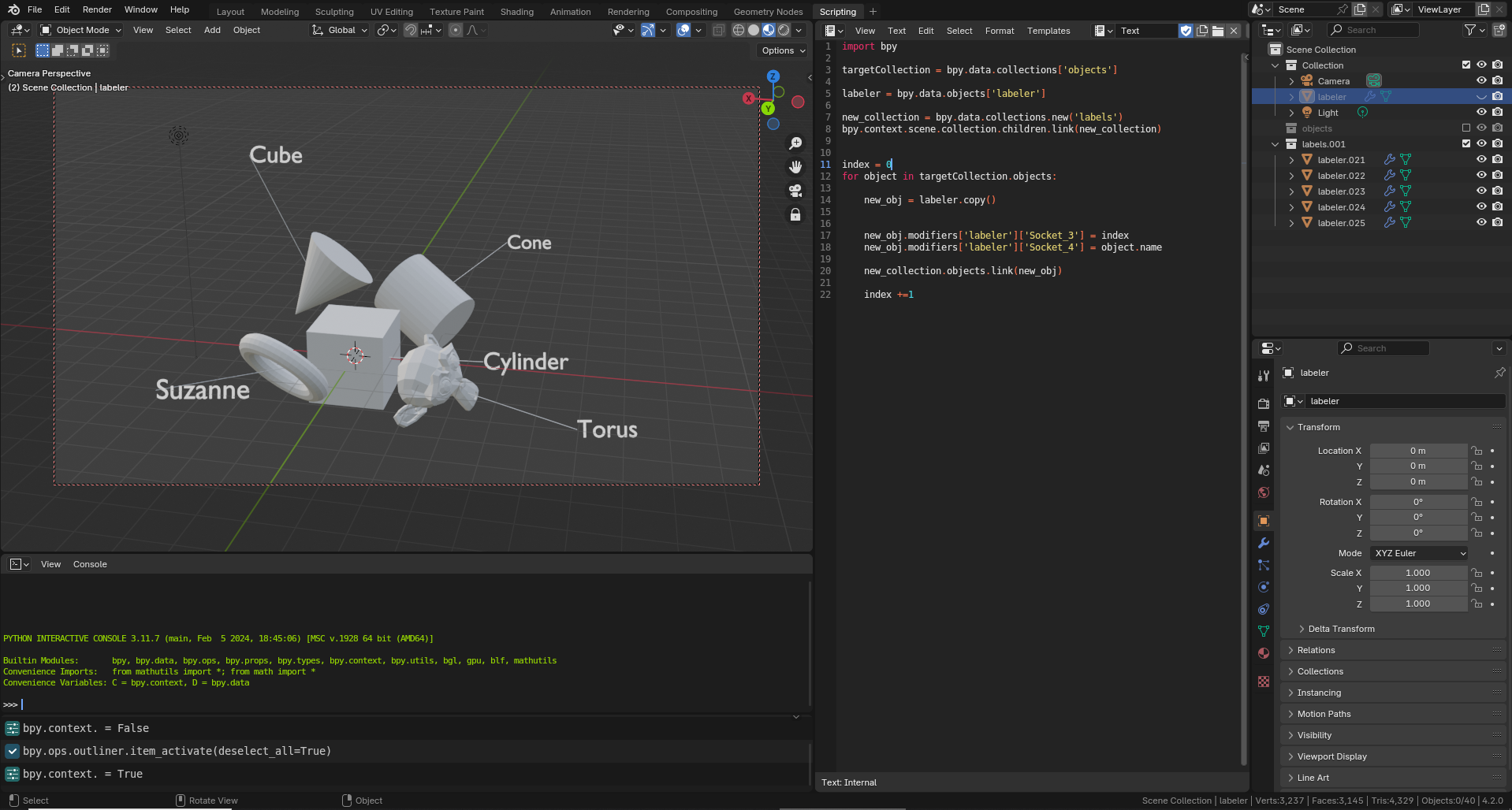
Next, Python makes a version of this object for each object you’d want to label (AKA everything in a target collection) and changes the GN string to the name of objects at the given index. Instant labels!
I’ve been busy putting together more documentation and examples of Meat Machine. Check ’em out! Here’s a timelapse of a Meat Machine workflow.
And here’s a guided tour of what’s inside the Meat Machine, how the parameters and presets work, plus a short version of how to use it.
The official first release of Meat Machine is here! This project is many months in the making as part of a quest to develop a more clay-like écorché sculpting environment that truly feels like it was designed for artists. Buy it here! https://ogbog.gumroad.com/l/meatmachine
SCULPT LIKE YOU’RE DRAWING
Meat Machine utilizes Blender’s Geometry Nodes for a revolutionary new workflow that mimics real world Écorché sculpting as a methodology for sculpting block-ins, medical visualization, and gore! Er, I mean, more. Utilize Blender’s curves drawing interface to create volumes quickly and unleash more artistic workflows with instant feedback. No more clunky sculpting and object positioning!
BONES
Create a wide variety of bones and bone profiles, including controls for epiphyses (that’s the bony chunk at the ends of bones) and spikes of differing amounts.
CHAIN BONES
For spines, tails, and fingers, blast all that in with like a single stroke, chef! Chain tools instantly subdivides and populates a spline with multiple bones. You can even reference in a collection of models if you’ve got some vertebrae or teeth you’d like to pop into place!
MUSCLES
Unleash the awesome power of muscles, which include UVs, a muscle material, controls for shifting the UVs for extra tendon. Segment them for things like abdominals, or create sheets of muscle like some totally ripped pecs and traps.
BLOBS
Ever want to just bubble in a character? With Blobs, you can turn every stroke into an instantly filled hunk of meat. If you’ve ever studied drawing methods like FORCE drawing or How to Draw Comics the Marvel Way, this is the gestural sculpting tool you’ve dreamed of!
FAKE VDMs
Don’t you hate VDM textures in sculpting? Sure they’re cool, but you get stuck with resolution bottlenecks, no recourse after the stroke, and it’s all on one big stinky sculpt object. With fake VDMs, you can draw in a collection (such as one with a nose made of multiple objects!) and control it all after the stroke.
ARTIST FRIENDLY CONTROLS
Utilize Twist with Ctrl + T and scale with Alt S at every step of the way to customize every muscle and bone you lay down.
VERSION 1.0
This initial release is compatible with Blender 4.1 and cleans up bugs from earlier prerelease versions.
Several of the test sculpts have been removed, as cleaning up parameters damaged older implementations. Also, the name was changed from Boner to Meat Machine so that purchases will be less suspicious in your bank statement.
Twice now I’ve gotten to work on Pokémon for their annual world championships. Here’s a link to the last round of it! https://www.artstation.com/artwork/yDlgbJ
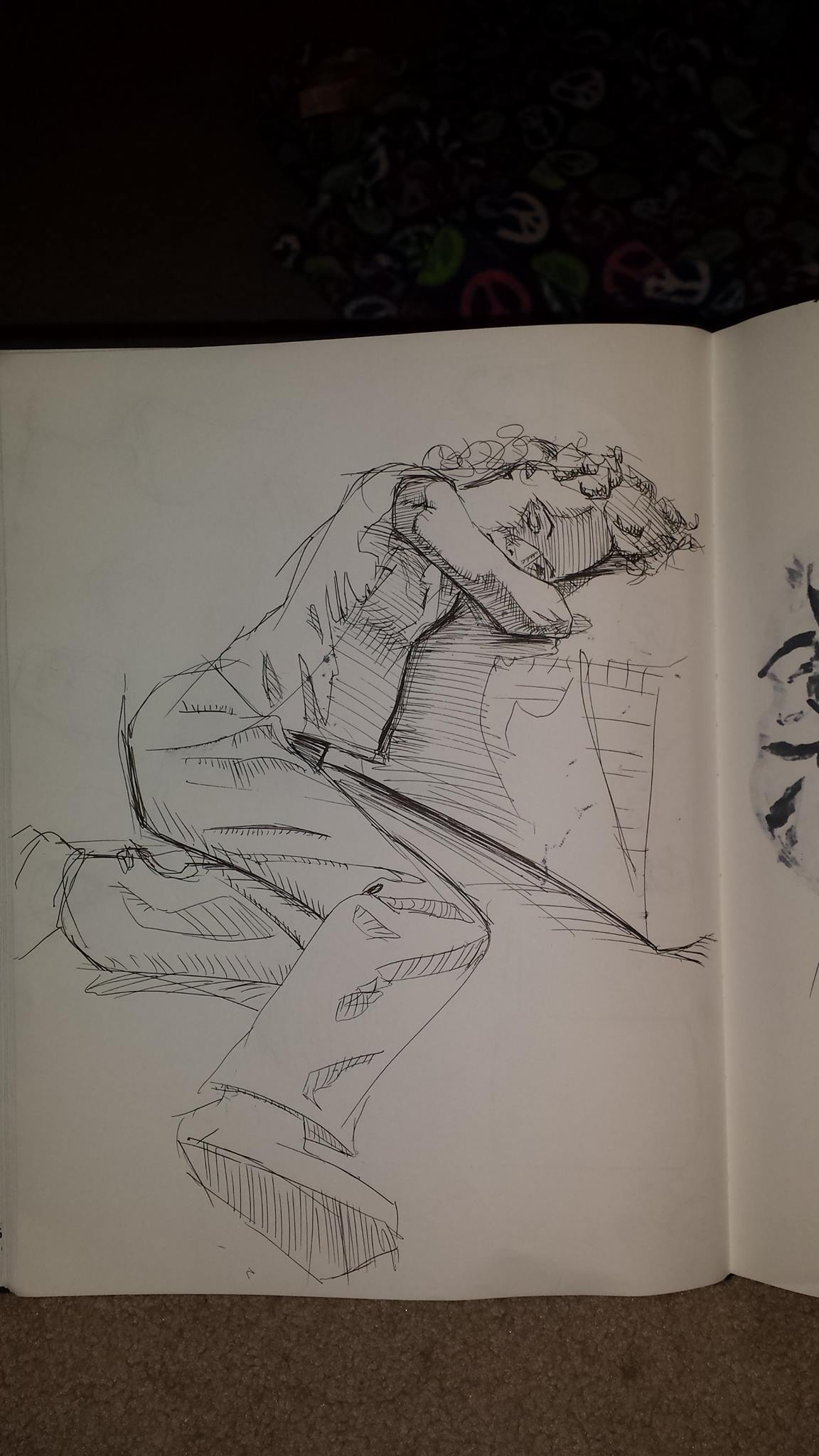
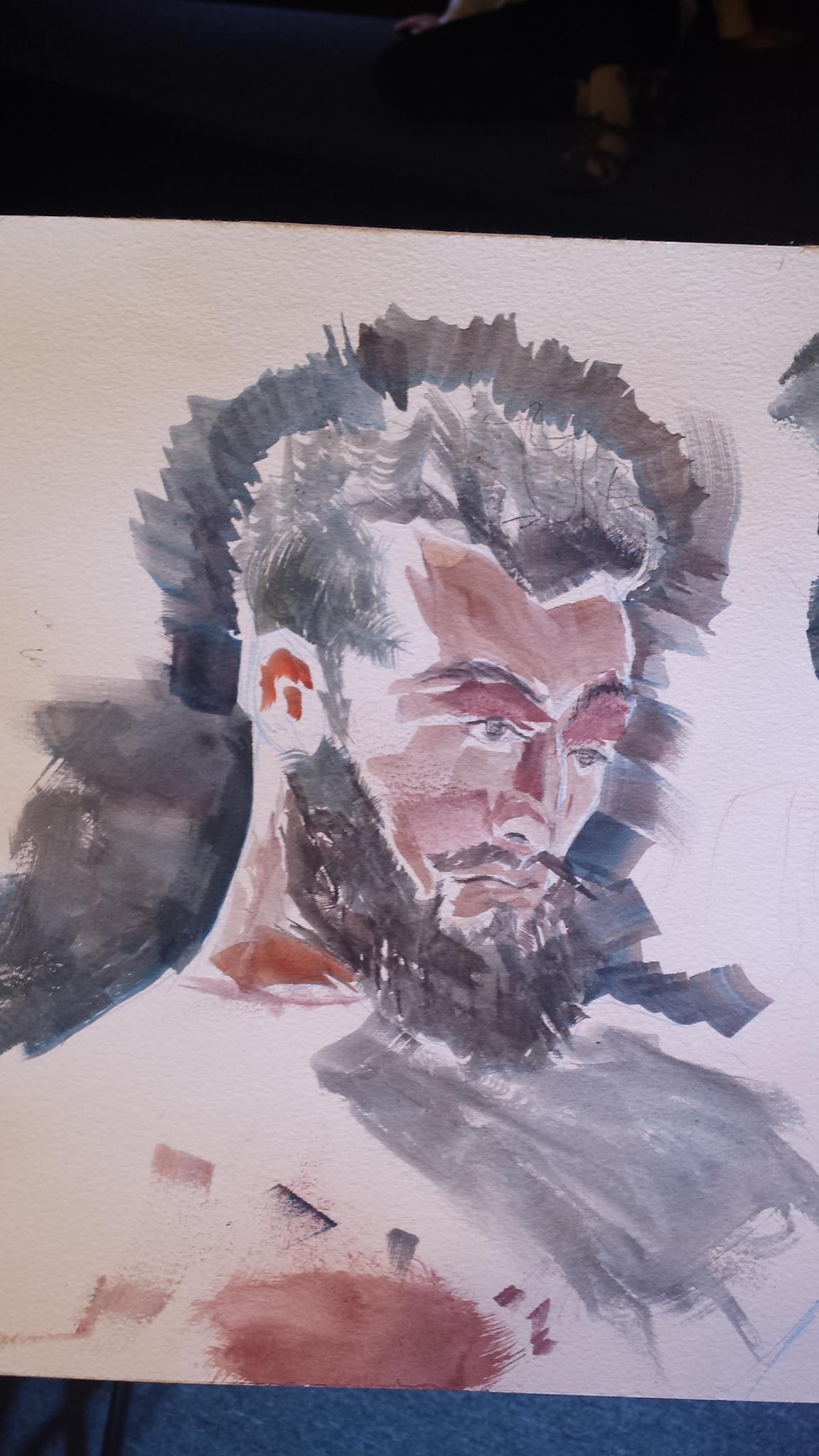
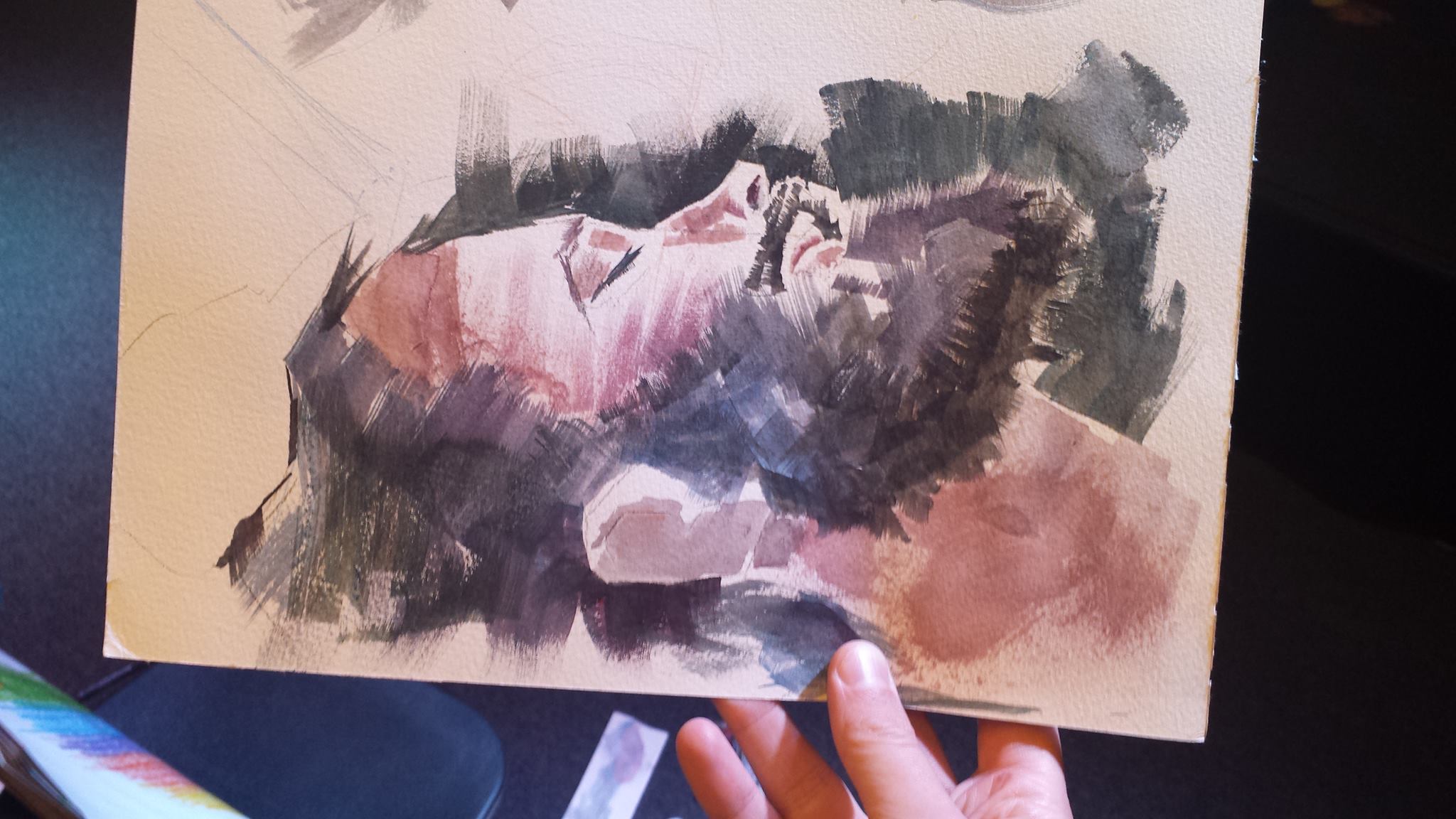
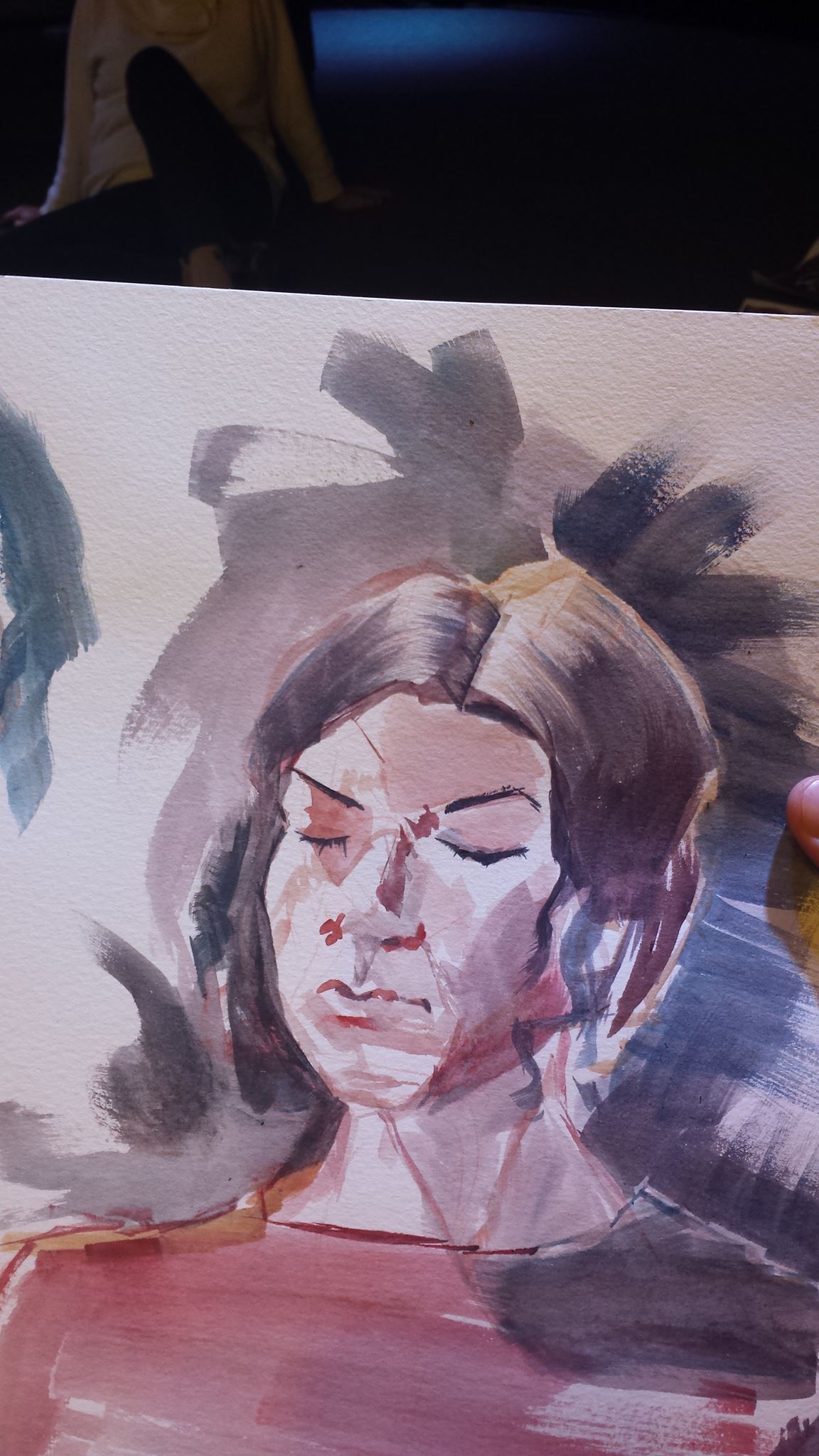
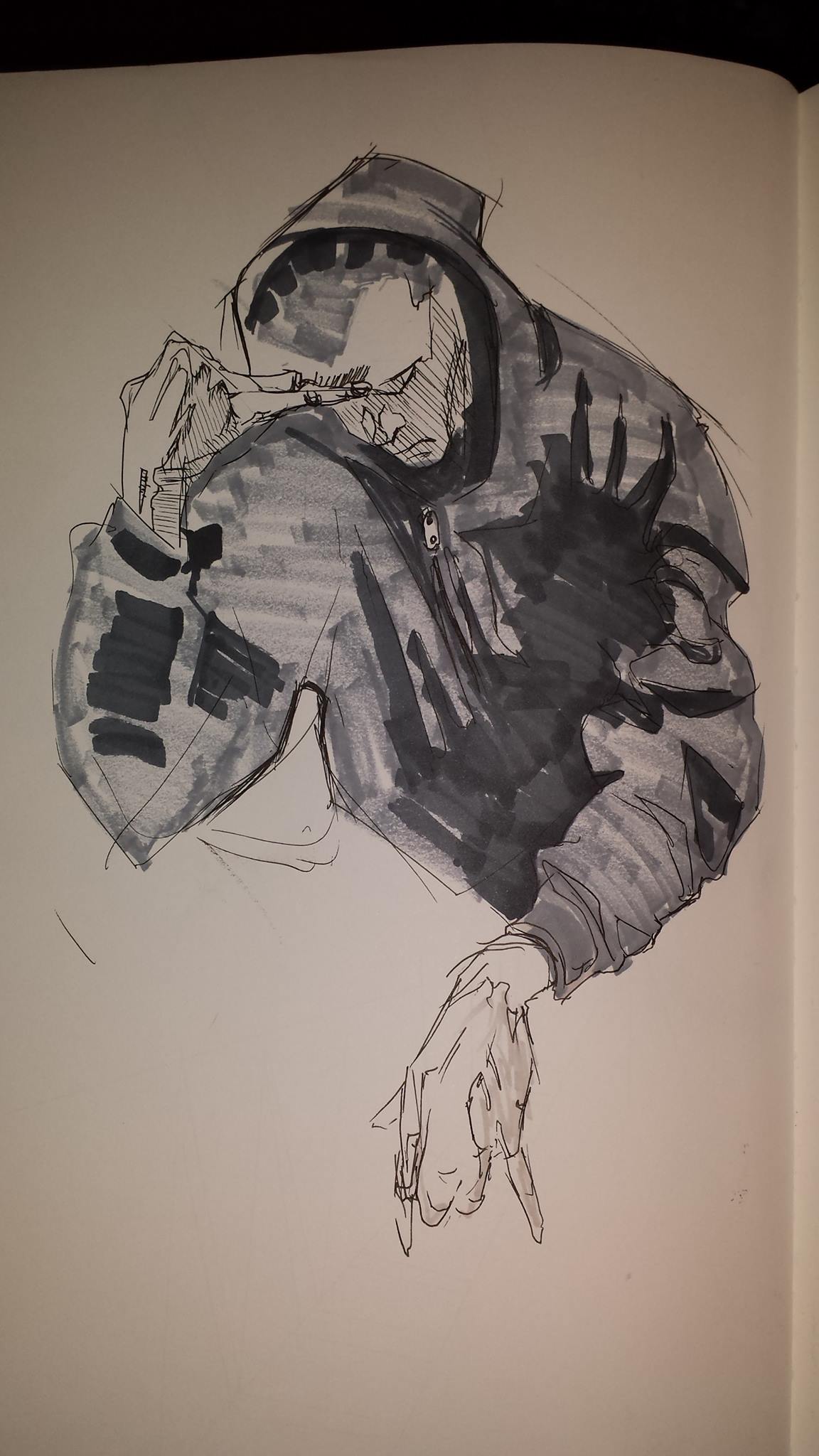
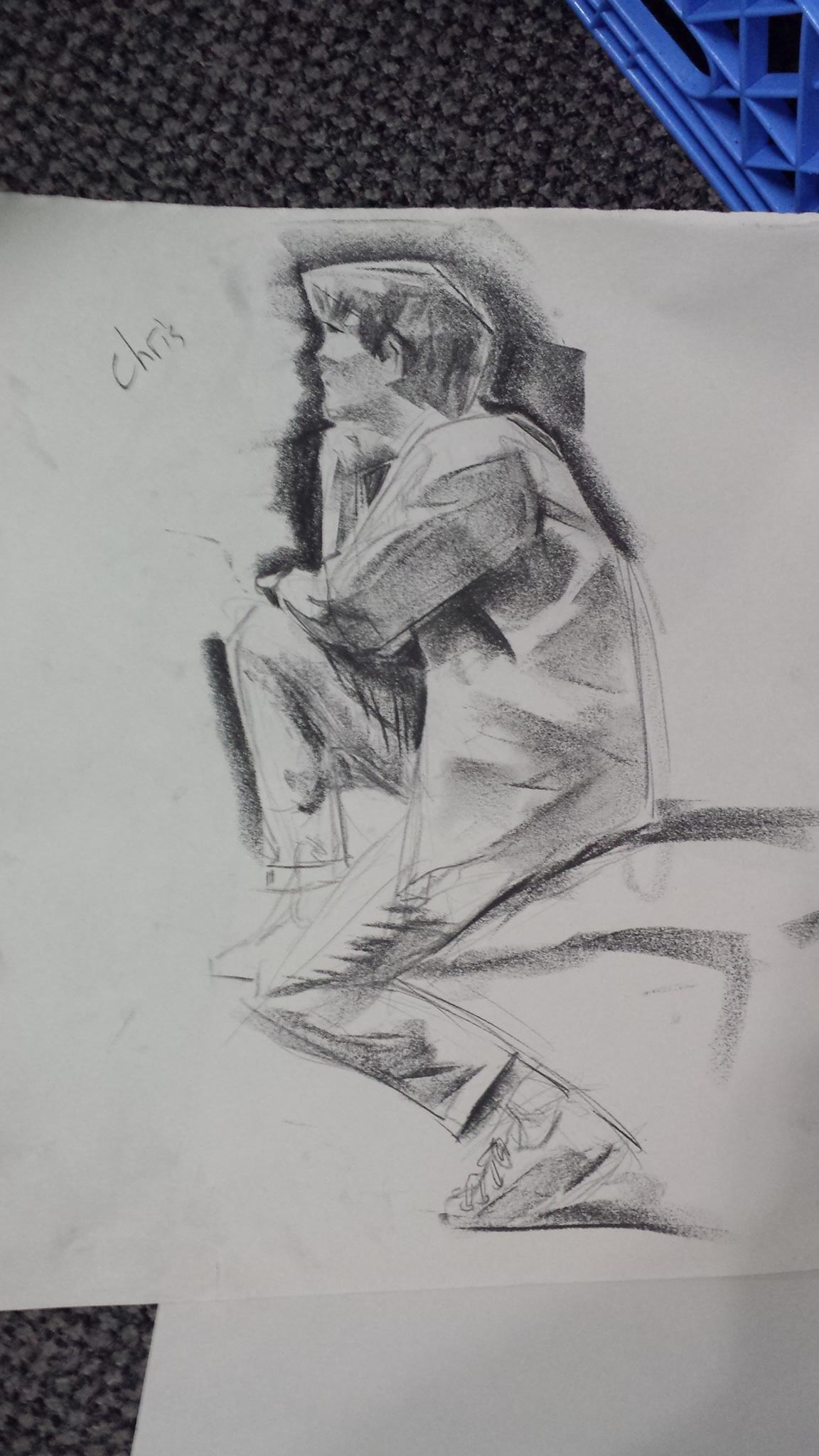
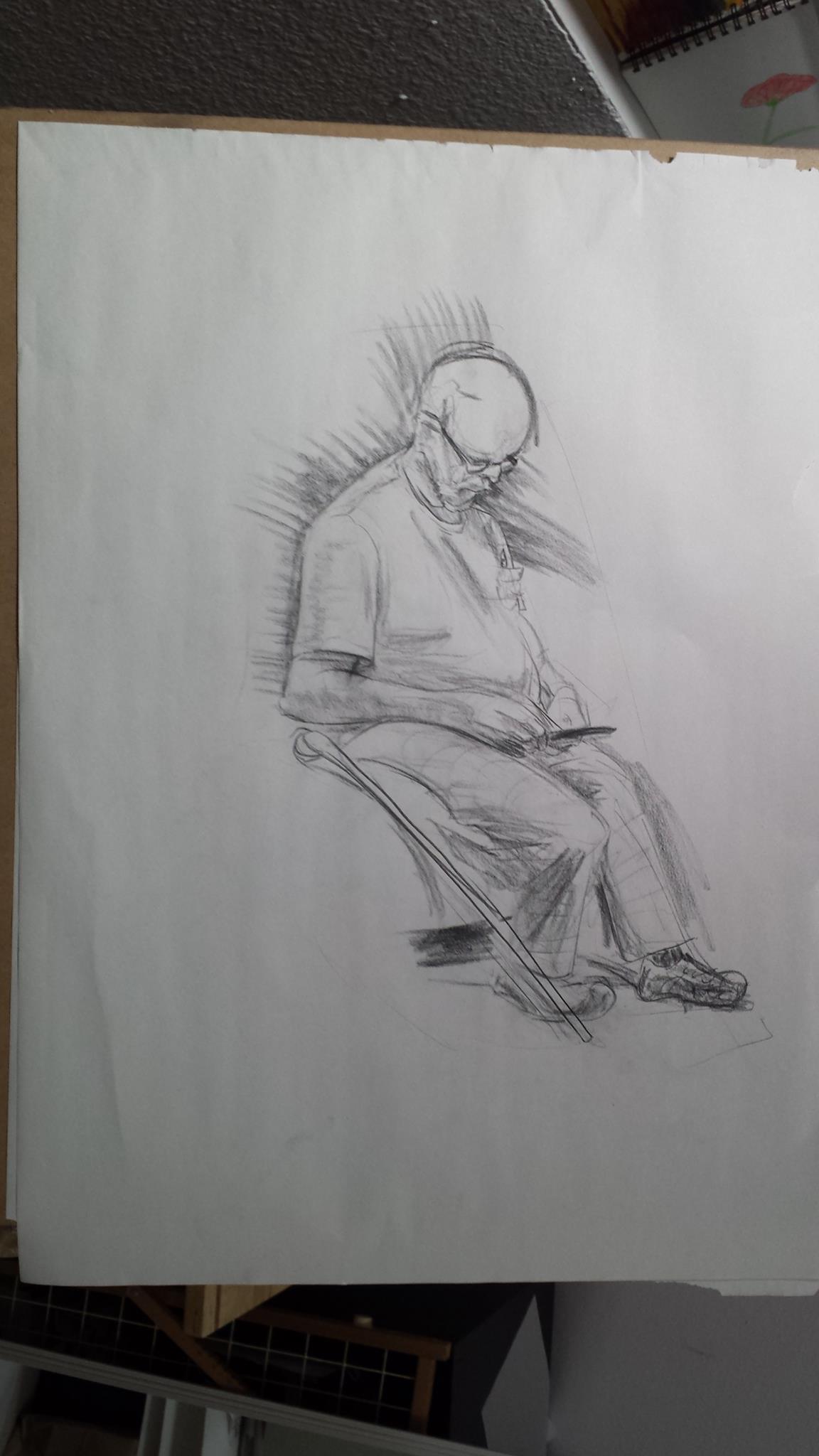
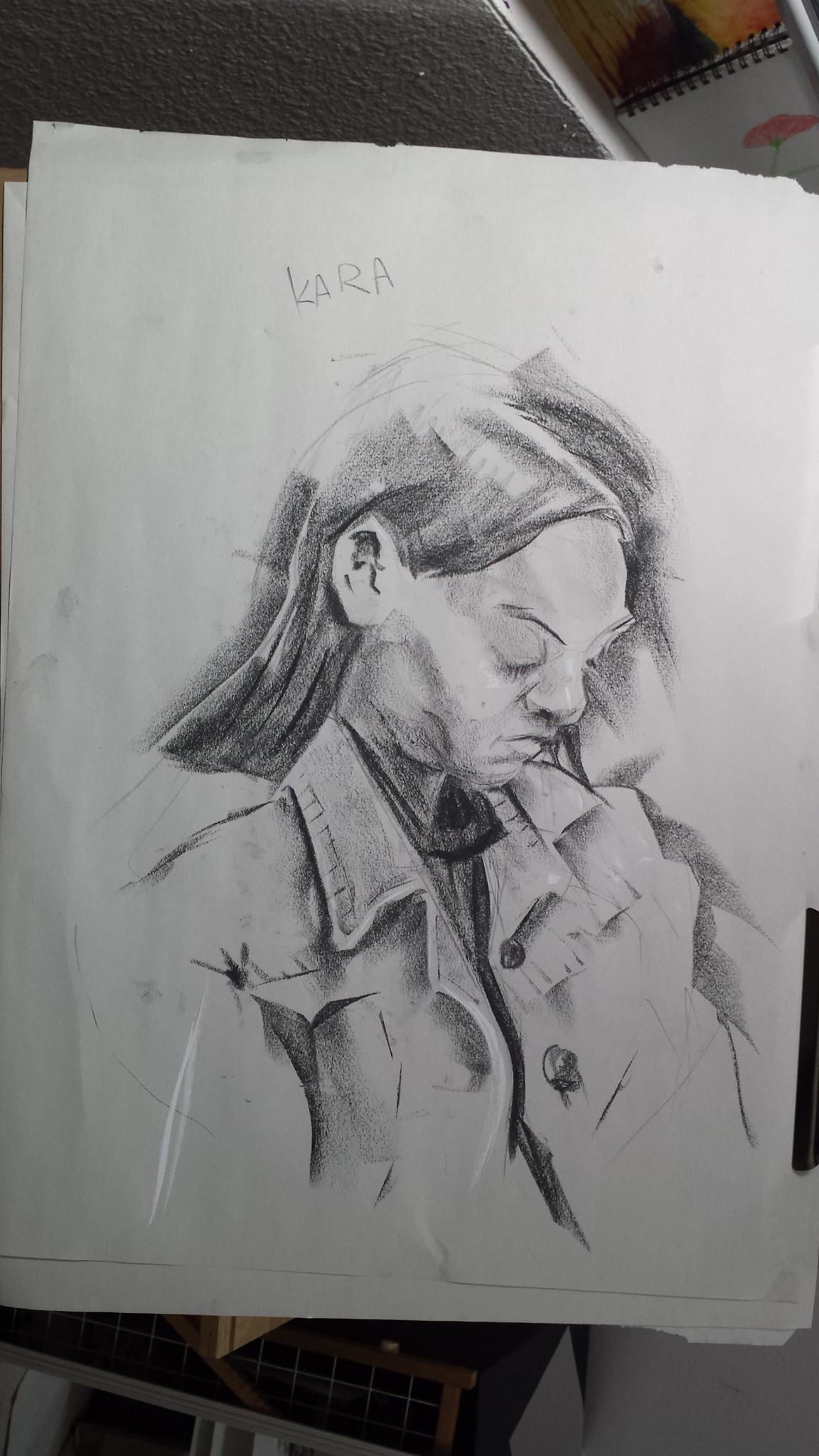
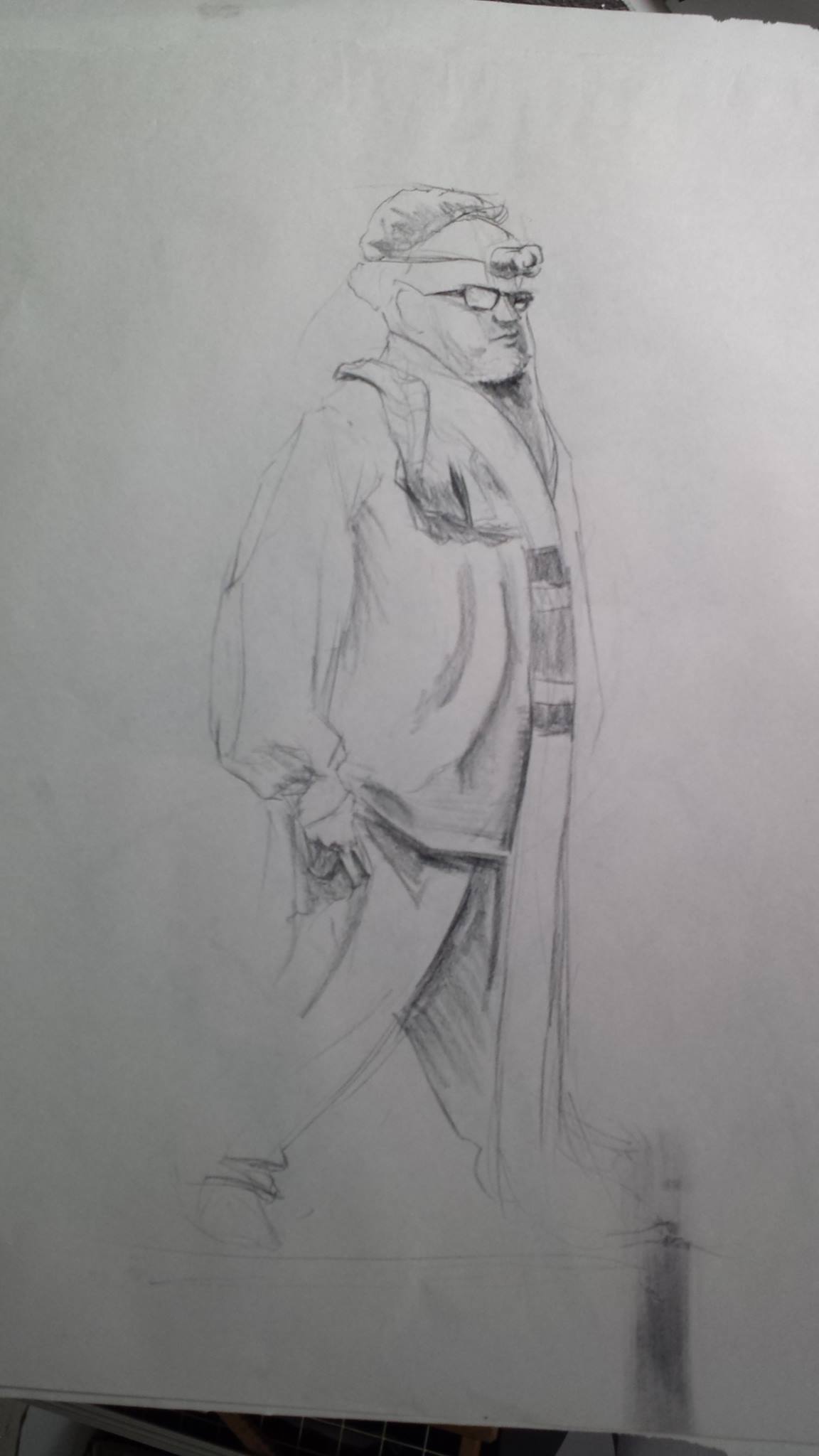
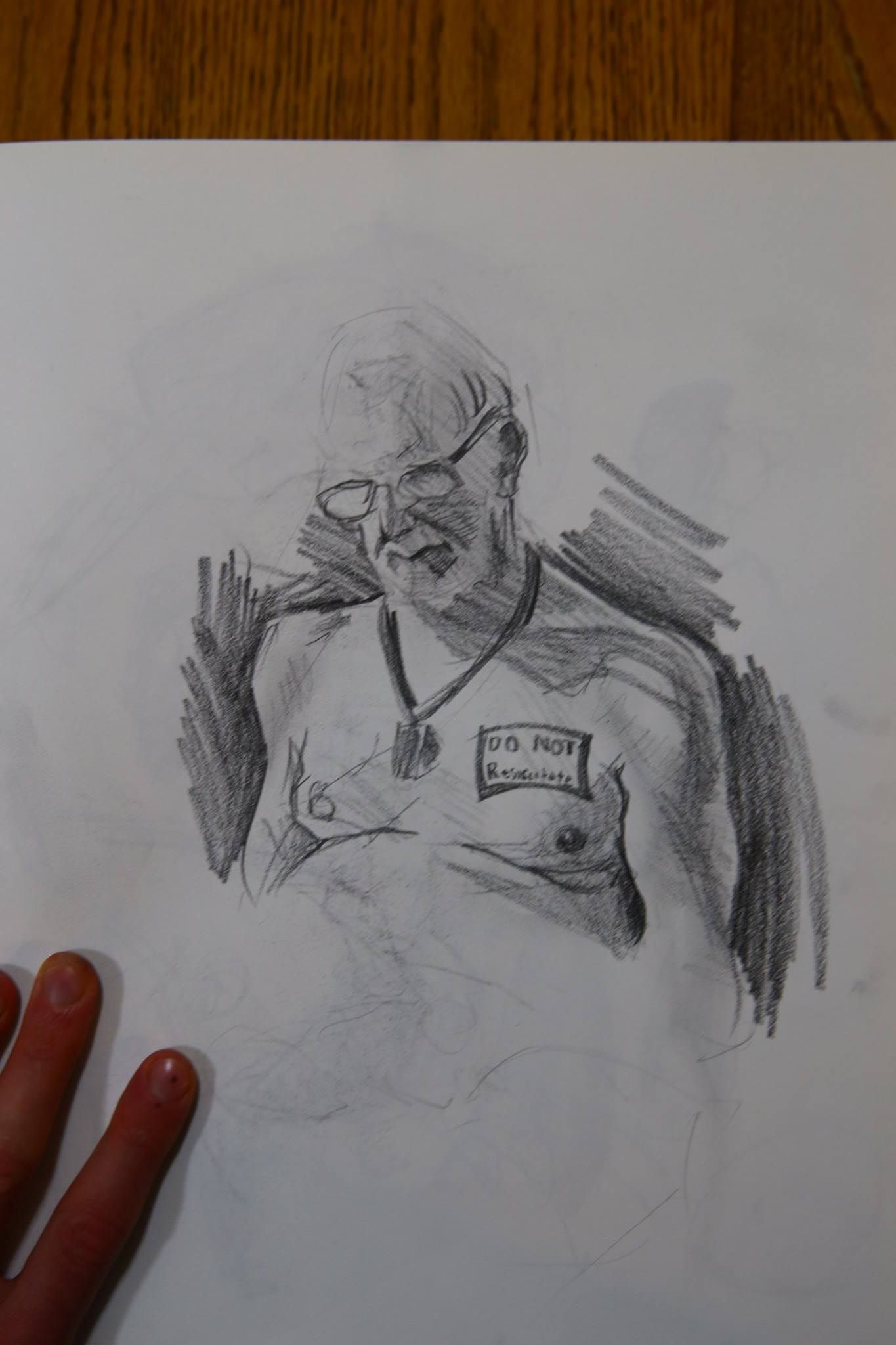
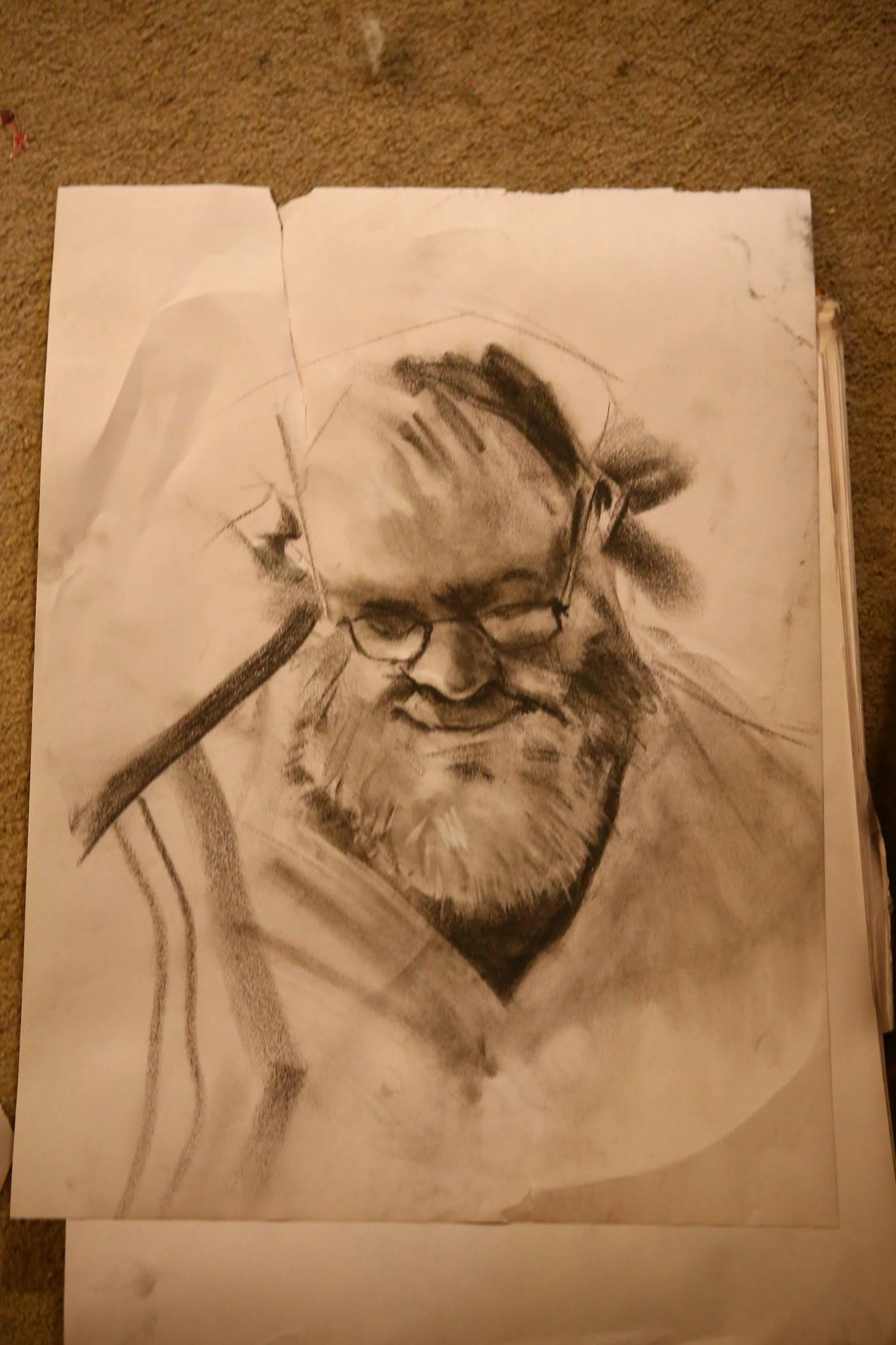
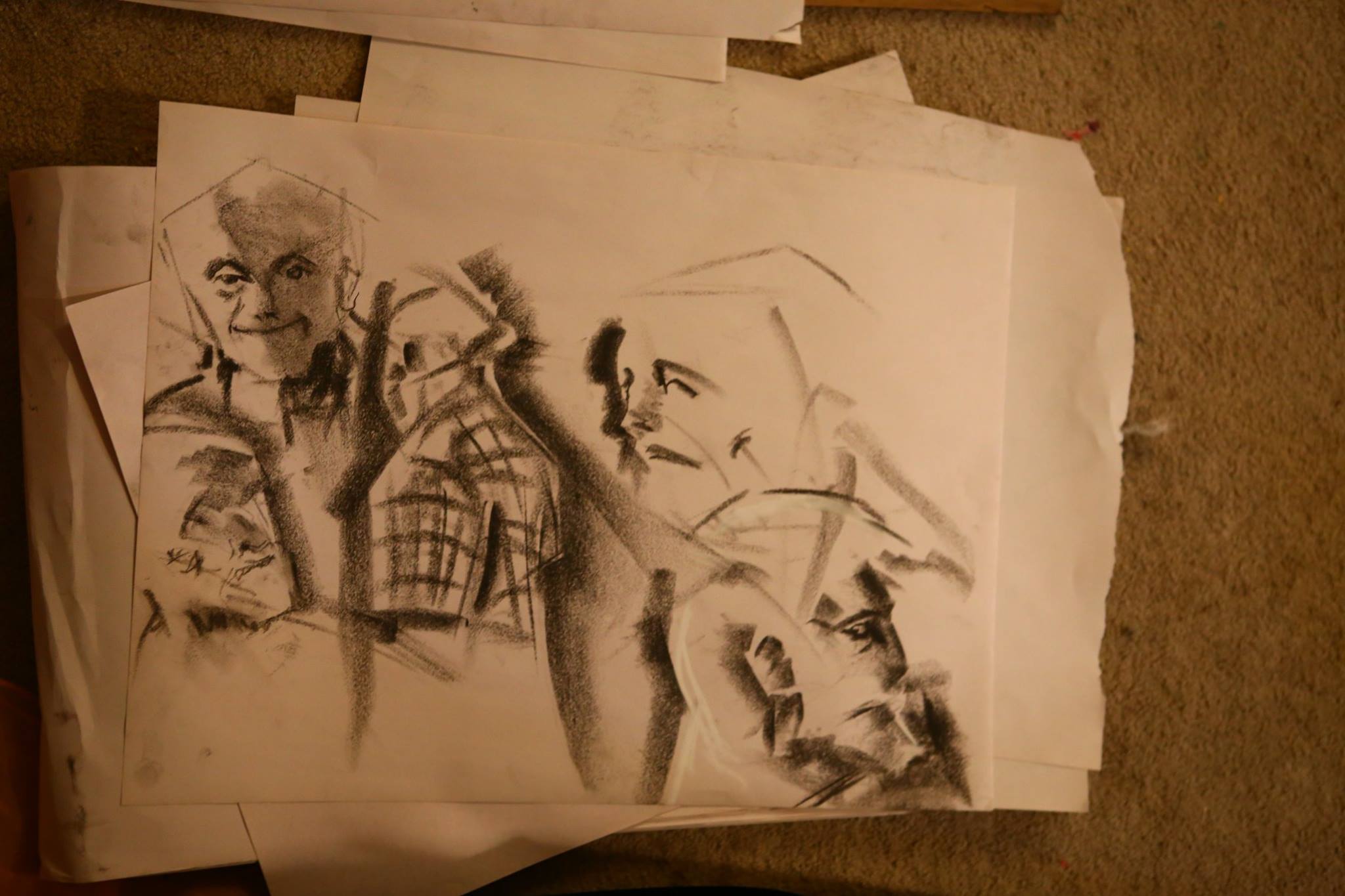
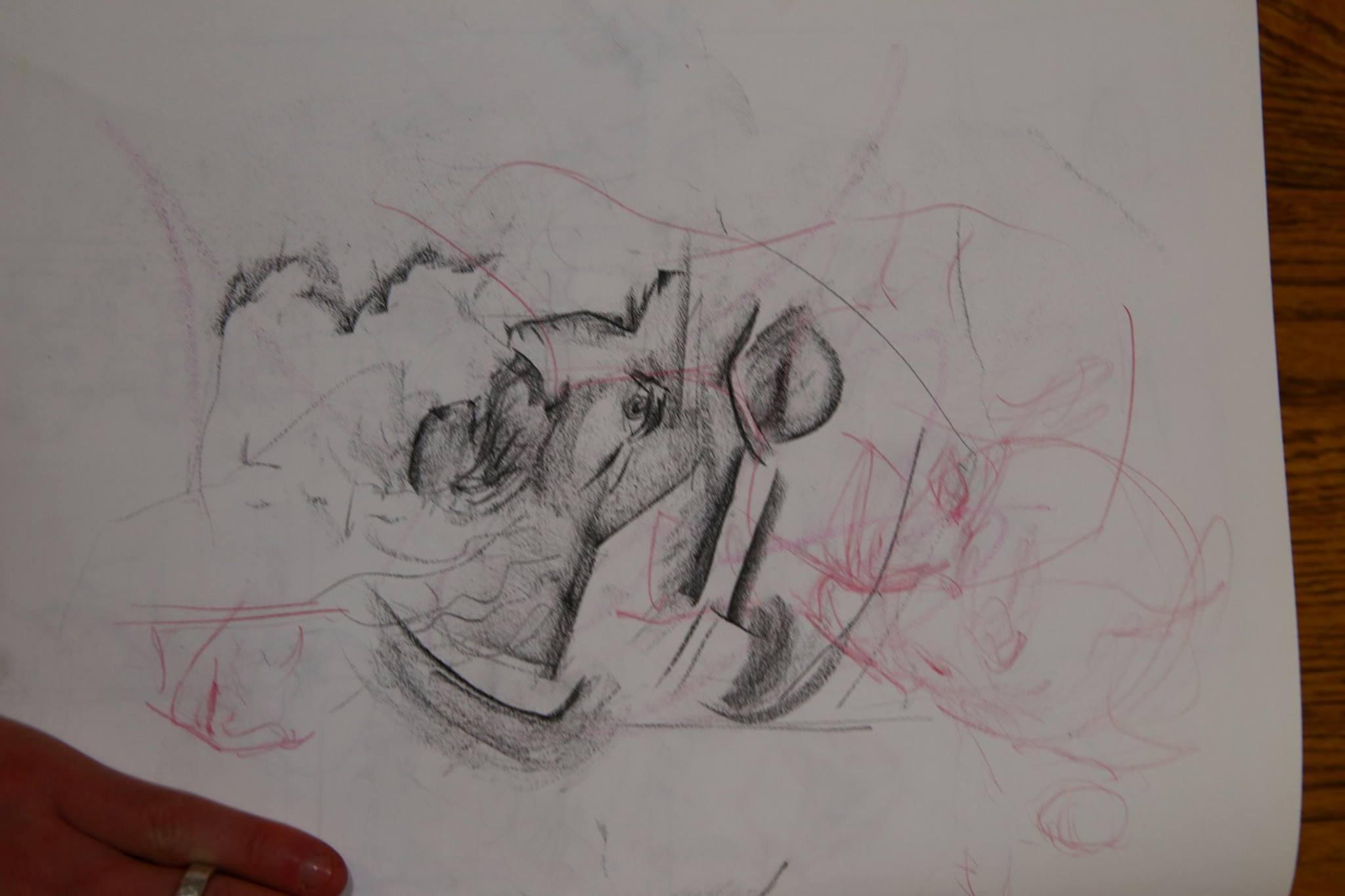
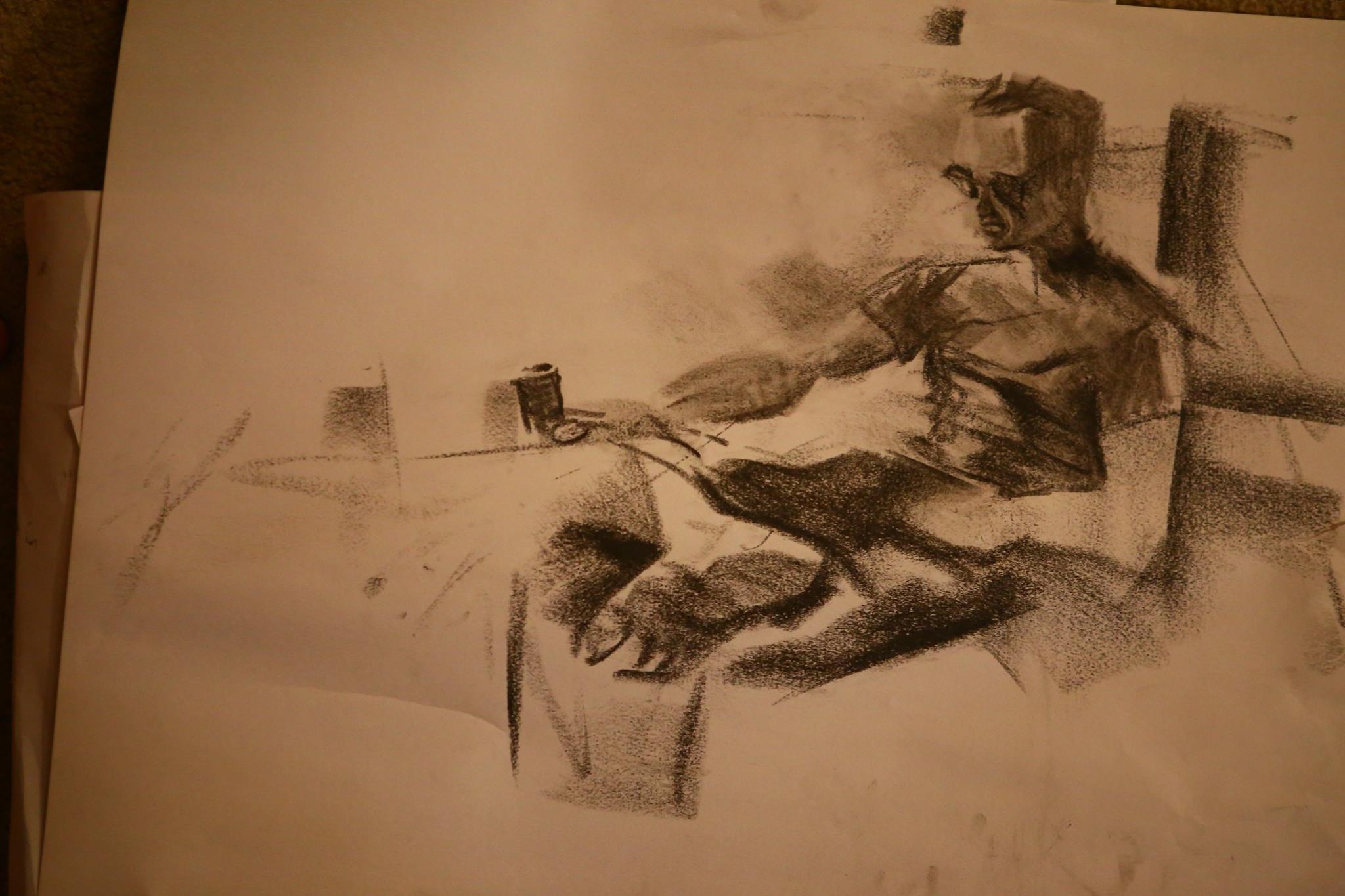
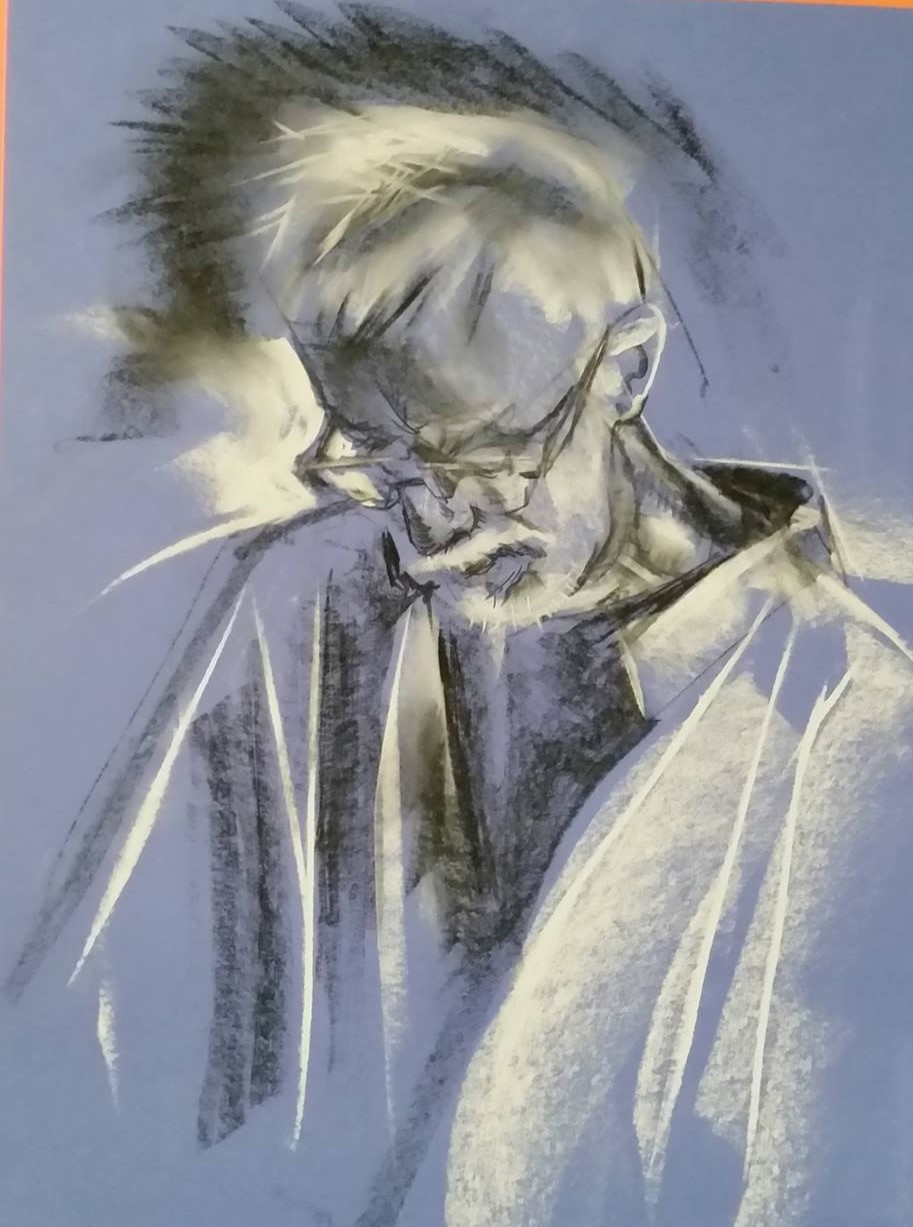
I’ve mostly been off Facebook for about 2 years now, except when I need to recover some esoteric mote from the old days of spending way too much time there. Here’s some old art of mine that used to be locked away on the Ballard Life Drawing Co-op’s facebook page.