The Og Bog Blog

Oscar Baechler's portfolio, ramblings, doodles, and events

  • Blog
  • 3D
  • 2d
  • Learn
  • About
  • Old stuff

Why I use mechanical drafting pencils

Posted by oscarbaechler on August 14, 2012
Posted in: illustration, sketch. 3 Comments

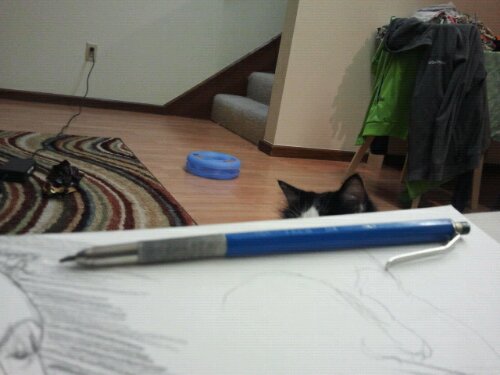
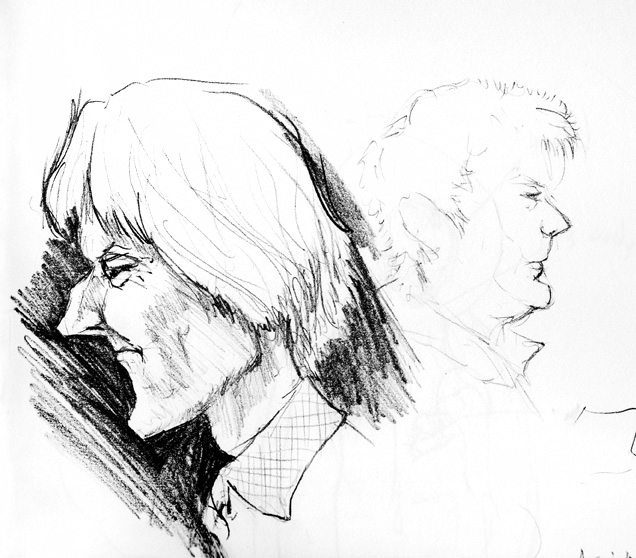
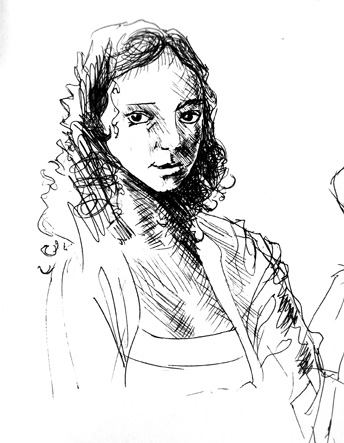
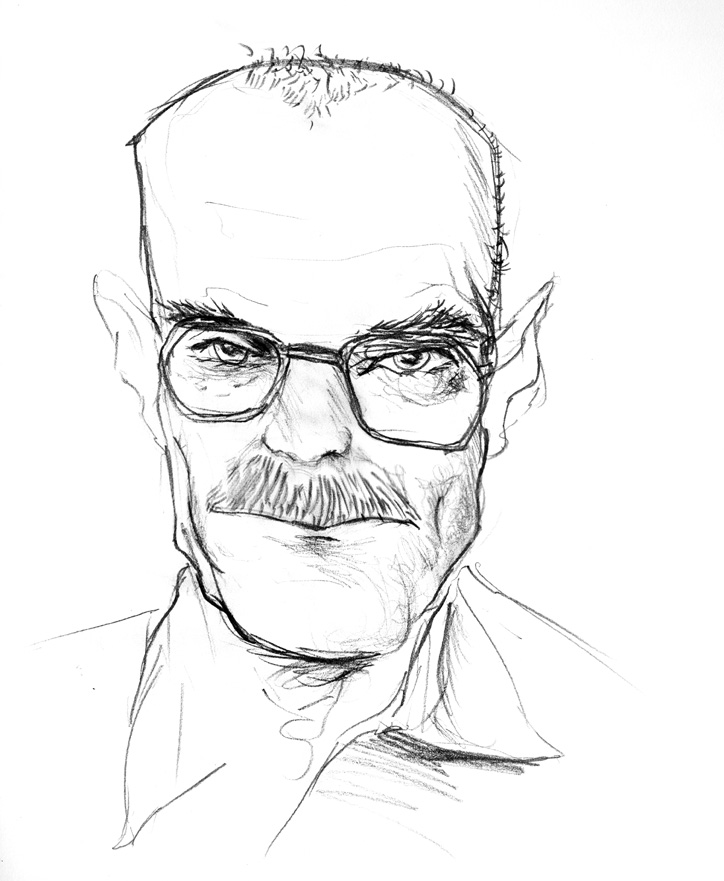
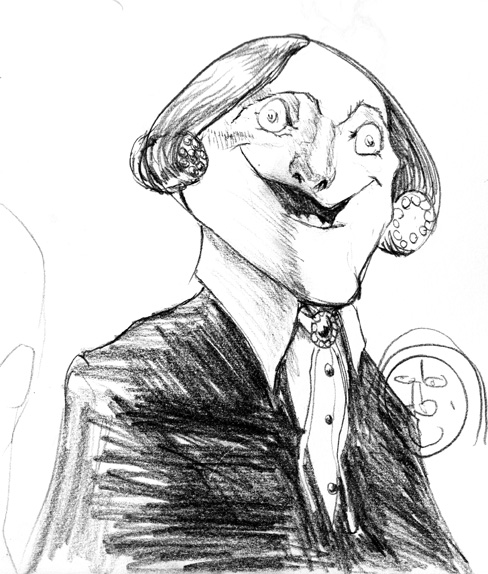
Tonight I was watching The Wire and doodling the occasional character, and thought I’d explain why I mostly sketch with an unusual tool.

image

Mechanical drafting pencils are awesome. They give you the softness and flexible line weight of a wood pencil. But unlike wood pencils, sharpening them has way less mess, and way less “dangit!” moments of breaking the lead right when you have the sharpness perfect. And who needs sharpening? These babies give you the instant lead benefits of a mechanical pencil. You can also use a favorite technique of mine for mechanical pencils: extend the lead overlong, shade at an angle, and the long lead will force you to draw light or break the tip. (This, IMHO, is an awesome way to learn how to draw on a bumpy bus ride.)

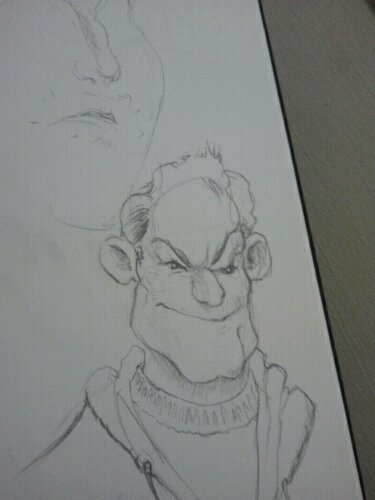
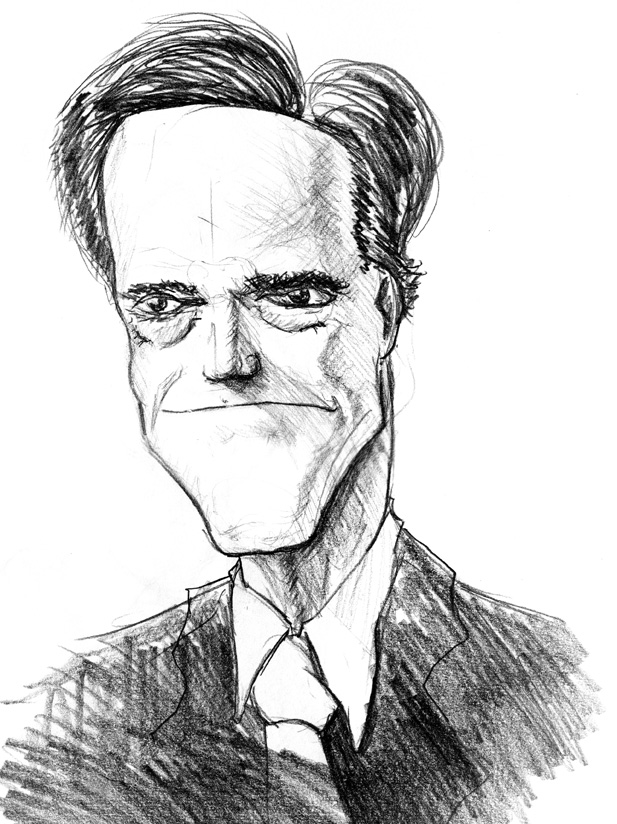
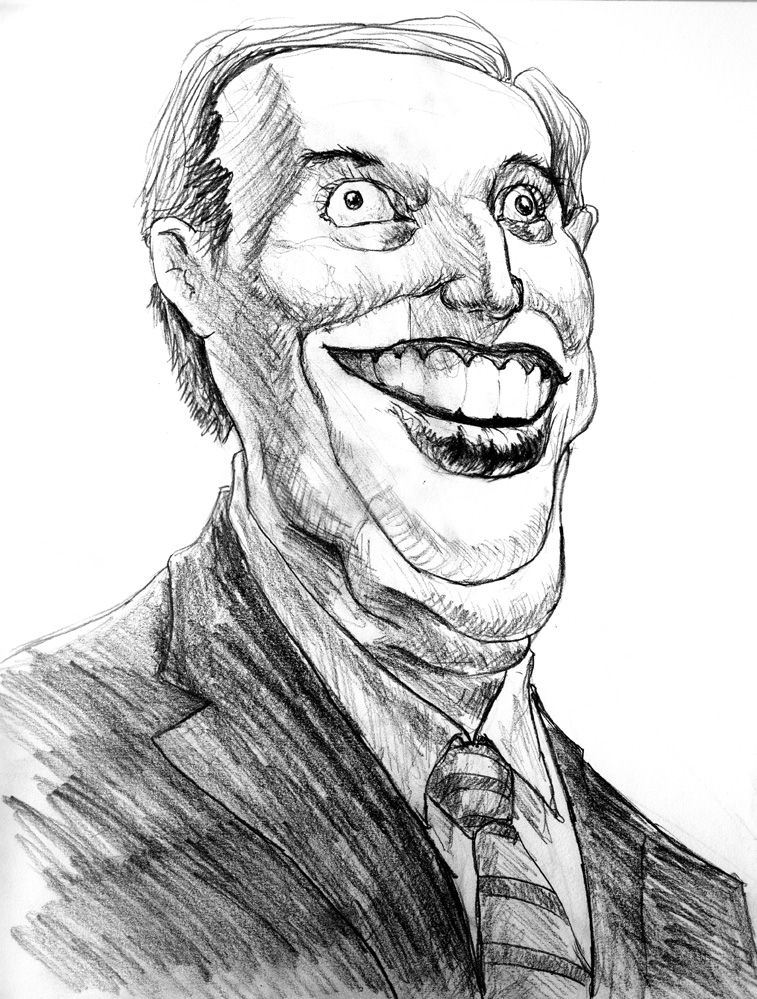
Nowadays I don’t often sharpen thanks to an economy of strokes. Here’s a McNolte caricature, and at this point my lead’s gone blunt.

image

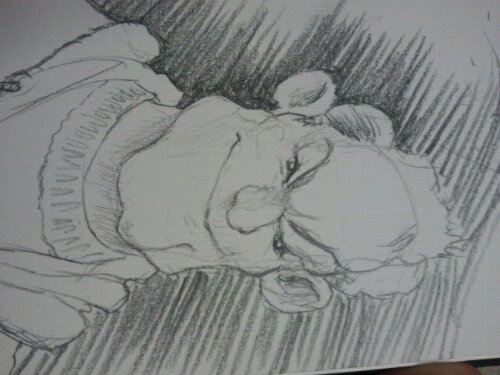
At this point, I don’t grab my sharpener; rather, I start blocking in with an angled pencil.

image

(This is a blatant homage to J.C. Leyendecker. My theory is he blocked in to resharpen his tools as well.)

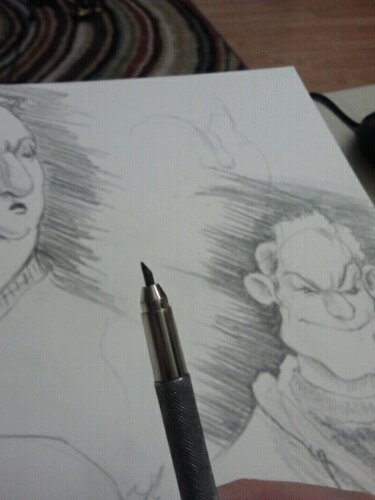
Once I’ve done a first pass I go in closer, refining my edges to be crisp. And what do I have at this point?

image

An incredibly sharp pencil tip, perfect for refining the silhouette and adding the final details.

There’s two downsides to mechanical drafting pencils. First, they’re expensive ($8) so don’t lose them. I bent this one’s arm out so its awkward shape would keep it conspicuous. Second, their lead choice is limited at most art stores, no darker than 2B. But I was able to find 4B lead on the internet, and that pack has lasted for ages.

Anyhoo, I’m writing and posting this from the WordPress android app, so forgive any horrible quirks.

OSCON Materials

Posted by oscarbaechler on July 17, 2012
Posted in: blender. Leave a comment

Here’s the presentation materials for my talk at OSCON tomorrow. Er, today? Contents include Slides, Textures, and a file. 

If you don’t care about the slides, here’s a much lighter version.

Enjoy!


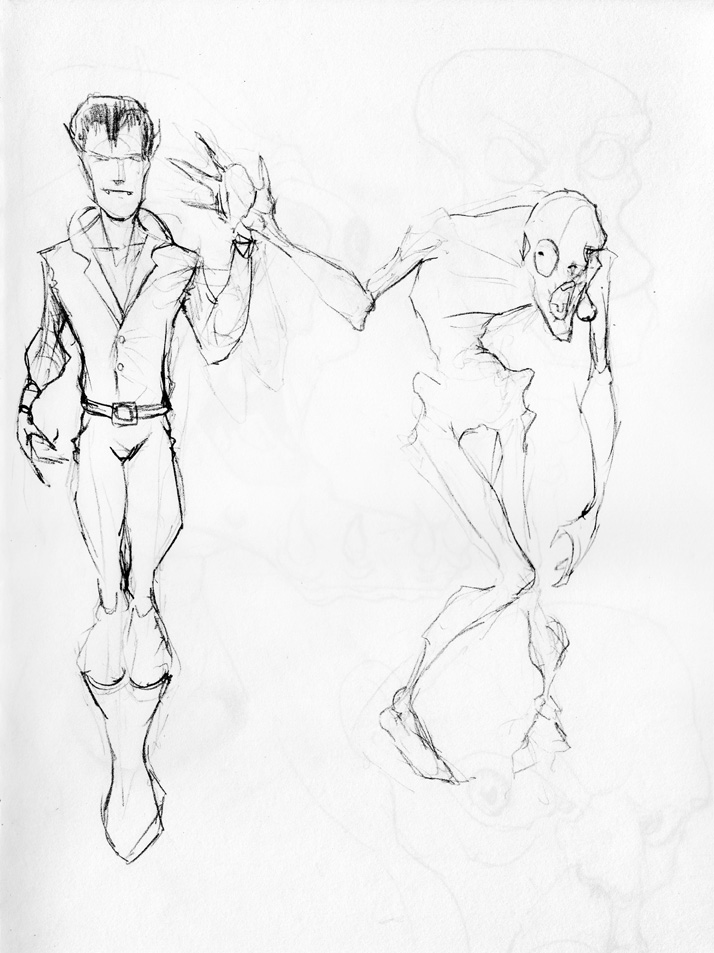
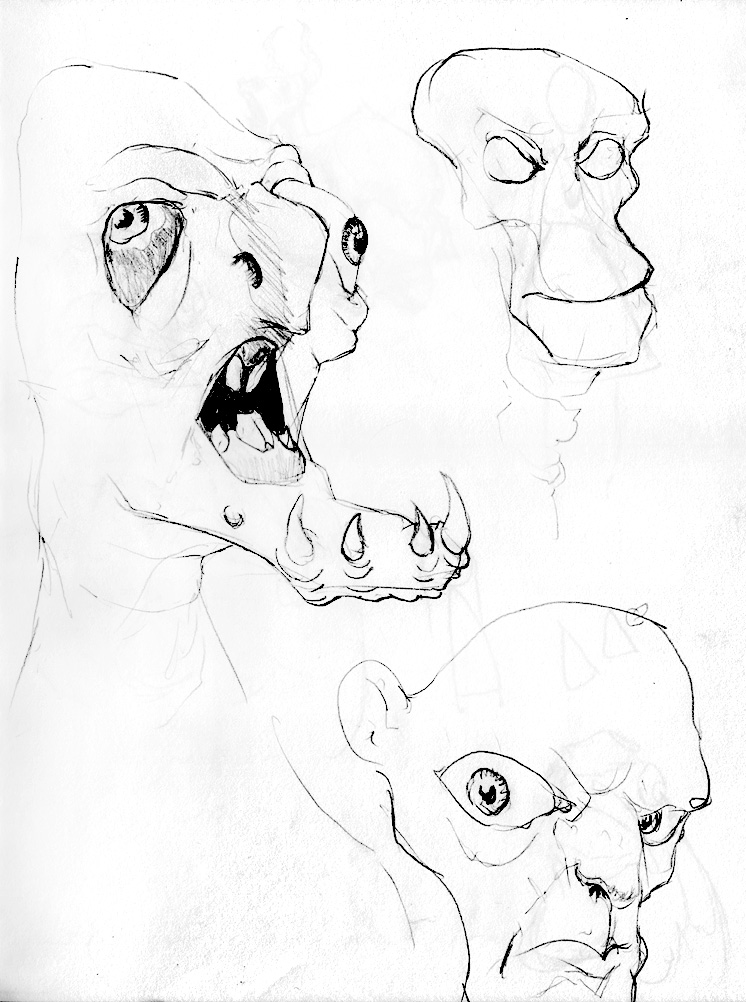
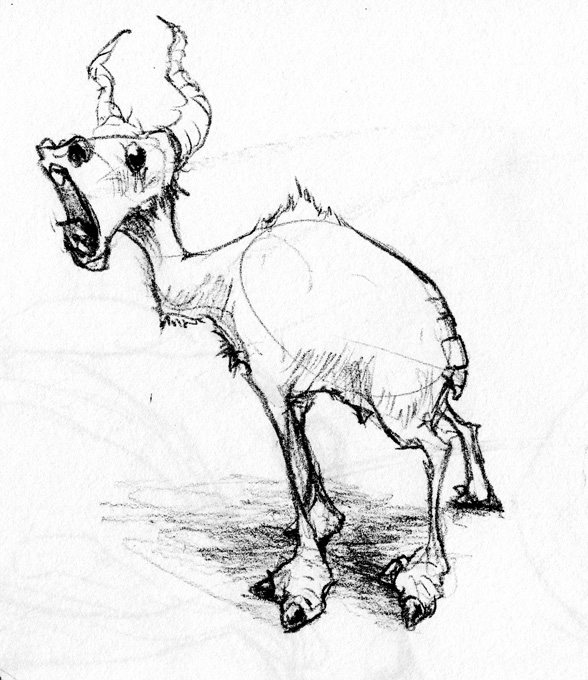
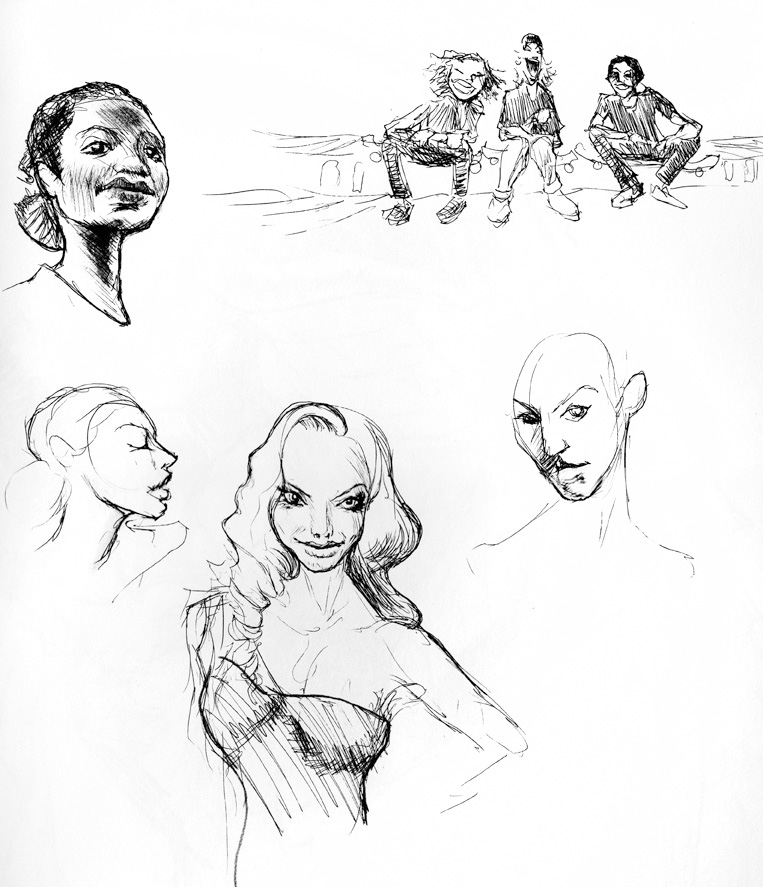
Sketchy-poos

Posted by oscarbaechler on July 12, 2012
Posted in: sketch. Leave a comment

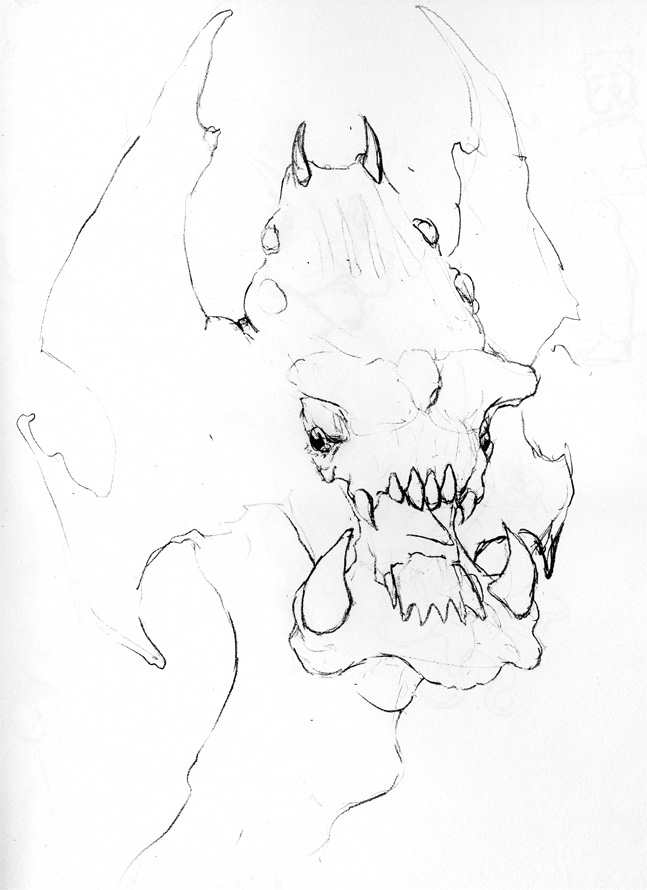
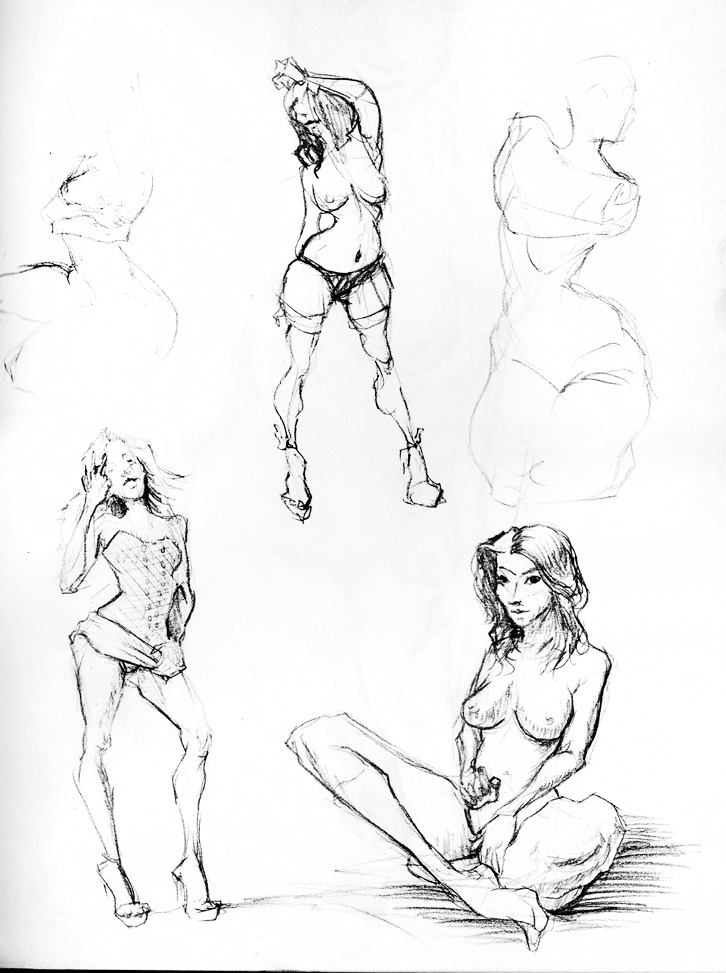
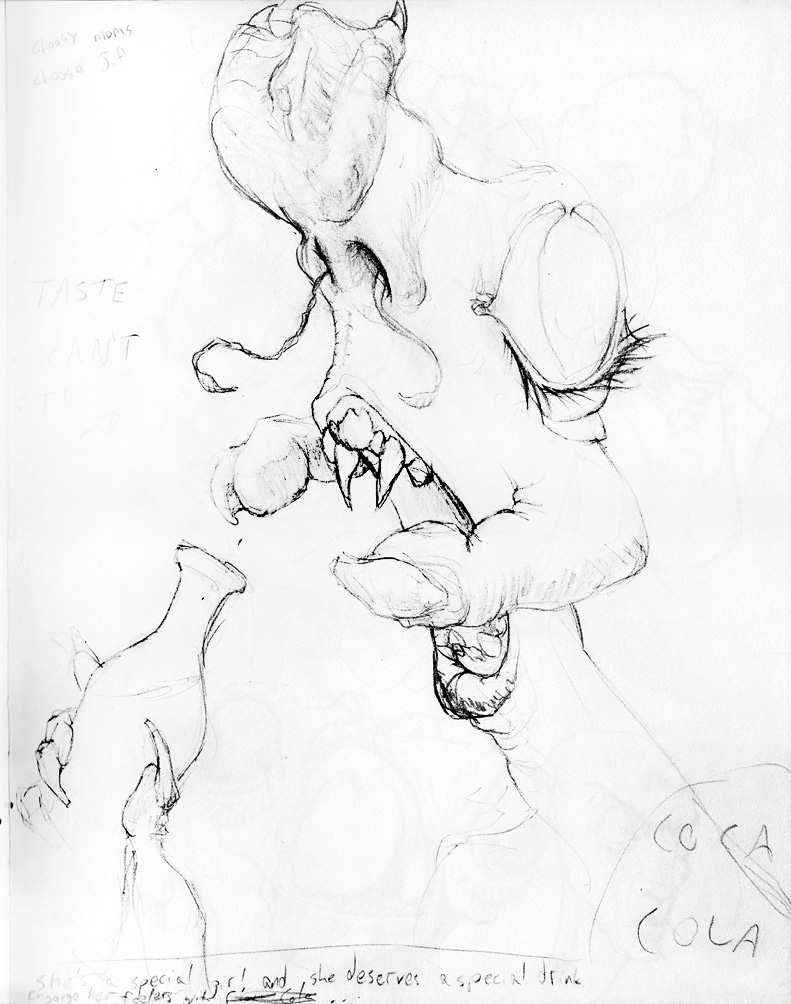
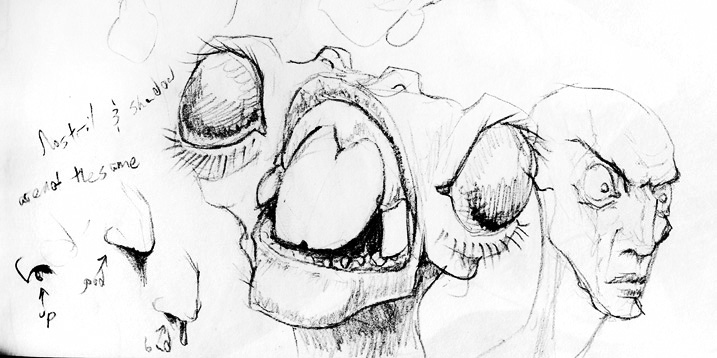
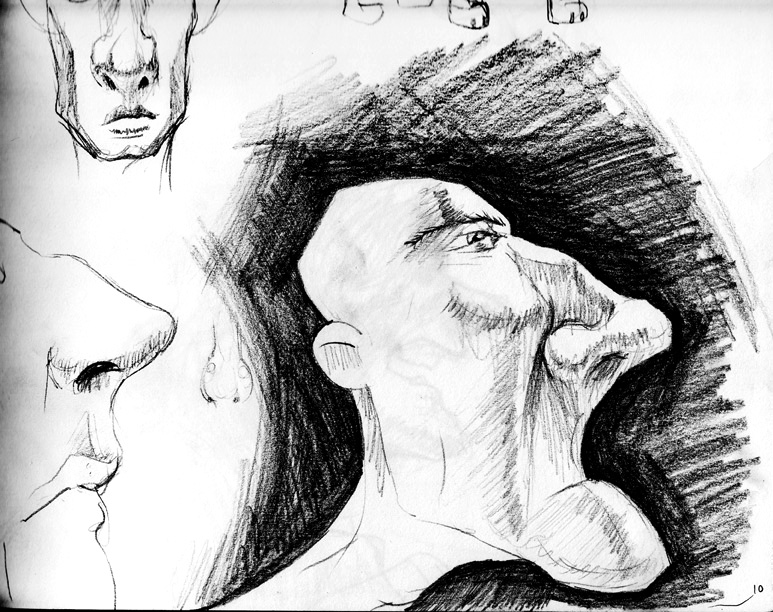
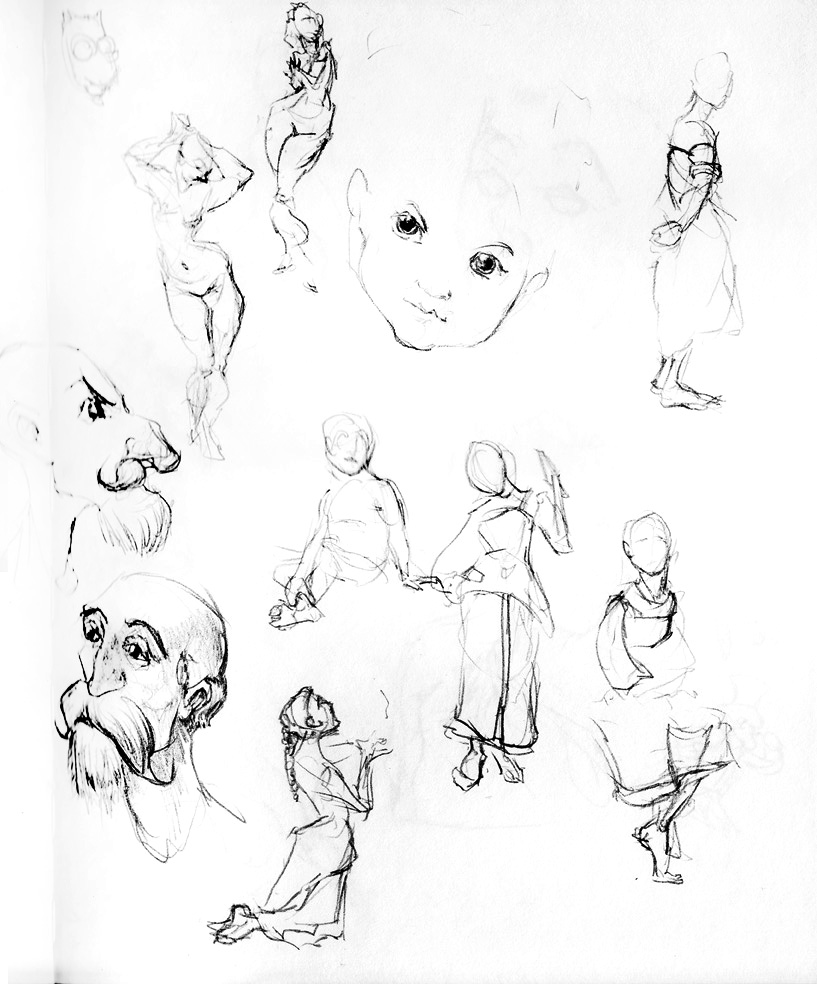
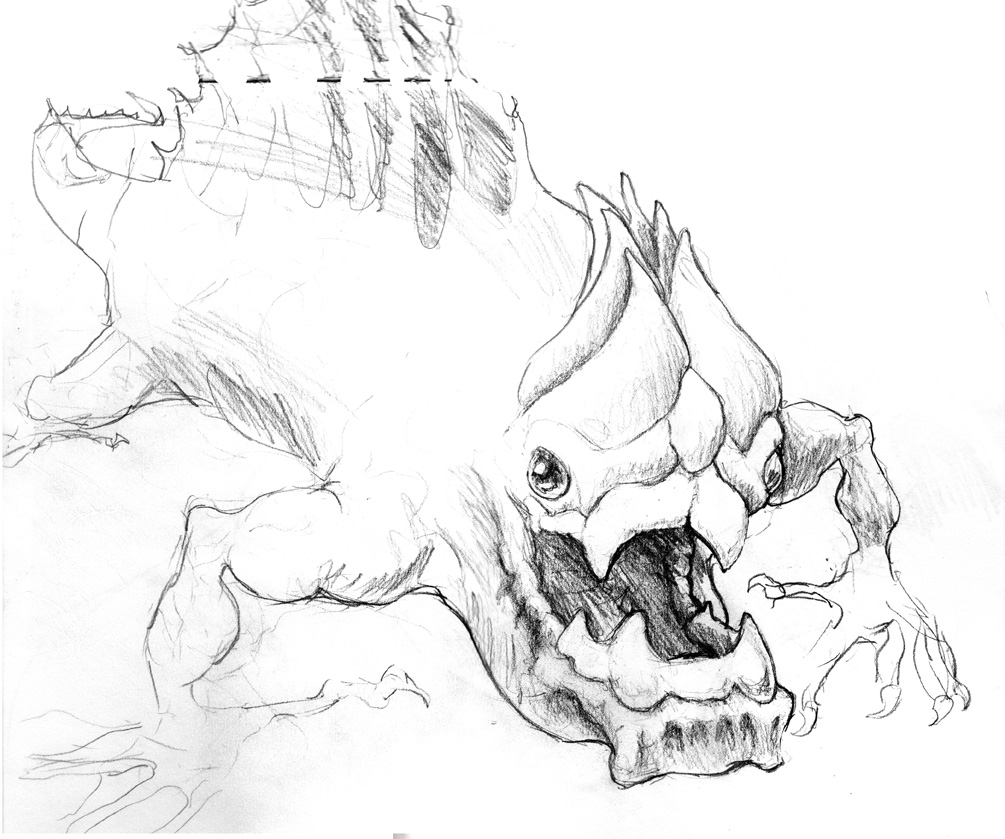
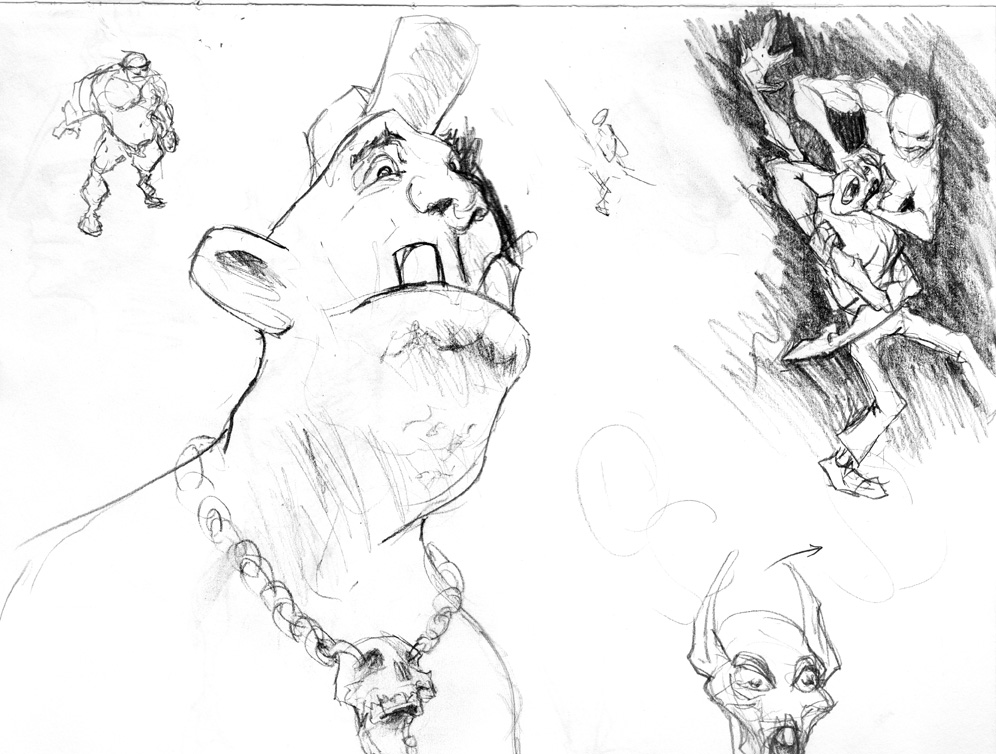
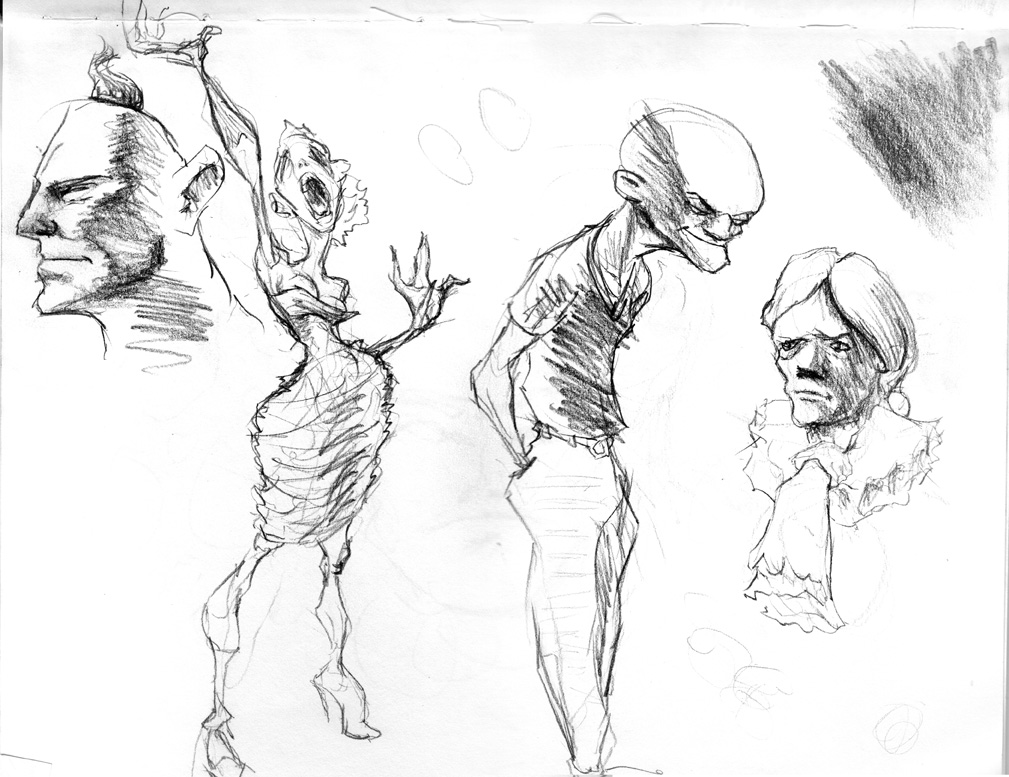
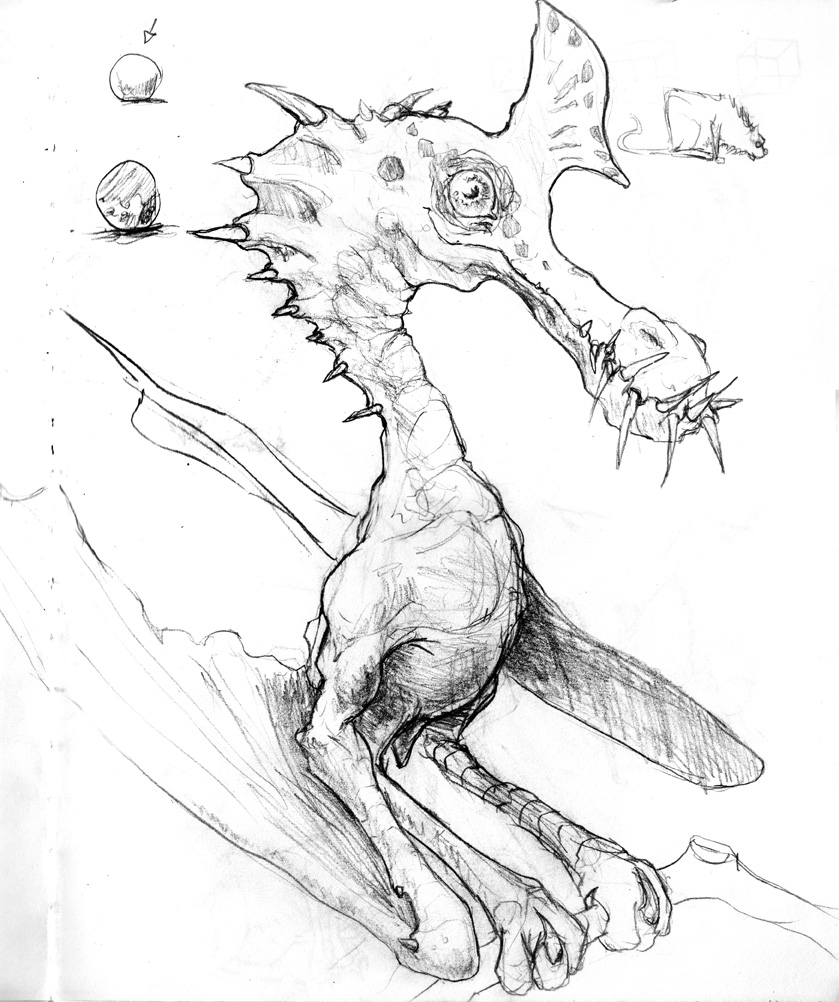
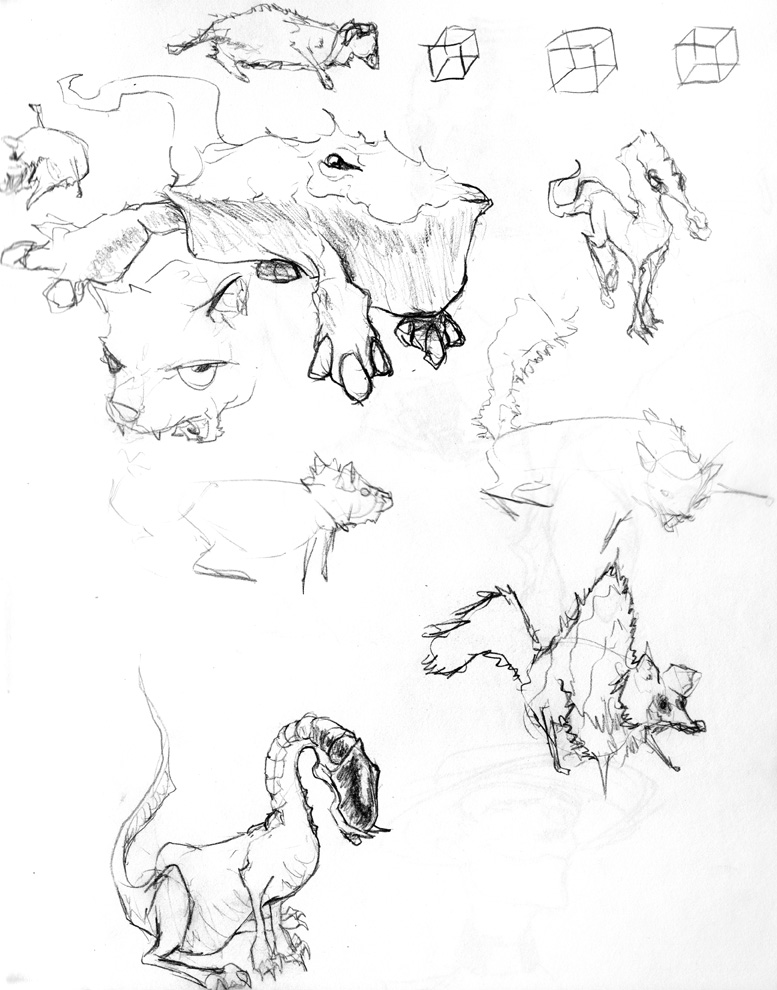
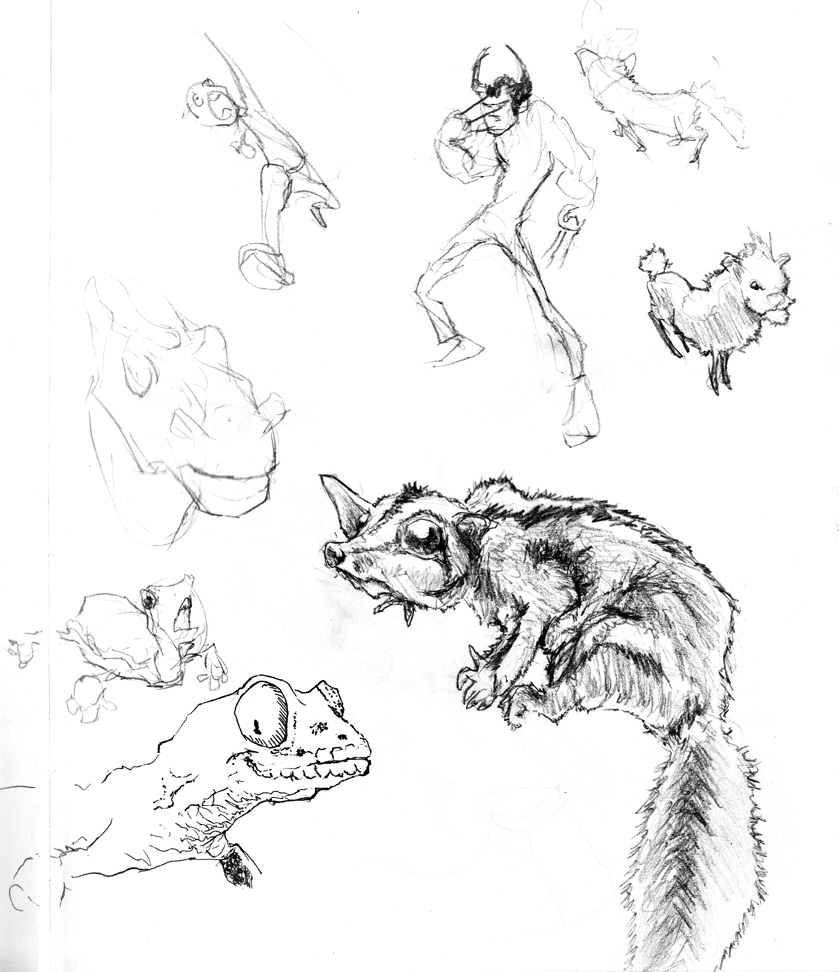
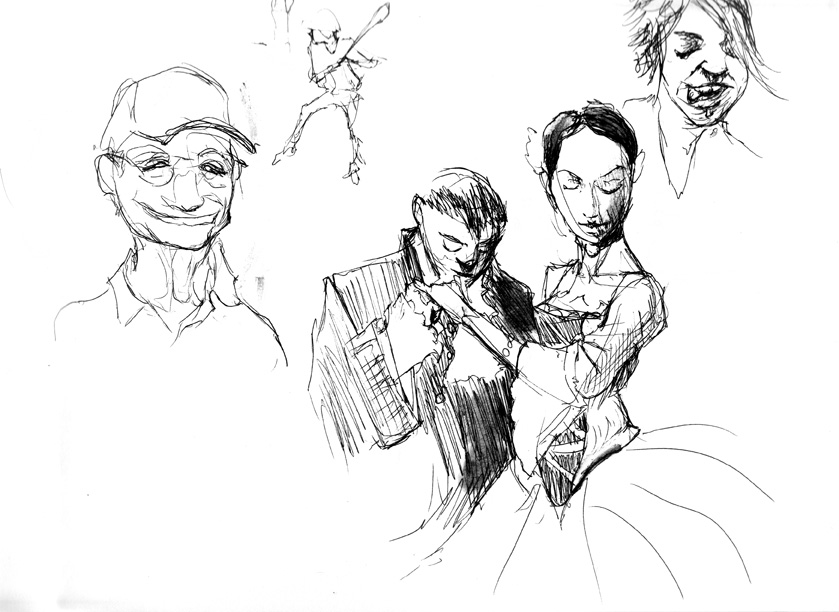
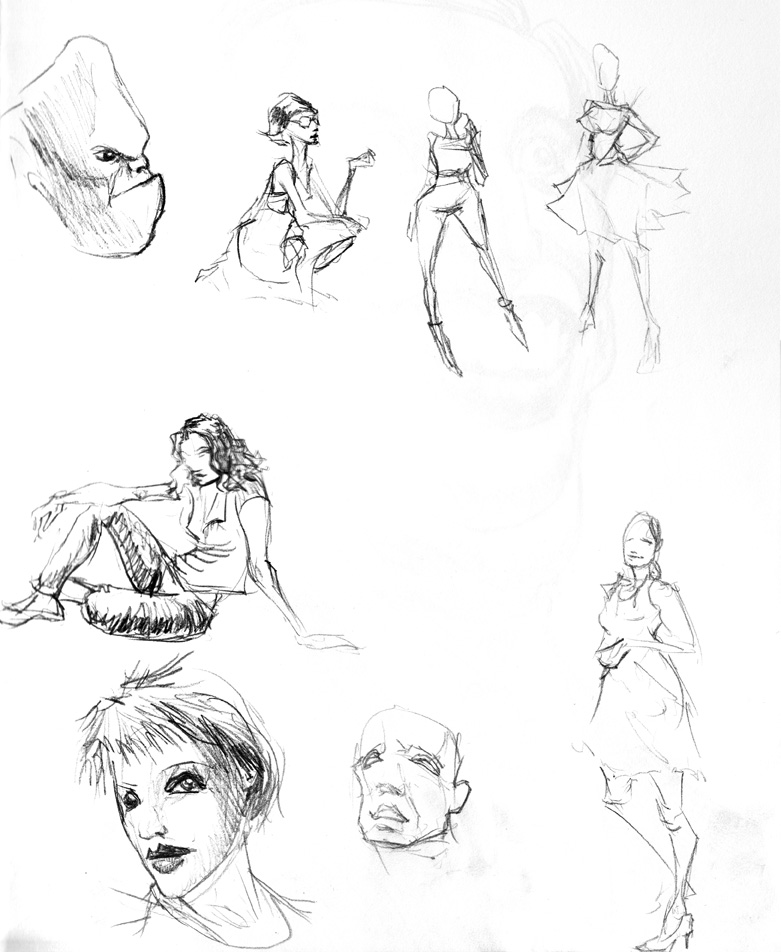
Some belated pics from a while back. My scans are getting some unpleasant artifacts from the page below;  The most immediate solution is scanning with white paper behind the page, but the likelier solution is that I need to go back to sketchbooks with thicker paper stock.


Experimenting with oil painting techniques

Posted by oscarbaechler on July 11, 2012
Posted in: illustration, sketch. 1 Comment

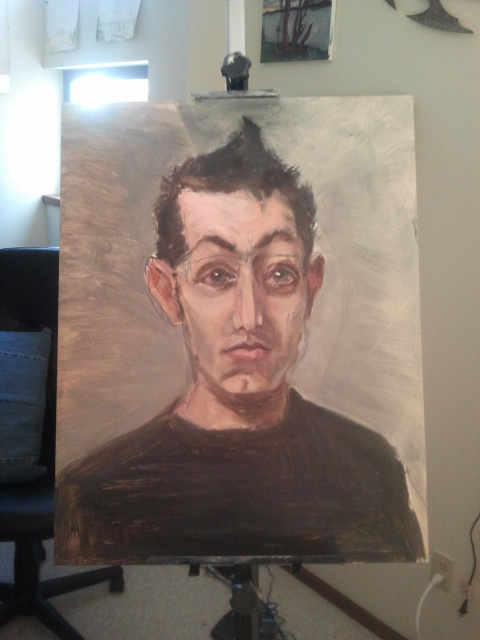
In my spare time I’ve been messing around with oil painting recently, and one time-honored technique is that of the cartoon. Although its modern meaning points to animation, the term originates from the technique of inking a drawing as an initial paint layer. Since you paint oils in transparent layers that become increasingly opaque, this lets you put down initial layers, and once it’s dry you can still grasp the concept of the inked drawing through the earlier transparent layer, until finally it disappears.

Here’s a self portrait I recently started.  Among things I ought to have done with this initial layer include painting a monochrome grisaille rather than working in a variety of color (and arguably too much detail), but since I was painting on top of  failed previous attempt I dove ahead, just to have fun and not waste a practice board.

Because I still use drawing techniques as a crutch, I wanted to try methods of cartoon with a pen instead of a brush. I’m curious to see if it has negative results in the longevity of the painting. And if it’s eventually covered with opaque paint, is it possible nobody will notice? Are certain pens less damaging? Are some usable on canvass, some on boards? MANY earlier things I’ve tried failed to take to the art board’s slick surface. Indeed, it’s possible this pen only did so because it was painted on the failed oils of an older project.

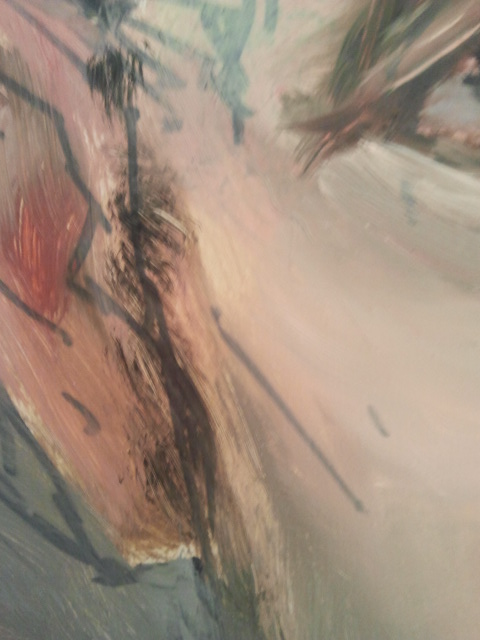
After a day of drying,  since I was painting on a flat board (thus meaning brush strokes occasionally scraped through unpleasantly)  I went in and blended certain edges, and buffed out some brush artifacts. I couldn’t do this the day before, but after a day of drying the paint was sticky and tacky, allowing for a finger to blend adequately. Had I done this the day before, a finger would have mopped paint away far too much, showing the failed painting beneath. But another side effect I noticed was worthy of note: As the paint dried, it became more transparent. Perhaps this means initial layers can be painted more opaquely without fear of losing your structural data. The day before this photo was taken, the cartoon was significantly less visible.

Final note: although I draw almost every day, I usually wait til half  a sketchbook, then upload the good stuff. However, I often take crappy phone pictures and upload them to Facebook. Isn’t this the place for daily progress? Hence, I plan to upload many more daily crappy blog posts. (And I can still sort the future good stuff into the Sketches section of this wordpress, eh?)

Painting notes

Posted by oscarbaechler on June 14, 2012
Posted in: illustration. Leave a comment

Sketching. What lies beyond it? When does one jump into the world of color, of rendering, of painting?

I’ve painted digitally, with one big complaint: if you can’t put it on your wall, who cares? It is not yet tangible.

As a result, I’ve been diving into oil painting. With the aid of an amazing book (Traditional Oil Painting by Virgil Elliott) I feel like the amount of progress I’ve made has been wonderful. Stay tuned for my first oil painting worth looking at by the public!

In the meantime, I’ve been keeping a journal of oil painting notes as I go. Here’s the main entries so far:

5/13

  • Suffered due to the toned canvass. In future, go less extreme chroma.
  • Spilled shit due to wind. lock easel down.
  • Fill in big shapes first? paint front to back? Still a tough call. Paint back to front, but know that, unless it’s dry, dark layers on top of things better than light; if it’s light, stick to border filling?
  • Small canvass? Paint small subjects! Would have been better off painting the gnarly old table, perhaps with some fruit on it, as a for instance.
  • Block in EARLY. Don’t put be drawing lines and realize your porch is half as long as it should be.


6/10

  • Fun fact: the word “cartoon” comes from the medieval painter’s term for a line drawing before your paint.
  • Line art/sketching/cartoons are your friend! They fit your style and play to your strengths!
  • Have twice as many finished cartoons as you have active paintings. The leftover paint at the end of a layer feels wasteful, so you’ll ALWAYS try to stick it on a canvas. By having said “sloppy second” canvas ready, you can block something useful in.
  • Color illusions: white pigment cannot be as bright as light. Therefore, darks have to be darker than real life to make them look true.
  • Ink your cartoons with a smaller brush; much of the 2nd glaze will be to blend these lines, so thickness works against you. Pen?
  • AO gradients are great. And you can always let it dry and paint back into it with lights.
  • Mix orange (by which I mean Cad Yellow Deep) with red, NOT yellow (Cad Yellow) and Red. Red+Yellow looks like ketchup and mustard, which is ugly and feels gross next to its two neighbors.
  • Light HAS to be a final, isolated glaze. Painting it ala prima means it’ll just mix with every darker wet paint it touches, and quickly turn to nothing. Only by going on top of dry paint can it stay verified.


6/13

  • Mix with neighbors. Yellow light with GREEN. Yellow Deep with RED. Need to lighten black or Van Dyke brown? Mix it with a pure chroma: red, blue, purple, green, etc. Need a darker white? mix it with red, blue, purple, green, etc.
  • Have a light green? Do NOT darken it with black. Have a dark red? Do NOT lighten it with a white. Stay neighborly to avoid mud.
  • Titanium white is an OPAQUE paint. Do not expect it to glaze more saturated, as if you’re color dodging. Worth looking up whites that DO glaze? If you mix it with something, it will get lighter but also less saturated.
  • Tint your white, then put it on opaque, but NOT pure white. As a FINAL step, brush white on with bristly strokes, then fade gently w/ fan brush.
  • “Glow” is relative, and glow needs chroma. Go from pure black, to pure chroma, to pure white, and blend in the middles.
  • Rose madder deep is a VERY transparent paint. This can be frustrating to work with, but it’s very fun to work with.
  • Fuck toning the canvas. Just fuck it. Fuck it hard. It’s a waste of paint. It doesn’t fit your painting style. Everything about it is against your artistic personality. ALWAYS have charcoal canvases ready for ink, at the WORST. better off to have ‘em already inked.
  • New painting rule: Edge over gradient. Paint the edge, THEN blend.
  • Wet, thin paint goes on runnier (good) but also less gradientable.This mean it makes edges better, but you need a contingency plan for blending it into its mass.

Skizzetchbook scans

Posted by oscarbaechler on May 30, 2012
Posted in: illustration, sketch. Leave a comment

First off : Seabug is Saturday! So come hang out and talk Blender with Blender people.

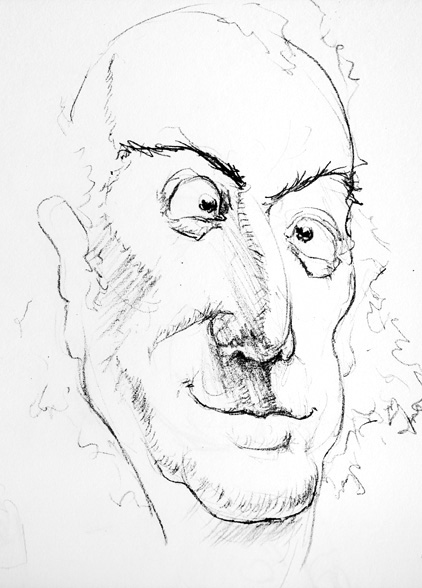
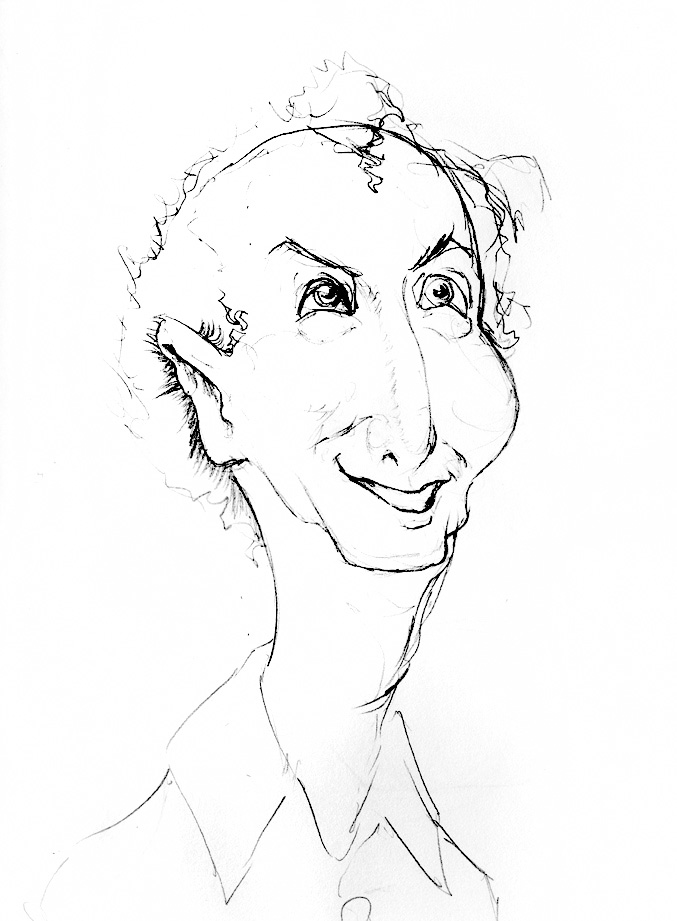
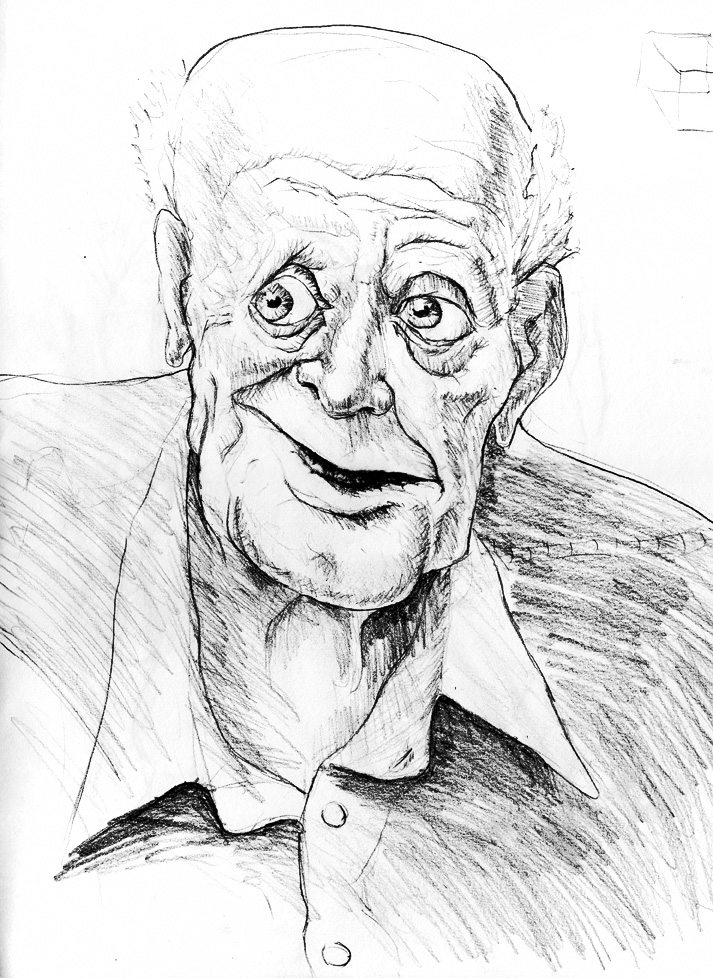
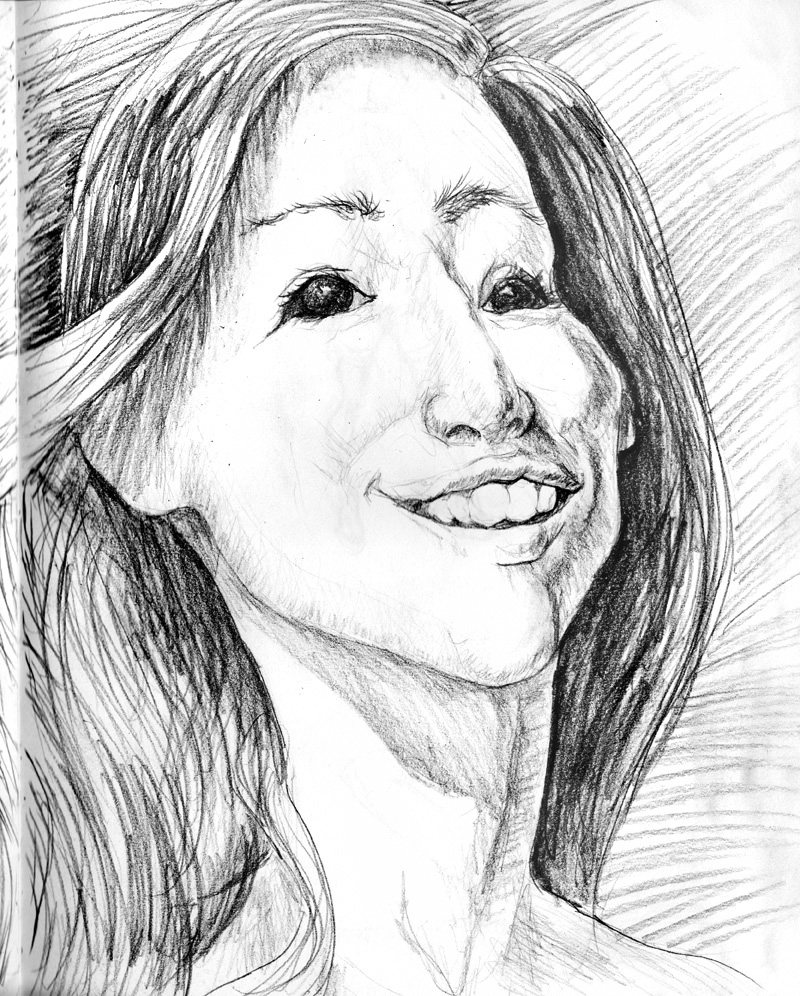
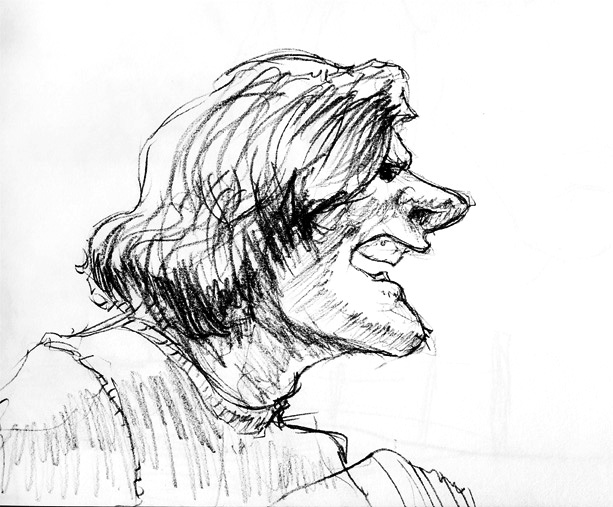
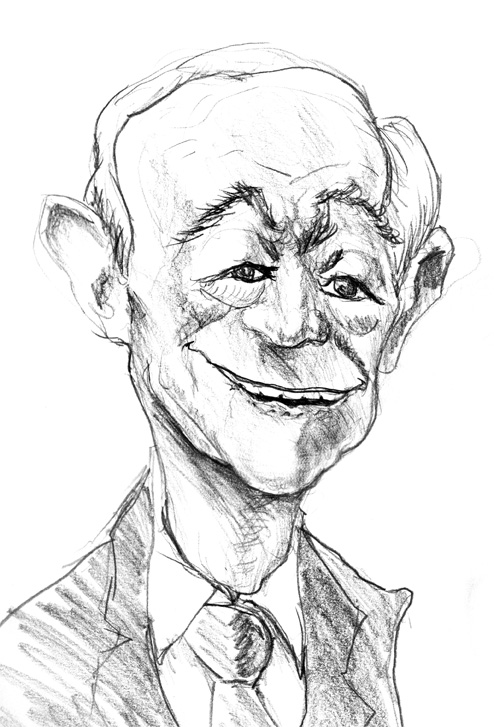
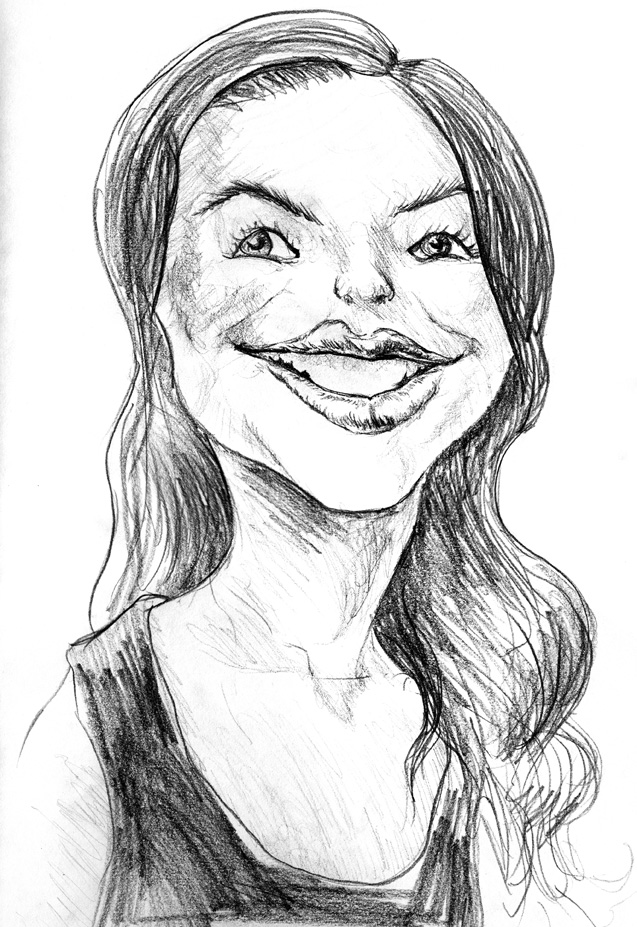
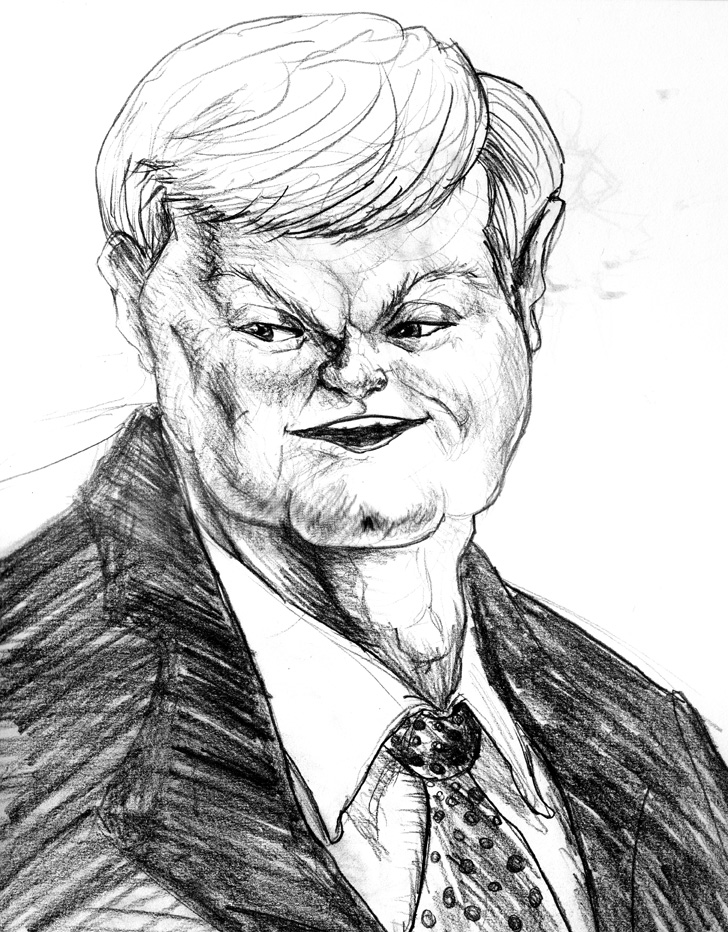
Been caricaturing more. It’s hard to nail down a formula. There’s a clear difference between drawing a funny anonymous face, and drawing a funny face that looks more like Tony Danza than a Tony Danza photograph. Been trying to formalize a process, and at the very least here’s the ideas I’ve got so far.

  1. Draw their biggest or smallest thing first, and make it extra big/small. Big nose? Draw a big nose first. Small, spaced apart eyes? Draw those lil beads first.
  2. Emphasize asymmetry. This happens more in the lipline (and thus its connected nasolabial furrow and nostrils) and brow (and thus connected left/right eyelid; you usually don’t move one without the other)
  3. DO NOT start with a principle shape; DO start with separate shapes. The majority of formal construction tutelage suggests that you start a head with an extended sphere or cube; heads done this way, IMHO, instantly lose the ability to show different areas as more or less important Instead of starting with a single spherical skull-and-jaw, build out of lego blocks your jaw (big or small?), your cheekbones (wide or sunk, high or sad?), your nose (Tinkerbell or Jafar?) your teeth block, the thin or thick lips around them, etc…Even your forehead plate, which is just the front part of your skull, can be given a person’s unique shape if you consider it a separate part.
  4. Consolidate tons of reference photos, OR use one iconic photo. We can all make a momentary face that looks fun, but when taken as part of a series in no way represents our true personality. If you use such a photo as a primary reference, it’ll throw people off, because it’s not a look that actually gets associated with you. Be careful not to overdo a feature that we won’t connect with! That said, some ideas are so iconic, they do deserve to be written in stone. Consider Jack Nicholson’s “Here’s Johnny” face, Stephen Colbert’s eyebrow raise, or the Olsen Twins’ don’t-show-your-teeth smile. These are ingrained into them deeply enough that it’s worth a single photo moment dominating your impression of them.

Anyway, blah blah blah, talky art crap.


Introduction to Krita

Posted by oscarbaechler on May 2, 2012
Posted in: illustration, sketch. Leave a comment

Here’s my Krita talk from LinuxFest Northwest. Enjoy!

How to construct and use a chrome light probe keychain

Posted by oscarbaechler on April 7, 2012
Posted in: blender, HDR. 1 Comment

I’ve been reading up on HDR lighting for 3D. I’m no photography buff, but it’s a handy way to light 3D scenes without doing a lot of work. Then spring came around and during walks around Seattle, I’d find myself thinking, “What a beautiful day! If only I had a mirrored ball and an expensive camera handy.”

Then again, I usually don’t need high res hyper-RAW pics for scenes. A relatively low-res image gets you pretty far. I’ve always got a quick and dirty camera via my phone. But what about a quick and dirty light probe? Hence, a crazy scheme is born: to make a chrome ball keychain, and photograph it wherever I happen to be.
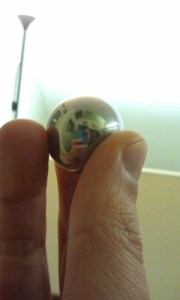
 First, the chrome balls. They can be found in all sorts of shapes, sizes, and quantities on Amazon, but you’ll probably have to buy in a pack of 10 or 20. Why not assemble a Blender User Group, like Seabug (this Saturday!) and share the leftovers with others?

Shopping around revealed some bad news. Handier folk than I recommended either welding or tapping a screw to fix this to a keychain, but I lack both the skill and equipment to do so. Additionally, paying a professional to do one of these options would cost far more than the metal balls themselves! (quotes ranged from $60 to $600.) Hence, we turn to the glue option.
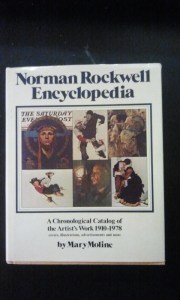
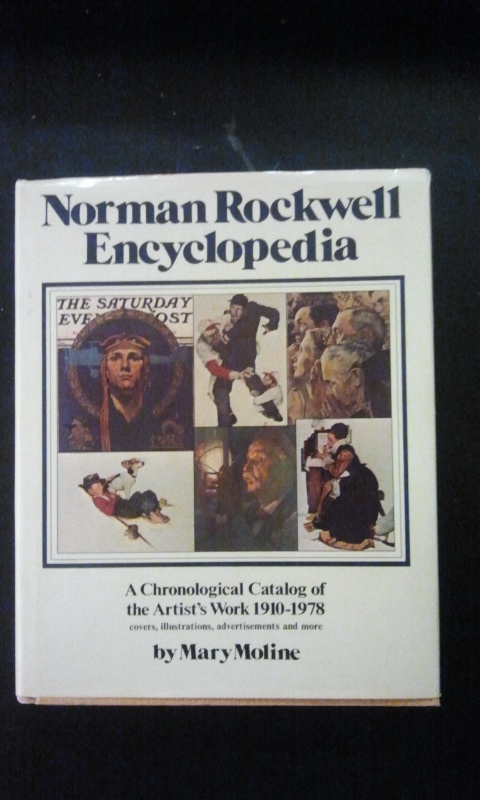
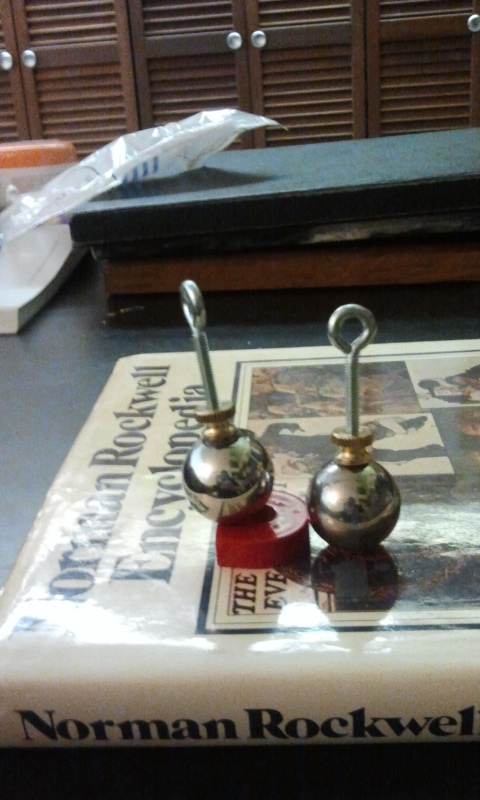
We’ll need a good work surface we don’t mind getting beat up or glued. I used this Norman Rockwell book, because like Picasso and the Ninja Turtles, he’s the sort of zeitgeist-hogging artist that even the lowliest pleb can namedrop. Hence, his literature over-saturates the pseudo-bourgeois coffee tables of Americana, and any number of volumes can be obtained for a tuppence at your local Goodwill.

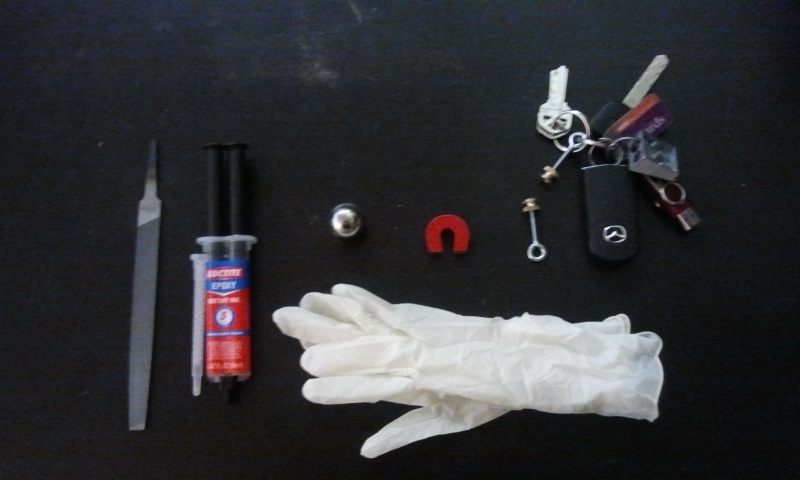
When shopping for glue, search for ones that specify metal-on-metal contact, like this Loctite epoxy. Additional tools include a metal file for roughening surfaces before gluing and removing glue later, a magnet for easy anti-roll propping (old CDs work well too), disposable gloves to avoid emergency room visits, an eyelet screw, and a thicker washer for wider base and increased stability.
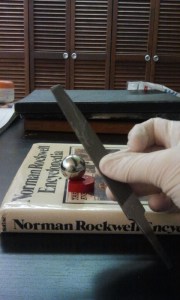
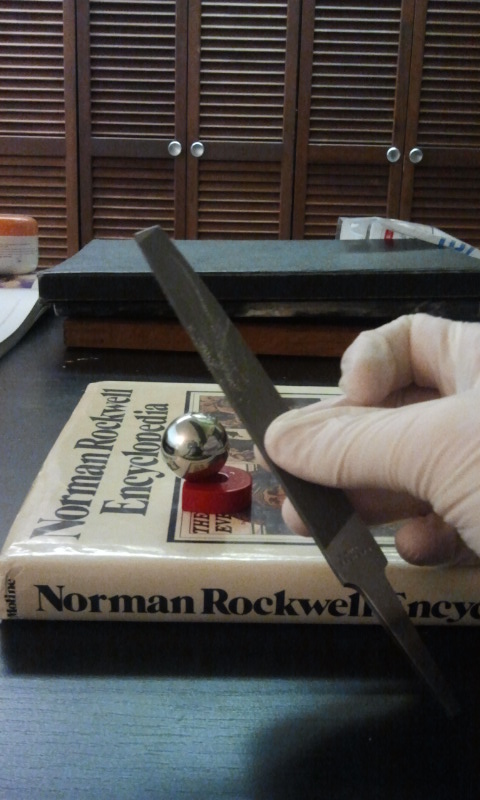
File on the surface of both the chrome ball’s contact point and the washer/screw contact point. This roughening will help the glue bond.
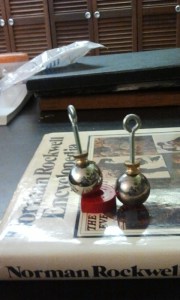
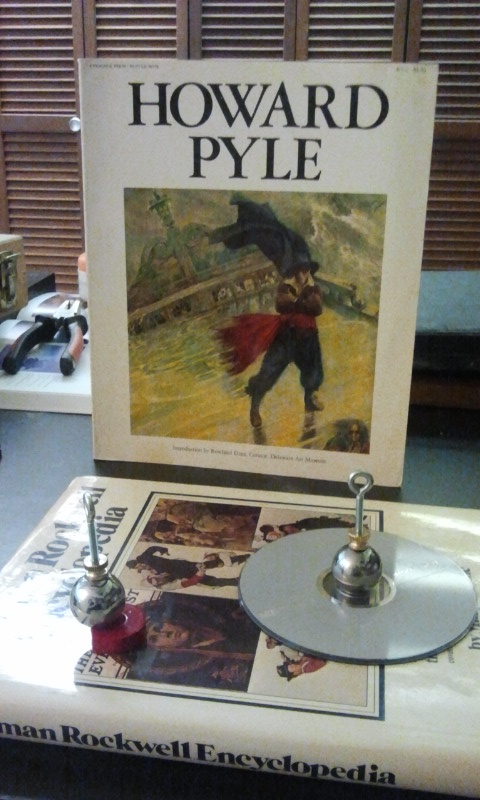
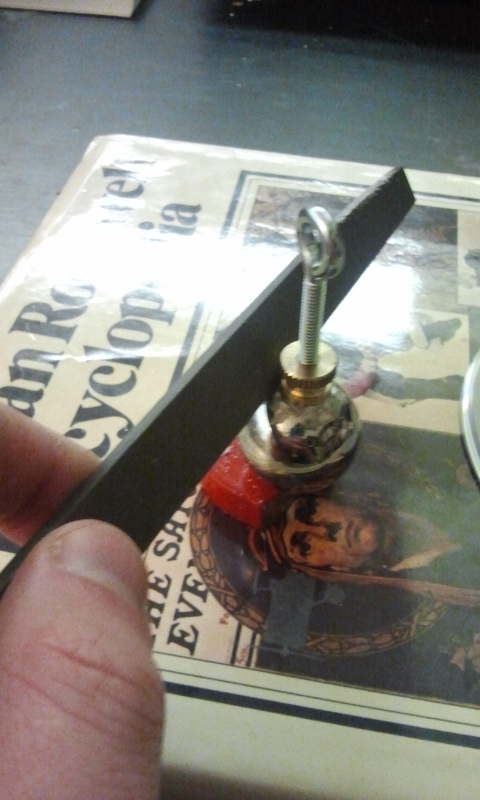
Glue the two things together, and also try to get some glue inside the washer, along the screw thread. hold them upright, with the magnet helping you out, but be careful not to let the eyelet droop; it’ll zoom right to the magnet. After a few minutes, it should be dry enough  to stand on its own, but is still structurally weak.
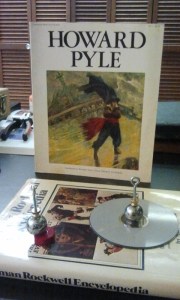
I switched one ball to a stack of CDs for the remainder of the drying. While you’re waiting, why not read up on a grander and more obscure artist for future name dropping? Ah, Howard Pyle. That’s the ticket! Master of color, the best early illustrator to make it big mass marketing to the lowest common denominator, and an educator to whom many great students trace their lineage. Why, imagine how he’d feel knowing now that his children’s book fancies are now prized among…good news! The glue is dry.
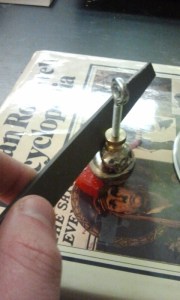
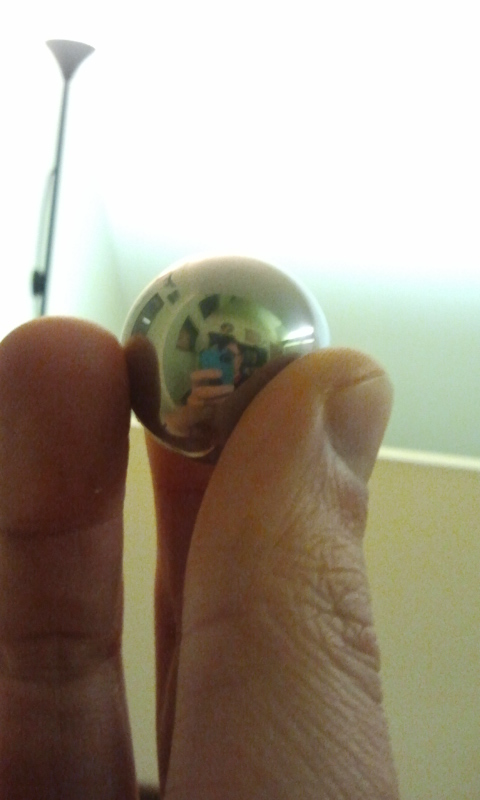
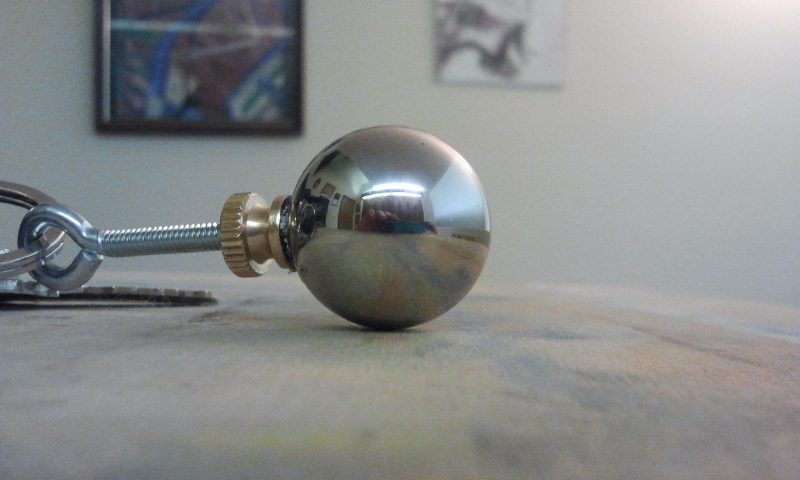
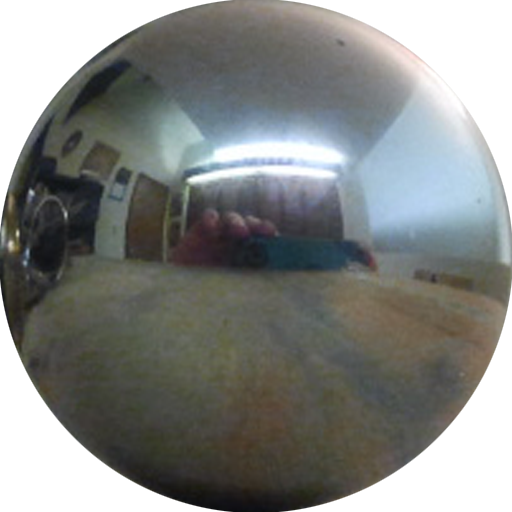
Ready to have your mind blown? When you look at a reflective ball, you see more than the 180 degrees facing you! This means that when you photograph your ball, you’ll have to edit out two things: yourself and your keys. To minimize other artifacts that will clog your photo, use the file to remove excess glue.
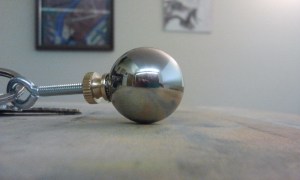
Learn what you can about operating your crappy camera phone. Try to get good resolution. Also, although it illustrates the hardware, try to position the your keys behind the ball, rather than on the side.
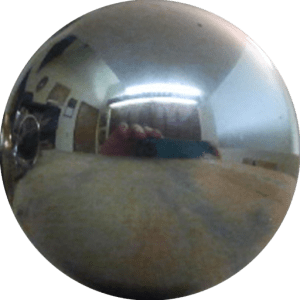
My camera crops with only a little bit of uprezzing to put this exactly in the center of a 512×512 texture.
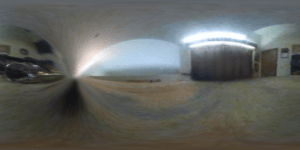
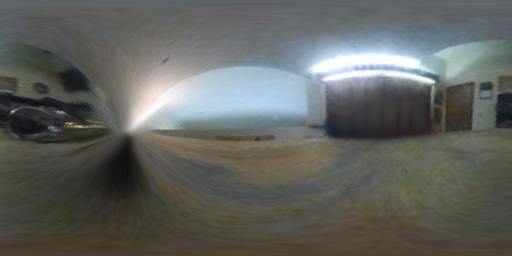
I distort this to a rectilinear map using the Flexify 2 filter for Photoshop from Flaming Pear. Although I haven’t tried it, there’s also Panorama Tools for GIMP, and probably some other stuff. I dunno, google it. The settings I used were Mirror Ball to Equirectangular, which jams it into 256×512. I cleaned out two artifacts: myself in front of the closet, and the keys along the left pole. In retrospect, I should have cleaned out the ball’s contact shadow (AKA ambient occlusion for you 3D types) before remapping as well.

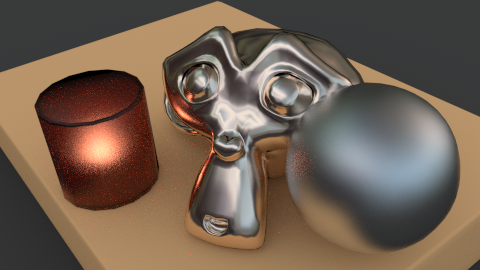
Now to get this in 3D! I used two setups, Cycles and Internal for Blender. The Cycles render is simple. On the World coordinates tab, change the Color to Environment Texture, and select your  equirectangular texture, leaving the Vector at Default. Turn on Ambient Occlusion, and under Settings turn on Sample as Lamp.
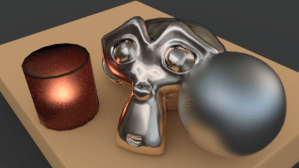
Hey hey, instantly lit scene!

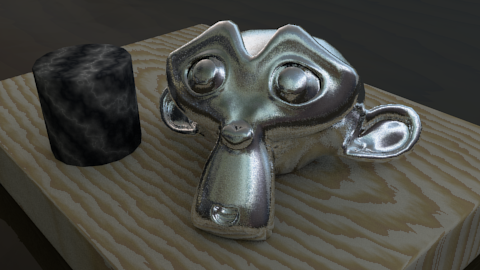
For the internal renderer, you have to do a lot more finagling. First, the World should be mapped to Real Sky. Turn on AO, Environment lighting (set to Sky Texture), and set Gather to Raytrace, and enable raytracing in the Render tab. For the World texture, instead use an Image type texture (instead of an Environment Map) because this is quick and dirty, and thus can’t use Env Map’s fancy goodness. Select your equirectangular texture, and map to Vector and Default.
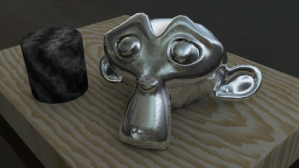
 

Anyhoo, Feel free to play with my test file.

Krita painting

Posted by oscarbaechler on April 4, 2012
Posted in: illustration. 1 Comment

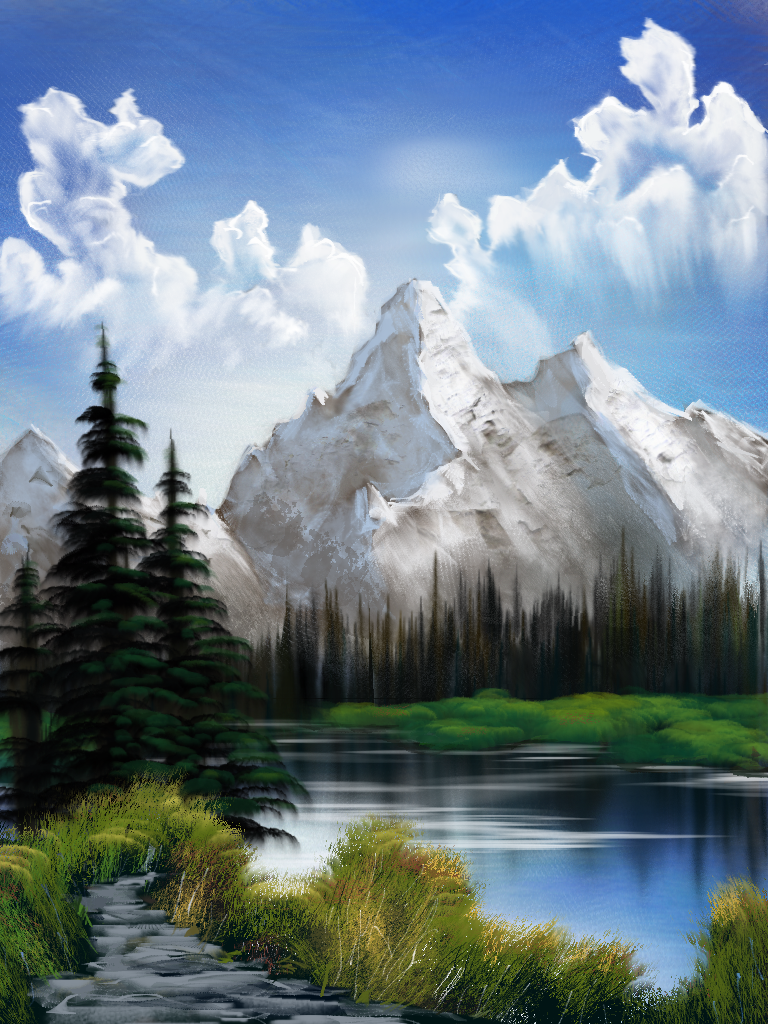
I painted this landscape in Krita, and threw some acapella Bob Ross music on it for emphasis. Hope you like it!


Krita review

Posted by oscarbaechler on March 27, 2012
Posted in: illustration. 6 Comments

Image

First off! I’ll be teaching Blender at LinuxFest Northwest again, so I hope to see you there!

Second off! One of the organizers at LinuxFest approached me about Krita, wondering if I knew anyone who would be willing to teach it. I’d never heard of it, but foolishly threw my name into the ring and started picking up the program. Krita is a free, open source drawing tool whose biggest feature is certainly its brush interface.
The bad news: just like GIMP, Krita’s still young, only 6 years old. It still has that rough-around-the-edges, slightly underfunded and undermanaged feel that GIMP has. I found myself looking up features that don’t exist yet, or exist but are turned off due to bugs. Navigating the UI can be painful and buggy from time to times, and you can still get the occasional crash doing mundane things like undoing.
The good news: Krita’s brush interface is wonderful. Right Click is an ever-present palette for both your favorite brushes and the currently active color. Additionally, you can use an image as your color palette. It has several great features that Photoshop still lacks, despite its enraging $500 price tag:

  • Mirrored drawing!
  • Hold shift for easy brush resizing!
  • Erase as a layer mode transfer!

The biggest difference is hard to explain, as it’s technical in nature. In Photoshop, Brushes are limited in their function. They can slice, dice, and manipulate an image/3d-based brush, but only to an extent. Krita gives advanced pattern control, animated color variation, and (best of all) stroke bleeding. I first tried this interface technique via Mr. Doob, but this takes it out of HTML 5 and puts it into a true image editor.

In conclusion, I’m delighted with Krita, and intend to use it for many future projects. It offers something refreshing and exciting while GIMP feels like it hasn’t advanced in 5 years. Furthermore, Photoshop CS6, sadly, won’t be adding this level of brush functionality. So instead of spending $200 on your next Photoshop, consider donating to Krita’s development.


Posts navigation

← Older Entries
Newer Entries →
  • Recent Posts

    • Ballard Life Drawing Co-op Returns!
    • Linuxfest Northwest 2025!
    • Ogbog’s Grog Barrel Generator for Geometry Nodes in Blender 4.3
    • Adding labels with geometry nodes and python
    • Several Meat Machine updates!
  • Archives

    • March 2026
    • May 2025
    • February 2025
    • July 2024
    • March 2024
    • February 2024
    • December 2021
    • October 2021
    • September 2021
    • August 2021
    • July 2021
    • June 2021
    • March 2017
    • February 2017
    • January 2017
    • December 2016
    • November 2016
    • October 2016
    • September 2016
    • August 2016
    • July 2016
    • June 2016
    • May 2016
    • April 2016
    • March 2016
    • November 2015
    • October 2015
    • January 2015
    • September 2014
    • August 2014
    • July 2014
    • June 2014
    • April 2014
    • March 2014
    • February 2014
    • January 2014
    • December 2013
    • November 2013
    • March 2013
    • January 2013
    • December 2012
    • November 2012
    • October 2012
    • August 2012
    • July 2012
    • June 2012
    • May 2012
    • April 2012
    • March 2012
    • January 2012
    • December 2011
    • October 2011
    • September 2011
    • August 2011
  • Categories

    • blender
    • HDR
    • illustration
    • sketch
    • Uncategorized
  • Meta

    • Create account
    • Log in
    • Entries feed
    • Comments feed
    • WordPress.com
Create a free website or blog at WordPress.com.
The Og Bog Blog
Blog at WordPress.com.
Privacy & Cookies: This site uses cookies. By continuing to use this website, you agree to their use.
To find out more, including how to control cookies, see here: Cookie Policy
  • Subscribe Subscribed
    • The Og Bog Blog
    • Already have a WordPress.com account? Log in now.
    • The Og Bog Blog
    • Subscribe Subscribed
    • Sign up
    • Log in
    • Report this content
    • View site in Reader
    • Manage subscriptions
    • Collapse this bar
 

Loading Comments...