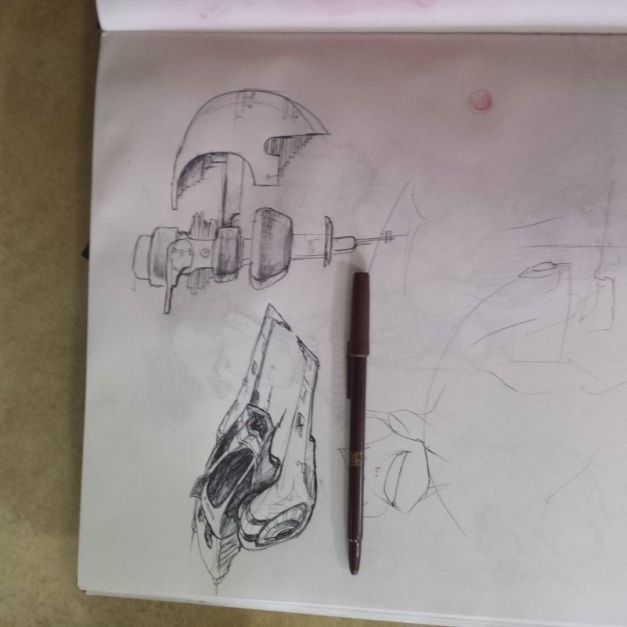
from Instagram: http://ift.tt/25sFtpF

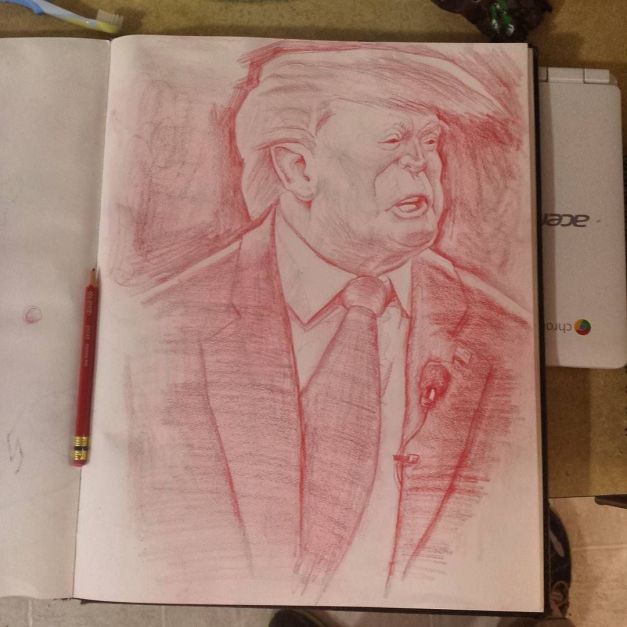
Image based lighting (IBL) has become an essential part of lighting for CGI. You might have the gumption to figure out all the buttons in Blender or Maya, download some panos off the internet, and hook them up, and instantly recognize how beautiful and instantaneous they make your lighting.
But how the heck do ya make them!?!?
Put your hand in mine, dear reader, and we’ll venture into the basics. I am by no means an expert, but at this point I’m at least a highly seasoned amateur. I’ll assume you’re like me: not a massive studio with a devoted IBL team already. But not a n00b, either. You’re versed enough in 3D (and possibly IBL) that you realize it’s time to shell out for some camera equipment and learn some new software. And we’ll try to keep that software as free and open source as possible.
Let’s begin!
I purchased my HDR gear cautiously and piecemeal, putting one toe in the water at a time for fear of blowing all my money on gear that didn’t work. Sometimes I regretted this or that purchase, but it still works well enough. So if you’ve got a bunch of camera equipment already, chances are you’re all set! Here’s what you need.
The camera body and fisheye lens are the biggest financial hits. You can often find camera bodies used, but they’ll still be expensive. Fisheye lenses are more specialized, so you’ll probably resort to getting a new one.
Before shelling out on a tripod, check Goodwill and yard sales. You can sometimes find them for a paltry $5! Often times they’re missing a tiny attachment part, easily replaced for pennies. Pano heads, like the fisheye, are specialized; chances are your local photography store doesn’t even carry them. Purchase it on the internet.
Together, DSLR controller and a micro-to-mini USB cable are less than $15. Well worth it.
The SD card your camera comes with probably isn’t fast or big enough. Drop $40 on a new one.
A sheet of .9 ND gel is around $6 and will last you a while. It’s actually still a ripoff–they sell whole reels of the stuff for $50. Start with just one sheet, and by the time you’ve used it all up you’ll officially be better at HDR panography than I am.
If you get lucky with some used gear, you might be able to get this whole setup for about $2000. If you already have a DSLR, just fit that square peg into this round hole and you’ll probably be fine, with considerable savings.
I drew this after the Oregon shooting. Today there’s one at NAU.

Draw365 is the challenge to draw every day for a year. Can I put it down? 6 days in, so far so good. Here’s some winners thus far.
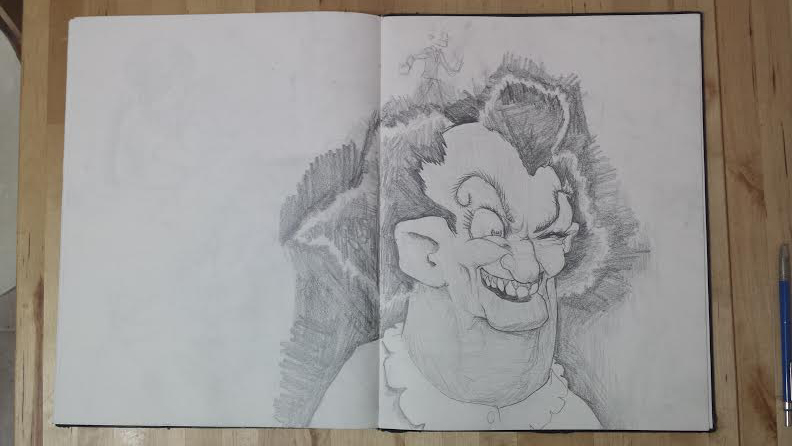

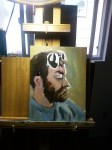
Here’s a thing I painted as a live demo at SeaGL.
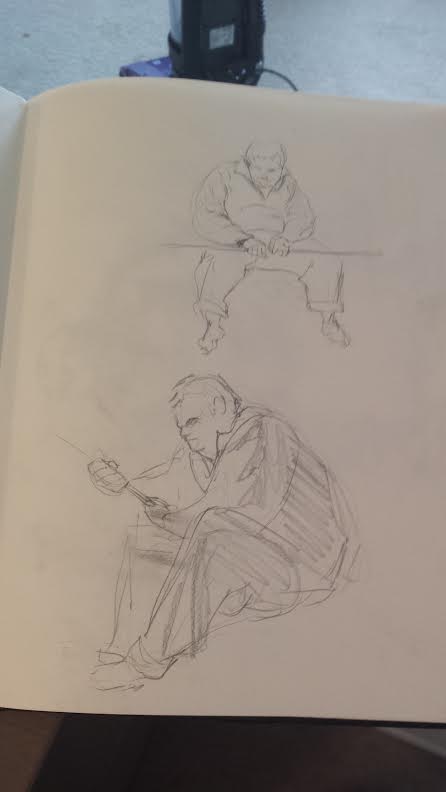
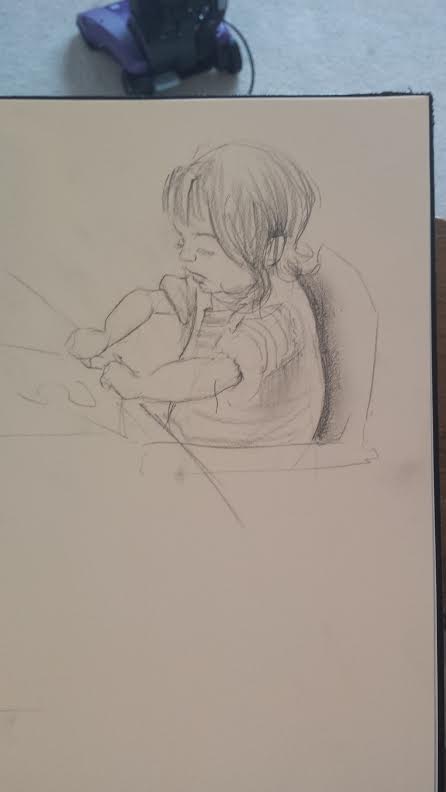
Also, I started a life drawing group. Seattle’s only FREE life drawing group! Learn more at http://bit.do/bldc . I’m due for a huge sketchbook scanning weekend, so I’ll post more life drawing shortly.
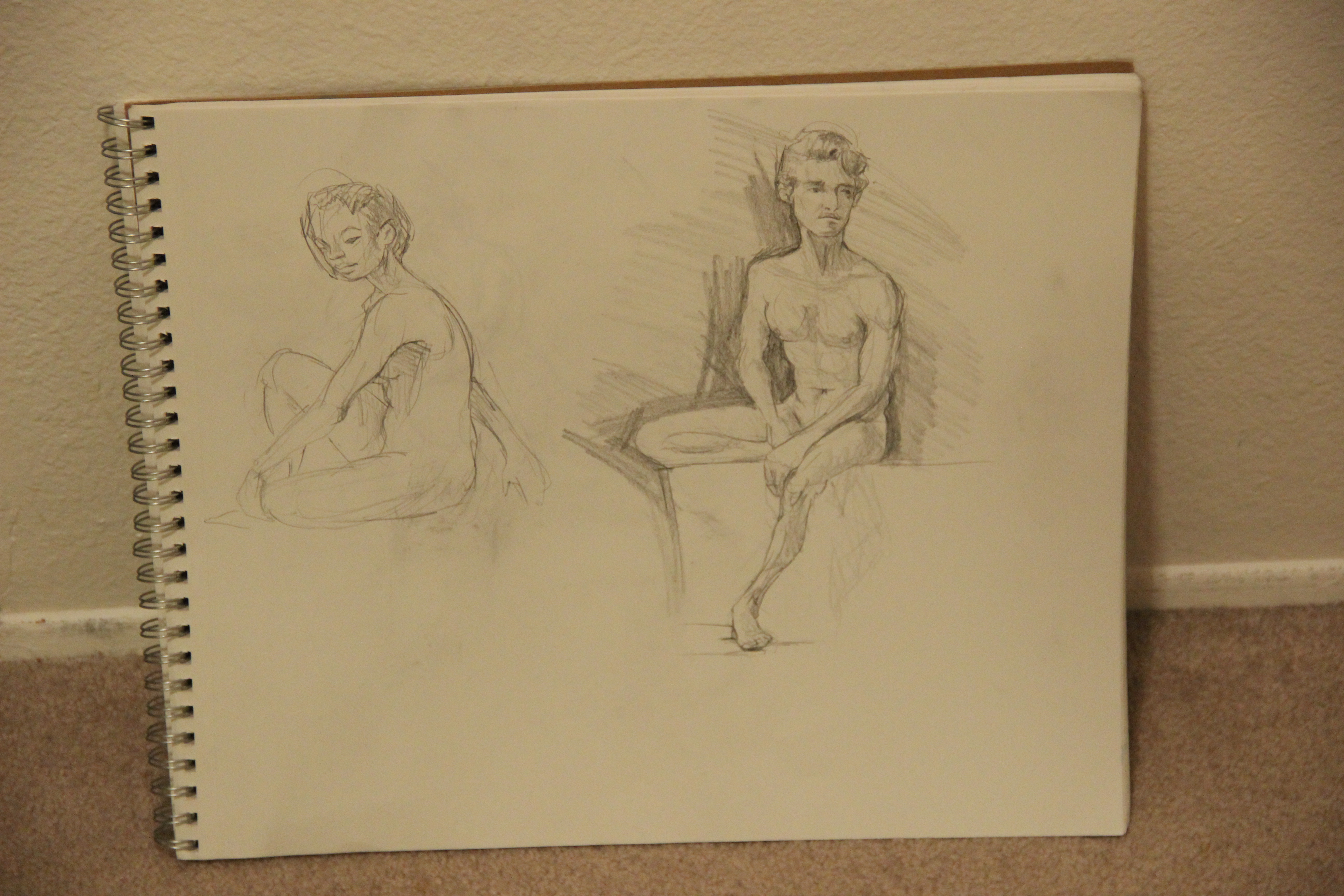
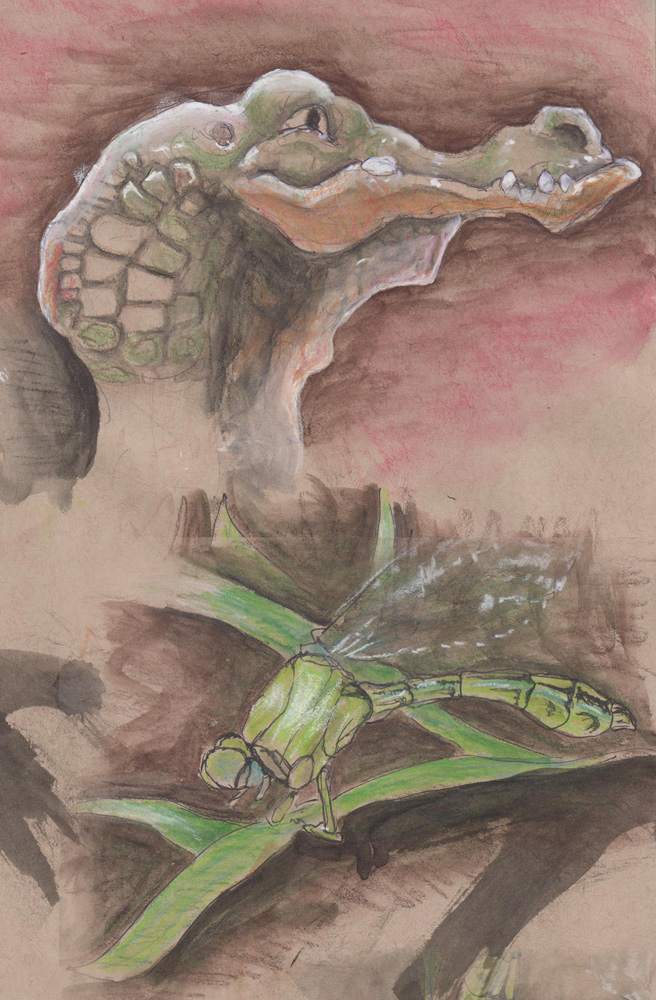
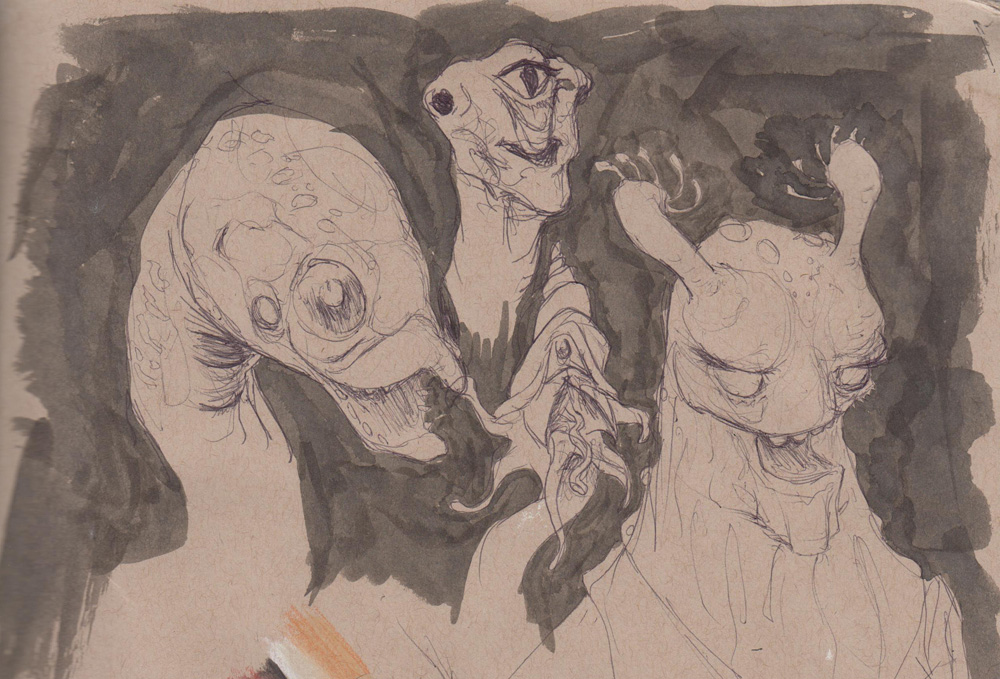
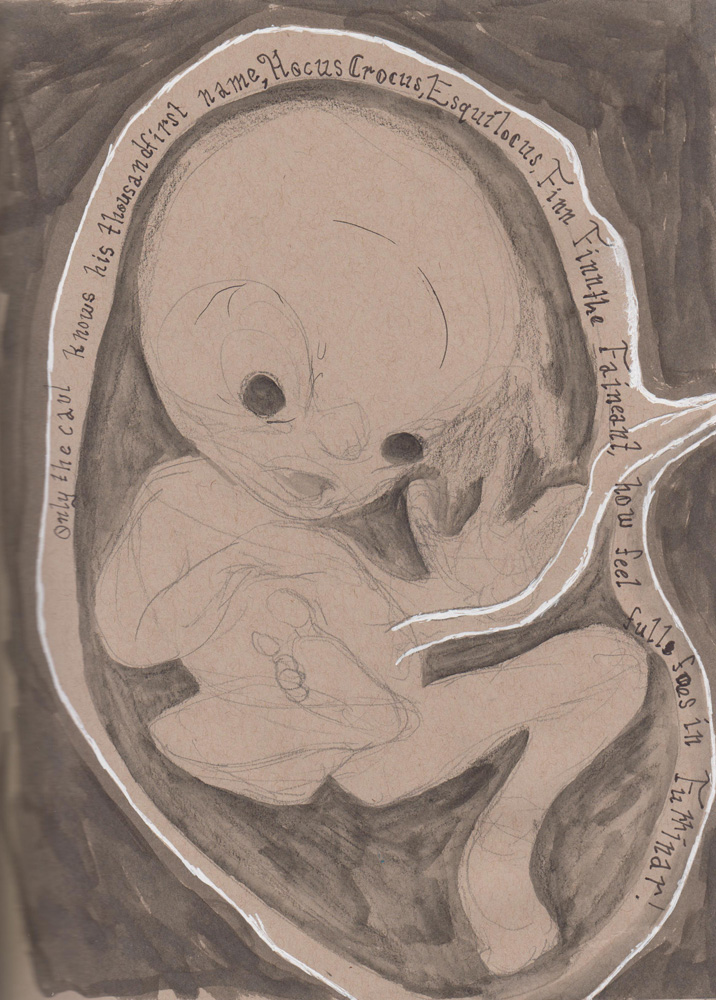
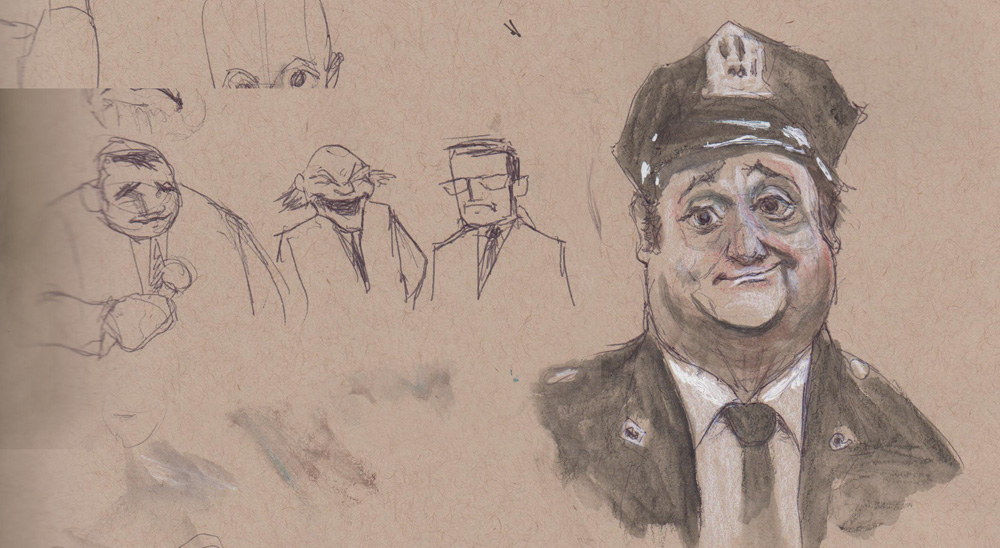
Just a bit of wisdom I jotted in an old sketchbook. Here’s a big pile of images in no particular order, logic, or cleanliness.
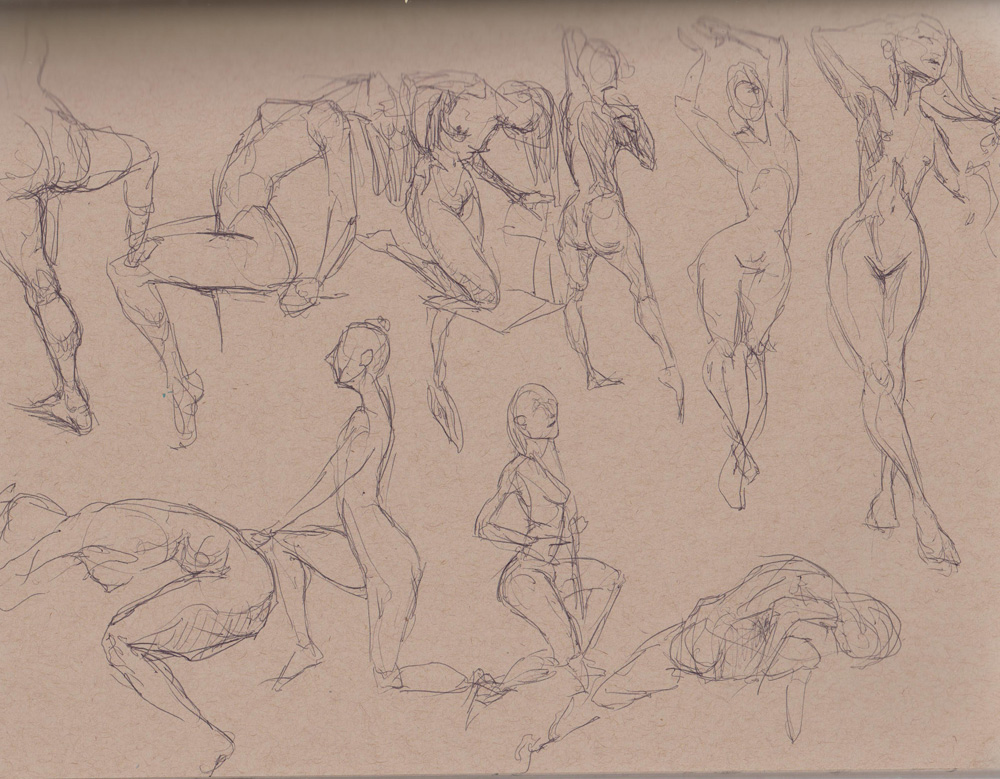
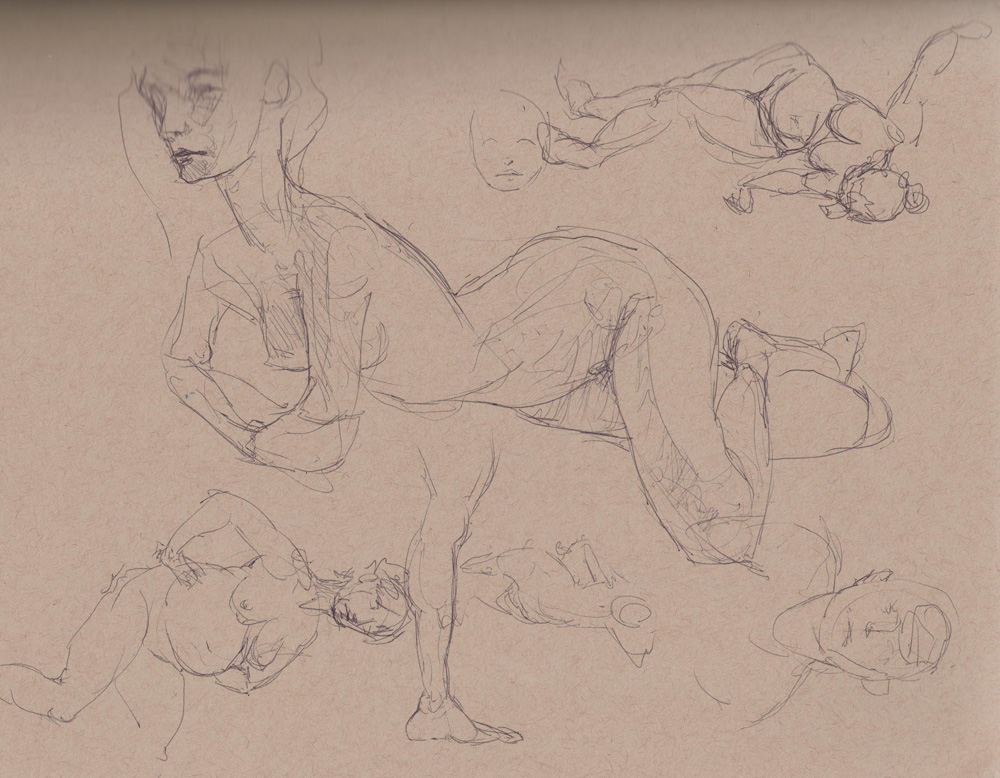
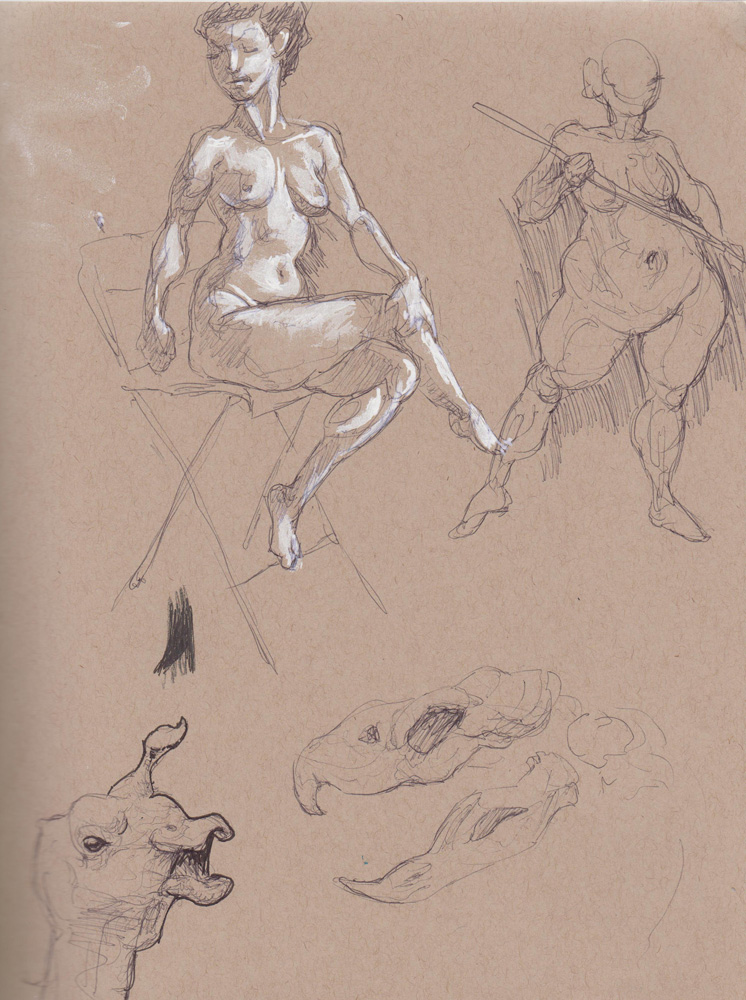
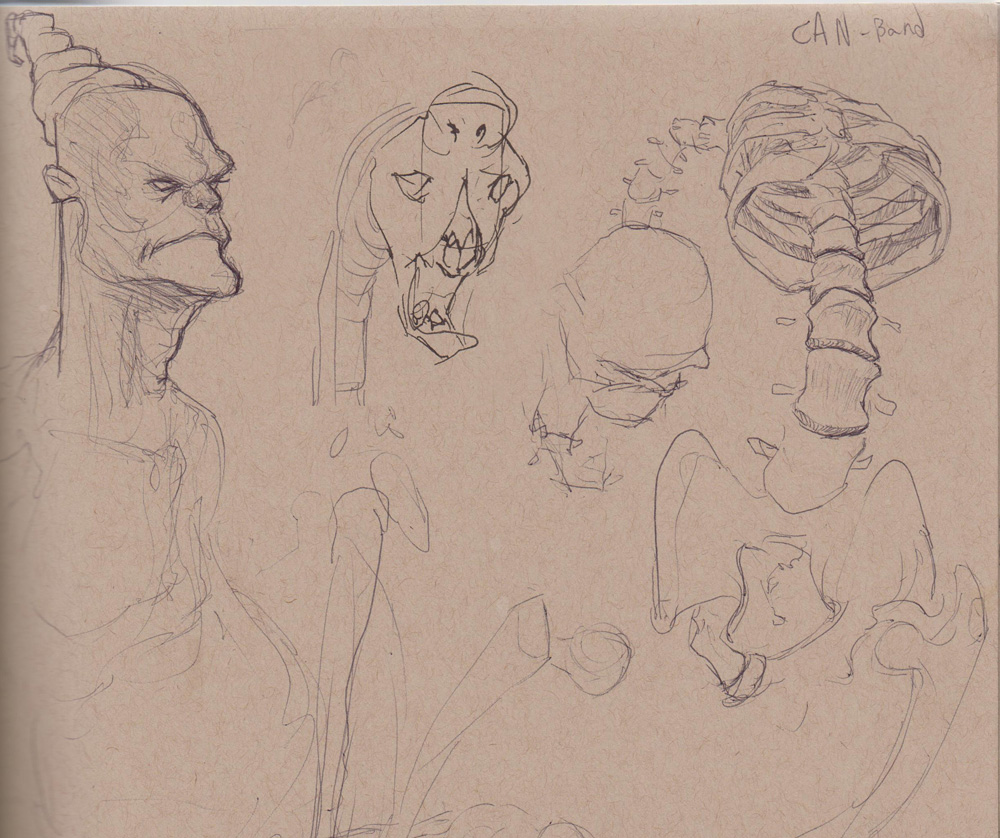
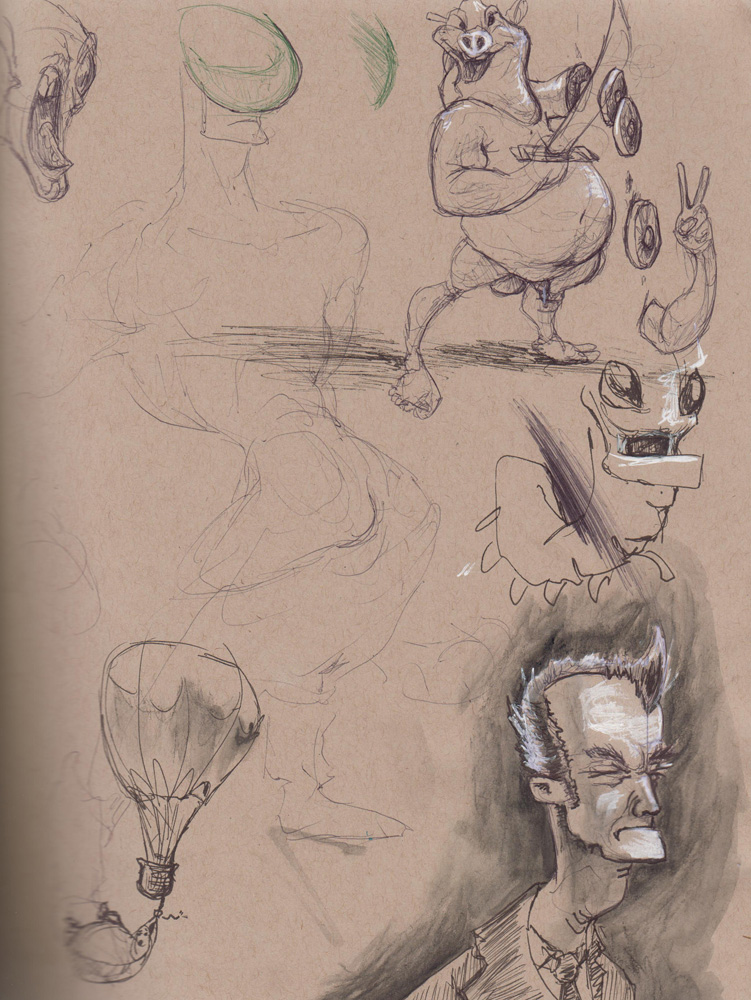
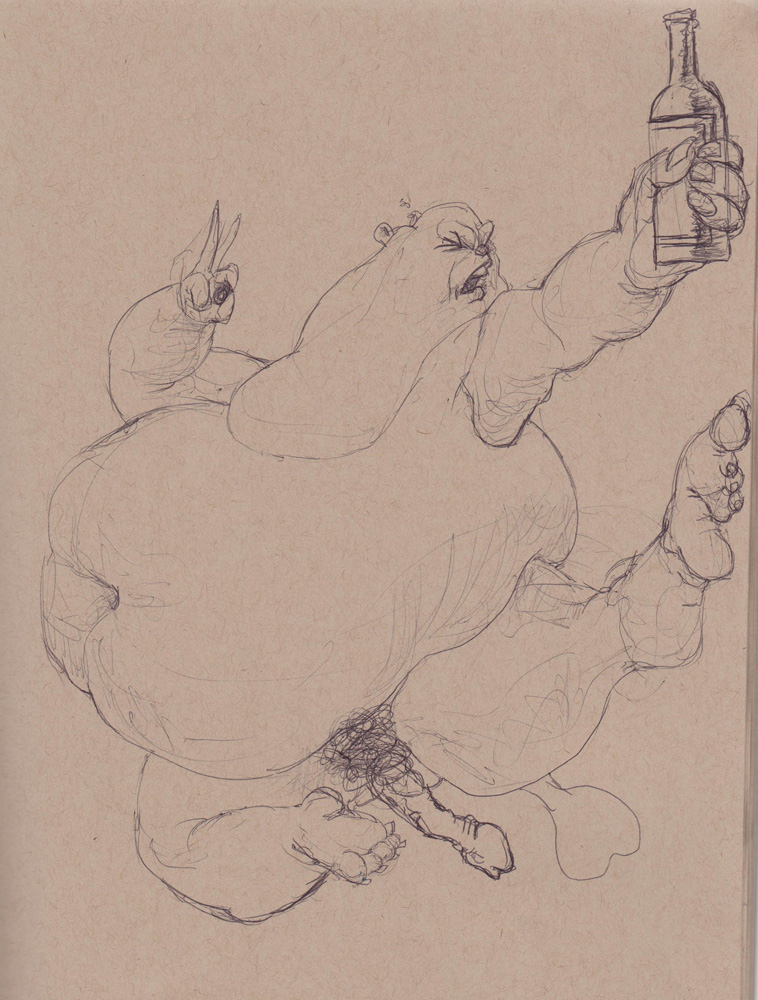
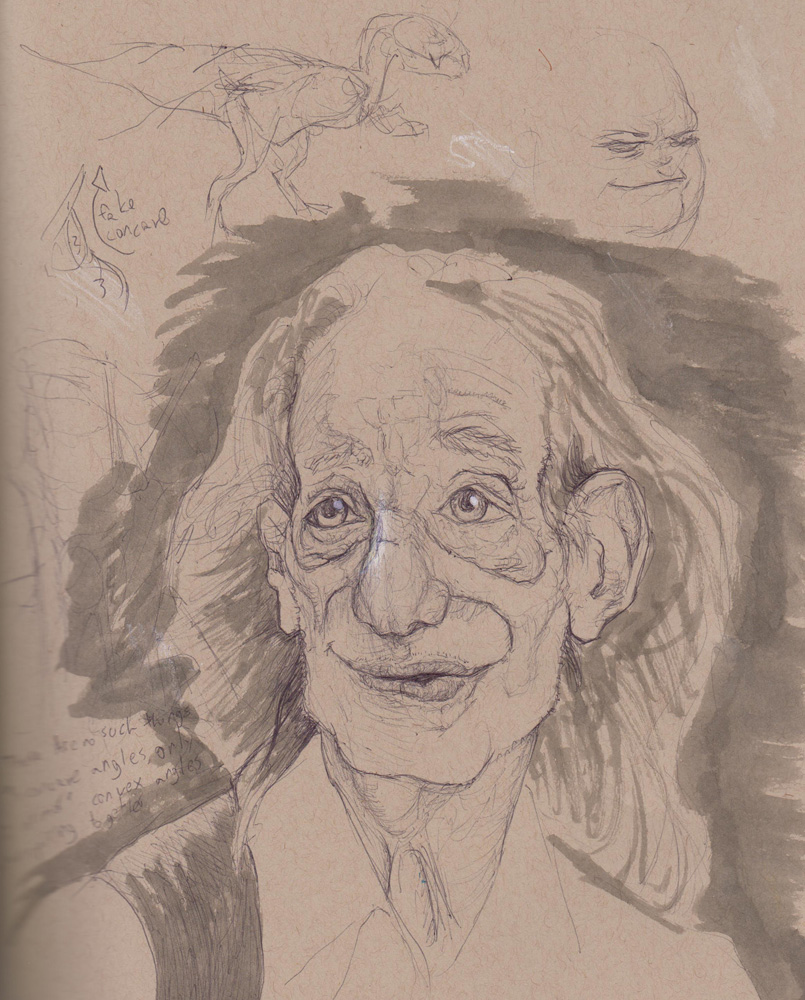
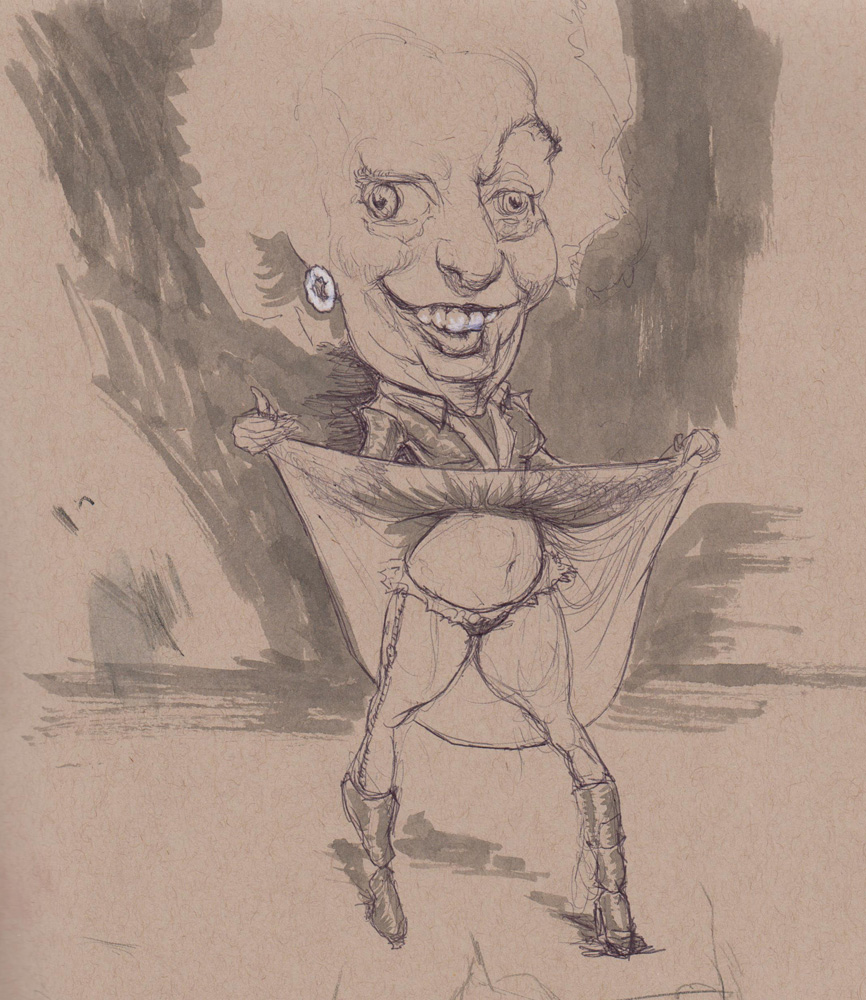


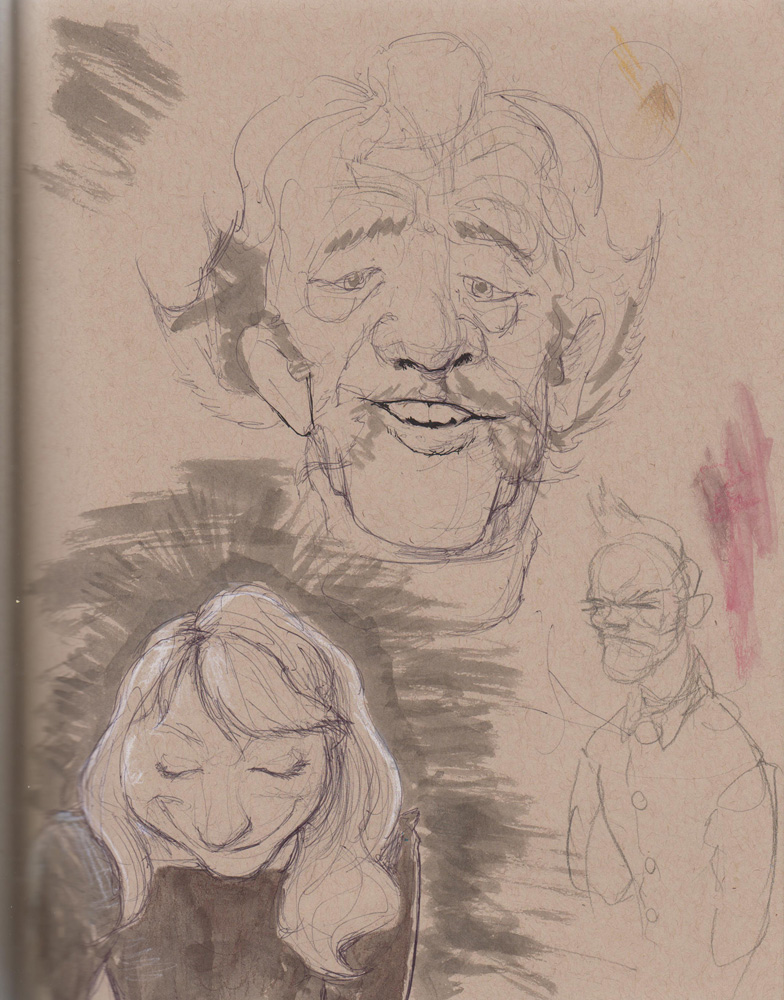
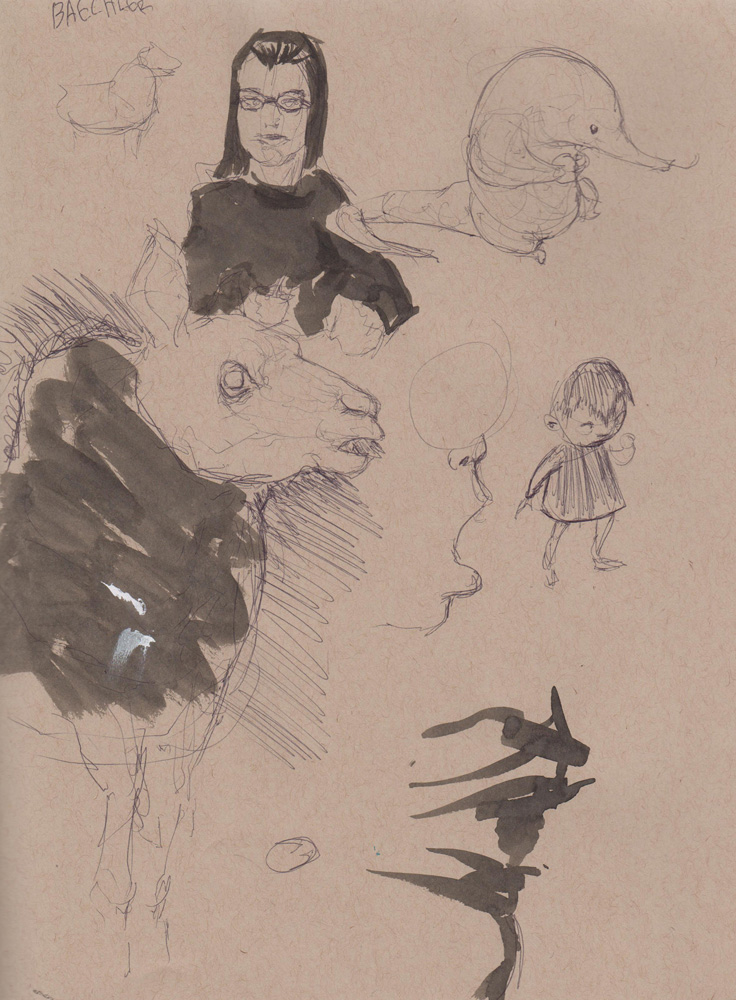


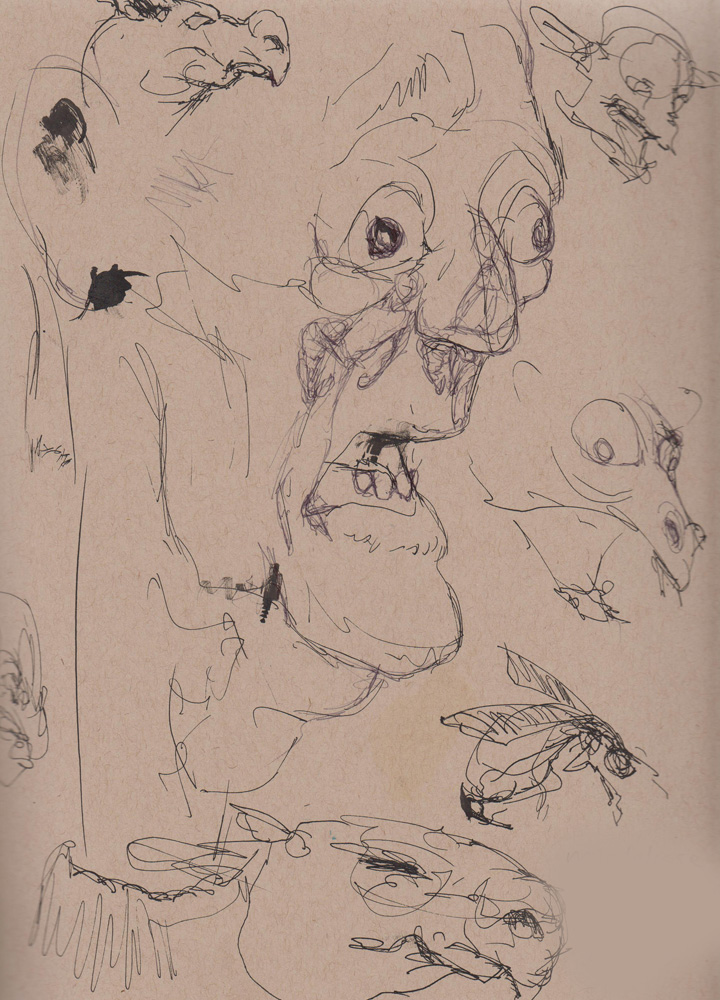
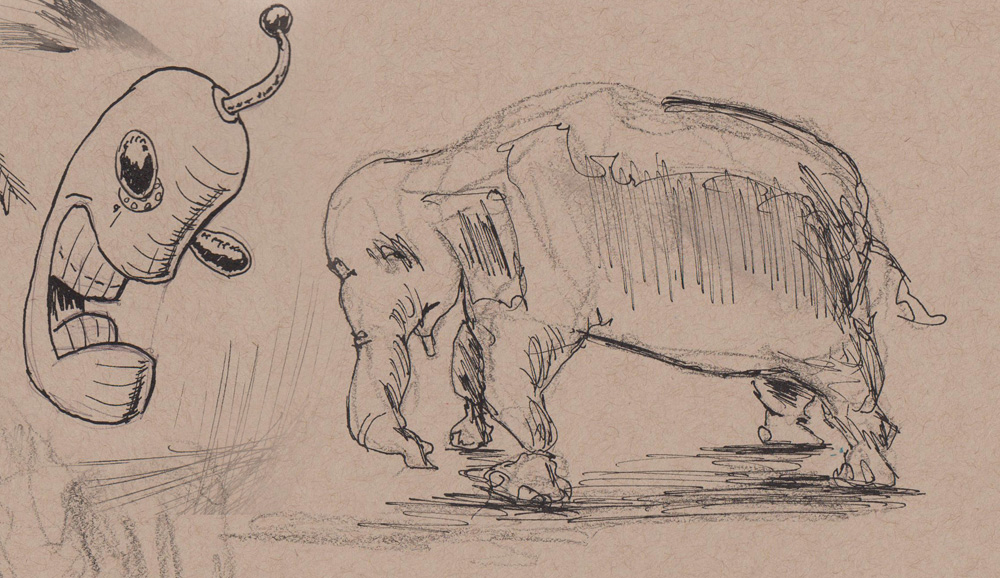
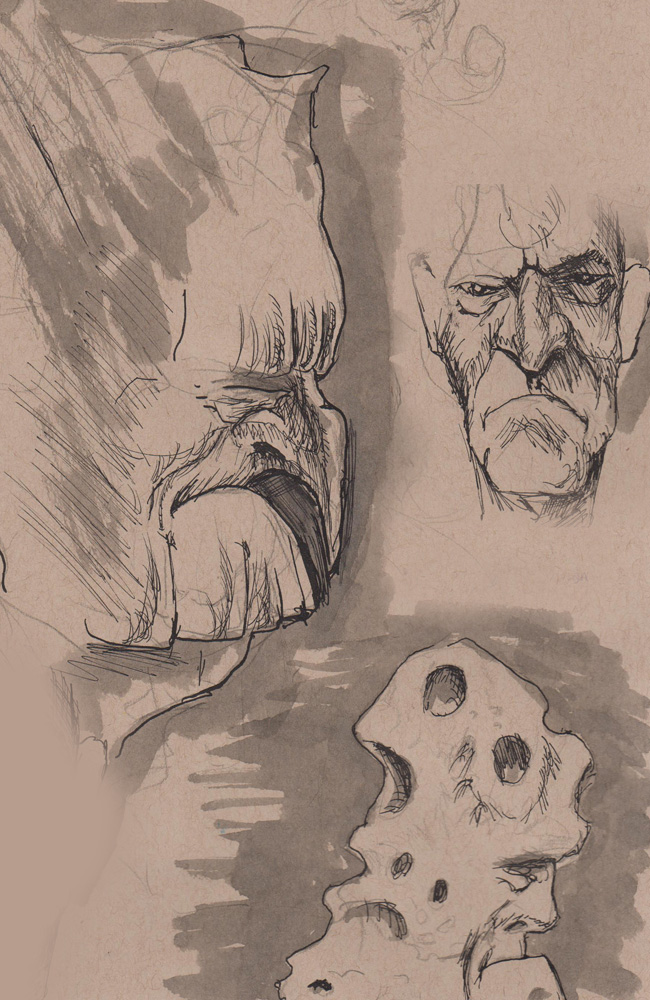
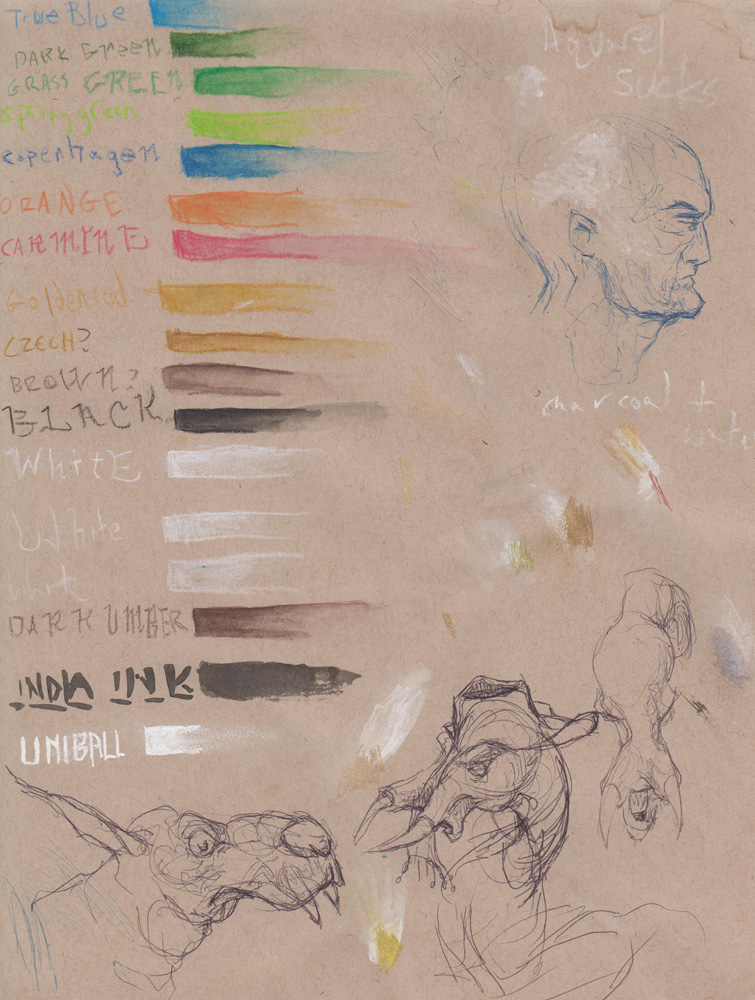
Conventional artistic wisdom skews heavily against drawing from photography. Indeed, the oldest example I’ve found is from Solomon Solomon, arguing against it when cameras were still industrial monstrosities, rather than something we all have in our pocket.
I contend that part of the reason photo drawing sucks is that you have infinite leisure to use the photo. Thus, you dawdle and over-analyze, and it ends up stinky. A live model’s continually subtle shifts make the artist’s brain process the real essence of the pose, even if it’s an hours- long pose. Therefore, if your photo reference is held to a 30 second to 10 minute window, might you be forced to process it faster?
Some web examples of this have cropped up. PixeLovely lets you set parameters that change on a dime. Pose Maniacs is similar, but with a 3D model (for better and worse).
Other unorthodox sites let you fake it, with enjoyably more random results. At times my homepage has included Arkive.org’s random species, Flicker’s Interesting Photos from 7 Days, or Panoptikos, which jams a bunch of photo subreddits together. This lets you hit refresh until you see something you like, then draw it. But you get the two downsides: Choosing your subject (resulting in refreshing for 15 minutes) and no time constraints.
However, the best lifedrawing software out there is right behind this window! Right now! It’s your desktop.
First, spend some time on the internet hoarding pictures of interest. I tend to seek out pics with good costumes, interesting characters, nudes (get this: they’re all over the internet!), faces, and animals, but I try not to be picky. Save ’em all in a giant folder. Mine’s got over 14,000 pics!
Next, change your desktop background preferences to use that directory, and change randomly every 30 seconds, 1 minute, 5 minutes, etc. Set your computer down, and just draw whatever shows up as your new wallpaper.
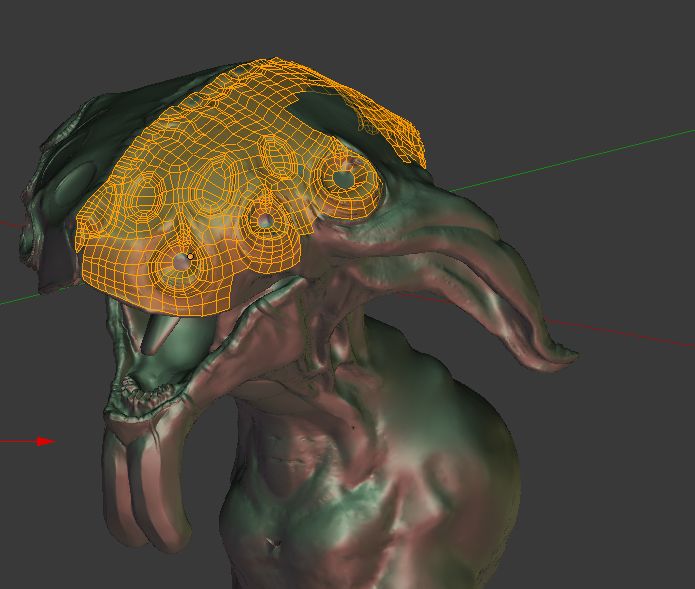
Retopologizing the head right now.
I took a one-week painting course with Nana Bagdavazde recently. It was a lot of fun, especially since painting has been very difficult to achieve by since having a baby 18 months ago.
My muscles were super-rusty at the start, but by the end I’d figured a lot of ideas out. A big change was realizing that the whole point of oil painting should be how baby-friendly it is! If you’ve got a secured room, you can duck out when your kid’s awake, hang out for 6 hours, and when you go back the palette will still be wet and ready for action.
The last picture is my buddy Ike, a work in progress. The amount of it I busted out in very short time made me happy, and highlighted the rust that had been shaken off by the course. Hooray!
 The Og Bog Blog